Summary
- Google BigQuery, Snowflake and Amazon Redshift are the cloud-native starting points.
- Microsoft Fabric, Oracle, IBM Db2 Warehouse, SAP Datasphere and Teradata fit enterprise and hybrid stacks.
- Databricks SQL, ClickHouse, Firebolt and PostgreSQL cover lakehouse, real-time and open-source needs.
Slow dashboards are one reason teams start looking at a warehouse, but cost can be just as important. Comparing platforms gets messy because they don’t charge the same way. BigQuery may bill for bytes scanned, Snowflake uses credits, and Redshift can charge by node-hours or RPUs.
Let’s put the options next to each other. We went through each vendor’s own pricing and documentation pages on 2026-10-15 and compared twelve data warehouse tools: what they charge for, where they run, how they fit a stack and what a team needs to know to run them. Along the way we correct names and features that many roundups still repeat.
We work at Skyvia, which loads data into these warehouses, so we describe that part last and with its limits. Let’s see who comes out where.
Data Warehouse Tools at a Glance: Match the Tool to the Job
Where the data already lives usually decides the first few names on the list. Google Cloud teams tend to end up with BigQuery, and AWS teams often start with Redshift. Snowflake comes into the conversation when the setup spans more than one cloud or data has to be shared outside the immediate team. Fabric is a natural fit around Microsoft and Power BI, while Oracle and SAP users will usually look first at the warehouse products from those vendors.
Hybrid and regulated environments bring IBM Db2 Warehouse and Teradata into the mix. Databricks SQL tends to make more sense when the same team is also working on data engineering or machine learning. ClickHouse and Firebolt are more specialized around fast analytical workloads and lots of concurrent queries. If the setup is still small, PostgreSQL may be enough for quite a while.
Since every tool counts something different, the quotes don’t line up on their own. This table puts the units side by side. Prices are the vendors’ published list prices on 2026-10-15, in USD, for the default region the page shows; they vary by edition, plan, cloud and region.
| Tool | Pricing unit | First published price or free tier | Where it runs | Best for |
|---|---|---|---|---|
| Google BigQuery | Bytes processed per query, or slot-hours | First 1 TiB of queries and first 10 GiB of storage free each month | Google Cloud; queries data in S3 and Azure Blob through Omni | Analytics without clusters on Google Cloud |
| Snowflake | Credits for compute, TB a month for storage | Standard $2.00 per credit; storage $23.00 per TB a month (AWS, US East) | AWS, Azure, Google Cloud | Multi-cloud and data sharing |
| Amazon Redshift | Node-hours, or RPU-hours on Serverless | Serverless from $1.50 per hour | AWS | AWS-native analytics |
| Microsoft Fabric | Capacity | Capacity-based; see Microsoft’s licensing page | Azure (SaaS) | Microsoft and Power BI teams |
| Oracle Autonomous AI Lakehouse | ECPU-hours, storage per GB a month | $0.336 per ECPU-hour; $0.0299 per GB a month for Exadata storage (serverless) | Oracle Cloud; dedicated and Cloud@Customer | Oracle-centric estates |
| IBM Db2 Warehouse | Not published | Free trial; no price on IBM’s pricing page | Cloud, hybrid | Hybrid and regulated environments |
| SAP Datasphere | Not published | No list price published | SAP cloud | SAP-centric companies |
| Teradata | One unit pool for compute, software and AI agents; storage billed separately | Storage from $23 per TB a month; the rest by quote | Teradata Cloud on AWS, Azure and Google Cloud; customer cloud; on-premises | Large enterprise estates |
| Databricks SQL | DBUs | SQL Classic $0.22, SQL Pro $0.55, SQL Serverless $0.70 per DBU (Serverless includes cloud instance cost) | AWS, Azure, Google Cloud | Lakehouse and ML teams |
| ClickHouse | Open source; Cloud meters compute and storage separately | Open source is free; Cloud has a 30-day trial with $300 in credits | Self-managed or ClickHouse Cloud | Real-time analytics |
| Firebolt | Firebolt Units (FBUs), billed per second | Open source is free (the open-source release is in preview); managed rates not quoted | Self-hosted, managed or bring your own cloud | High-concurrency analytics |
| PostgreSQL | Free software; you pay for hosting | Free under the PostgreSQL License | Anywhere | Small teams starting out |
How Data Warehouse Pricing Is Metered
Before comparing the numbers, it helps to see what each warehouse actually bills for, because the same workload is metered in very different units from one platform to another.
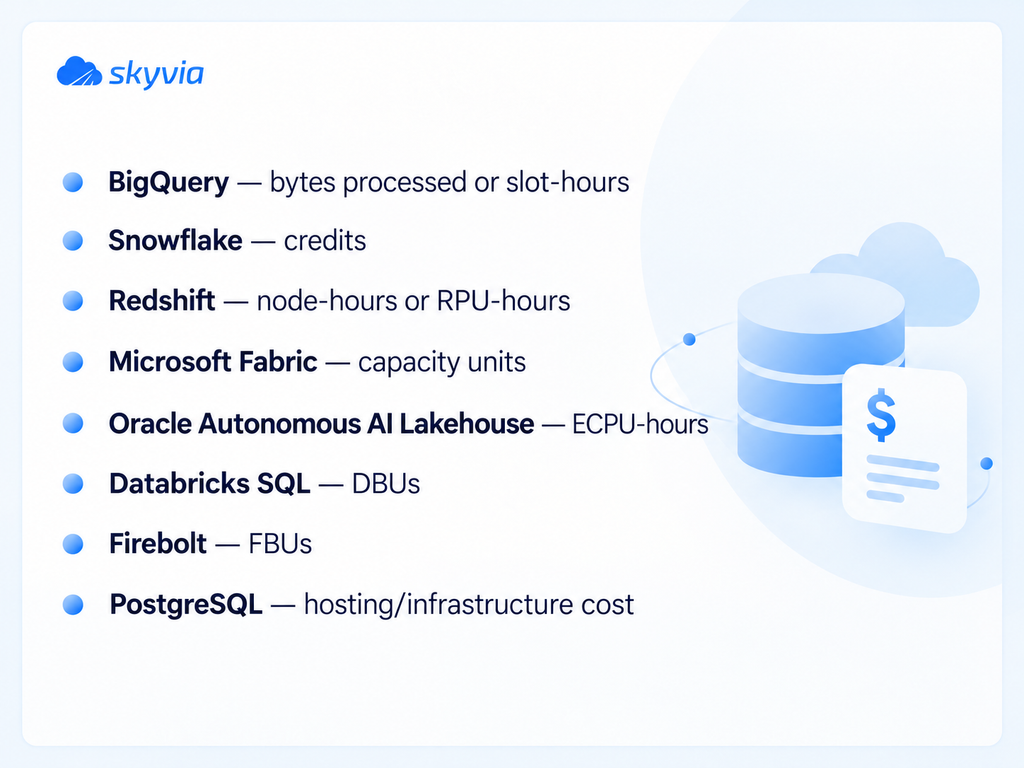
The same workload can be billed in different units, so compare the meter before you compare the price.
How We Compared These Data Warehouse Tools
For this guide, we went through the pricing and documentation pages for every vendor on October 15, 2026. We noted how each product is billed, where it runs, and what kind of setup it expects from the team using it. We did not benchmark the tools ourselves. Any performance or product claim that comes from the vendor stays attributed to the vendor.
Data Warehouse Tools: What Changed in 2026
A few things changed in 2026 that are easy to miss if you rely on older comparison pages:
- Oracle Autonomous Data Warehouse → Oracle Autonomous AI Lakehouse
- Microsoft Fabric is now Microsoft’s recommended platform for new analytics work
- Firebolt now describes itself as open source
- Amazon Redshift ends Python UDF support after June 30, 2026
Several names and offerings moved, and many roundups still use the old ones:
Oracle: the Autonomous Data Warehouse pricing page now redirects to Oracle Autonomous AI Lakehouse.
SAP: Datasphere is presented as a key component of SAP Business Data Cloud.
Microsoft: Fabric is the recommended platform for new work. Azure Synapse Analytics is not retired as a whole, but parts of it are, such as Synapse Data Explorer, which retired on October 7, 2025.
Teradata: Teradata’s own pages now describe Teradata Cloud, the cloud deployment of its Autonomous Knowledge Platform, where many reviews still say Vantage.
Firebolt: you’ll now find it described as fully open source on its pricing page. The open-source release is still in preview, alongside managed and bring-your-own-cloud options.
Amazon Redshift: Python UDF support ends after June 30, 2026, and zero-ETL integrations now cover more sources than Aurora and DynamoDB.
Warehouse, Lake and Lakehouse, Explained Briefly
Before the tools, a short refresher on the three architectures. More on data warehouse and data lake architectures in our guide.
A data warehouse stores structured business data for reporting and BI. The data is usually cleaned and modeled before it lands there, which is the schema-on-write approach. Most warehouse engines use columnar storage and compression because they are built for analytical queries rather than transactional work. What you are paying for is a system designed to keep that data ready to query.
A data lake flips that: raw data is stored as is in cheap object storage such as Amazon S3 or Azure Data Lake Storage. Structure gets added when the data is read (schema-on-read). It suits logs, media files and sensor data. The trade-off? Whatever tools you stack on top now decide data quality, governance and query speed.
A lakehouse aims for both: warehouse-style structure and governance laid over data in object storage, so BI, advanced analytics and machine learning share one copy. Its 2021 research paper on the lakehouse lays the pattern out, and Databricks is the name most tied to popularizing it. Across clouds, BigQuery Omni takes a related approach: it runs BigQuery analytics on data in Amazon S3 or Azure Blob Storage.

AI and ML inside the warehouse
A few of these platforms now let you do more than store and query data. BigQuery can train models in SQL, Snowflake has Cortex and Snowpark, and Databricks puts analytics and machine learning in the same lakehouse environment.
| Tool | AI / ML angle |
|---|---|
| BigQuery | BigQuery ML lets teams train and run models with SQL. |
| Snowflake | Cortex adds AI functions, while Snowpark supports Python, Java and Scala workloads. |
| Databricks SQL | Fits teams that want BI, data engineering and machine learning in the same lakehouse environment. |
| Oracle Autonomous AI Lakehouse | Oracle now positions the platform around running AI across warehouse and lake data. |
BigQuery, Snowflake and Redshift: The “Big Three”
All three are mature, cloud-native platforms, and many warehouse evaluations begin with them.
Google BigQuery
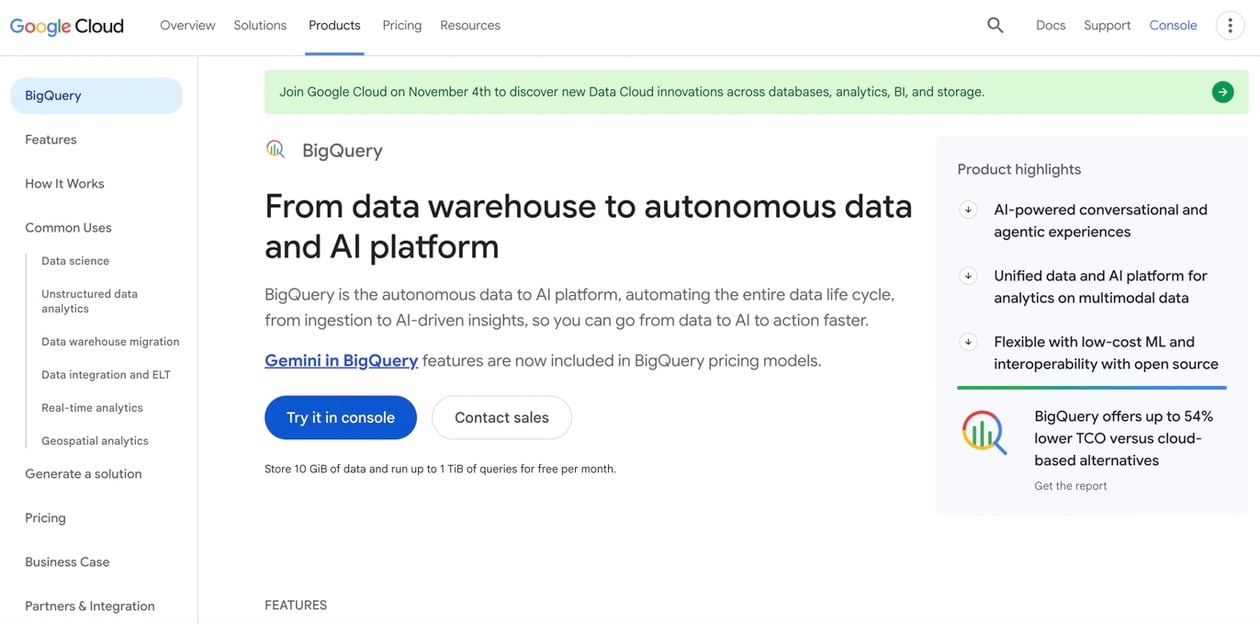
Google Cloud’s answer here is BigQuery, a serverless data analytics platform. There are no instances or virtual machines to provision. Google allocates compute as your queries need it. Models can be trained and run in SQL alone with BigQuery ML, while BigQuery Omni reaches Amazon S3 or Azure Blob Storage through BigLake tables. Streaming reads and writes are supported and billed as separate operations.
Best For
Google Cloud teams, plus workloads with swings in demand that gain from not managing clusters.
Pricing
On-demand pricing charges for the bytes each query processes (the first 1 TiB each month is free). Prefer capacity pricing? That’s per slot-hour, across three editions: Standard, Enterprise and Enterprise Plus. Storage is its own line item, and the first 10 GiB each month is free.
Pros
- No cluster to size or manage.
- Choose between on-demand and capacity pricing.
- BigQuery ML covers machine learning in SQL.
- Omni queries reach data held in S3 and Azure Blob Storage.
Cons
- Run a query that scans a big table with no filters and the on-demand bill climbs, since cost follows bytes processed.
- Analytics is its job; transactional (OLTP) workloads aren’t.
- Its core platform lives in Google Cloud.
Snowflake
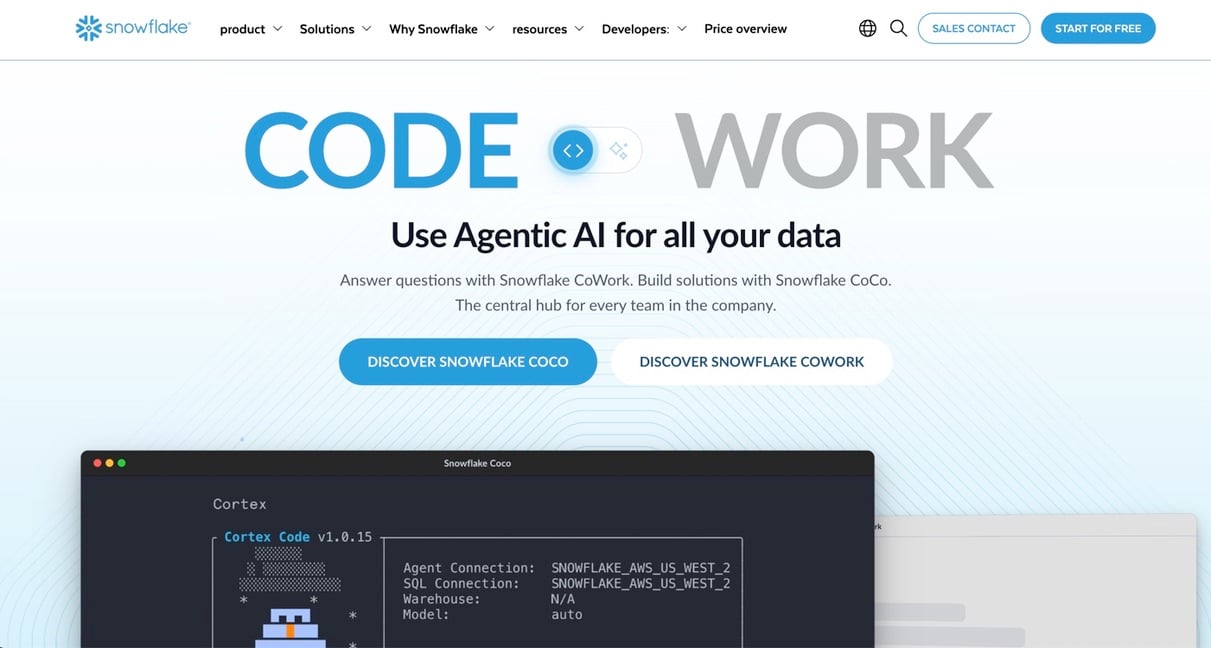
Snowflake bills compute and storage separately and runs on AWS, Azure and Google Cloud. Compute runs in virtual warehouses. Every edition on Snowflake’s pricing page includes data sharing, which lets accounts pass datasets to each other without exporting anything. Java, Python and Scala are covered by Snowpark libraries; Cortex brings AI functions, and low-latency ingestion goes through Snowpipe Streaming.
Best For
Teams that span clouds, teams sharing data with other departments and partners, and mixed workloads needing isolated compute.
Pricing
Snowflake prices by consumption. Credits pay for compute, and storage is billed per TB per month. On Snowflake’s pricing page the Standard edition costs $2.00 per credit and on-demand storage $23.00 per TB per month (AWS, US East). Prices depend on edition, cloud and region.
Pros
- Compute scales separately from storage.
- Native data sharing across accounts.
- VARIANT columns hold semi-structured data in JSON, Avro, ORC, Parquet and XML.
- All three major clouds are supported.
Cons
- Credit-based billing takes modeling to estimate in advance.
- Your warehouse size and auto-suspend settings affect what you pay.
- Snowpipe Streaming or a purpose-built streaming system is what event-driven, low-latency work needs.
Amazon Redshift
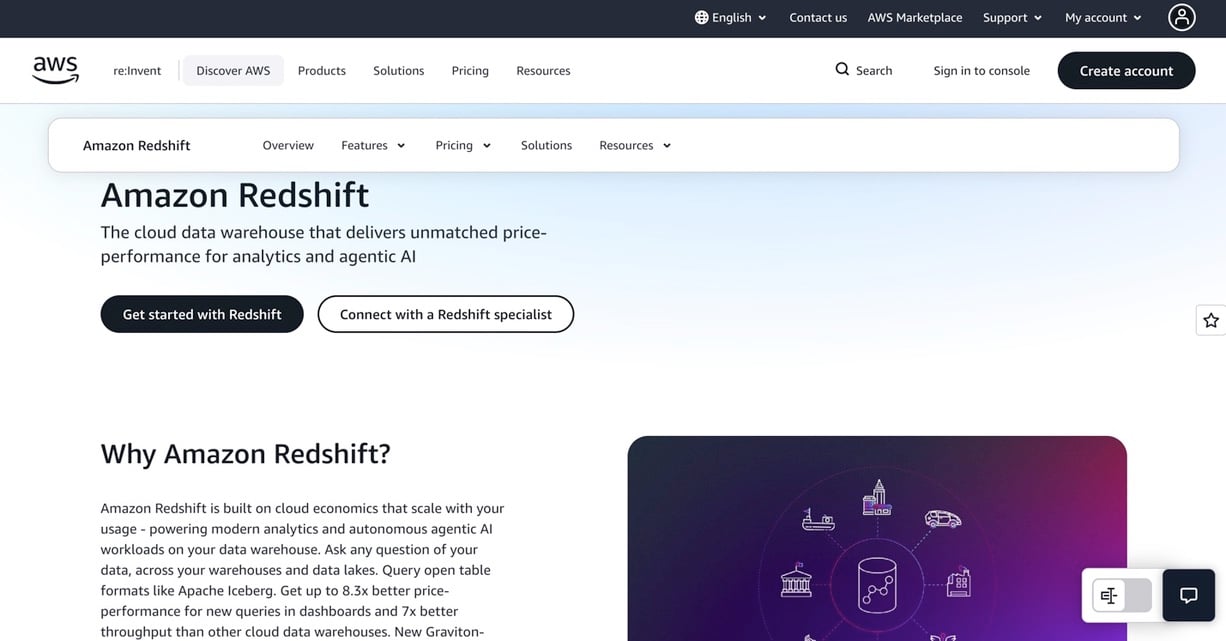
Redshift is AWS’s answer: a managed data warehouse. Two modes are on offer, Provisioned and Serverless, and AWS says both scale to petabytes. Data from sources like Aurora, DynamoDB and Amazon RDS databases can be replicated straight into Redshift through zero-ETL integrations, with no separate pipeline. Is your data sitting in Amazon S3? Redshift Spectrum queries it directly.
Best For
AWS teams after a scalable warehouse that sits next to the rest of their AWS services.
Pricing
Hourly billing by node type applies to provisioned clusters, with Reserved Instances available. Serverless starts at $1.50 per hour. It bills per second in Redshift Processing Units (RPUs, 16 GB of memory each), and you control base and maximum capacity. Expect a separate bill for managed storage, and $5.00 per terabyte scanned with Redshift Spectrum.
Pros
- Two modes, one SQL engine.
- Tight integration with AWS services and zero-ETL sources.
- Per-second billing for compute, with capacity limits you can set.
Cons
- It runs on AWS and nowhere else.
- Python UDFs lose support after June 30, 2026, so plan to migrate the ones you have.
- A handful of features can depend on other AWS services.

Enterprise and Hybrid Data Warehouse Tools
These tools mostly target large organizations and fit tightly into their vendors’ stacks (Microsoft, Oracle, IBM, SAP, Teradata), which gives them one reporting and governance layer.
Microsoft Fabric
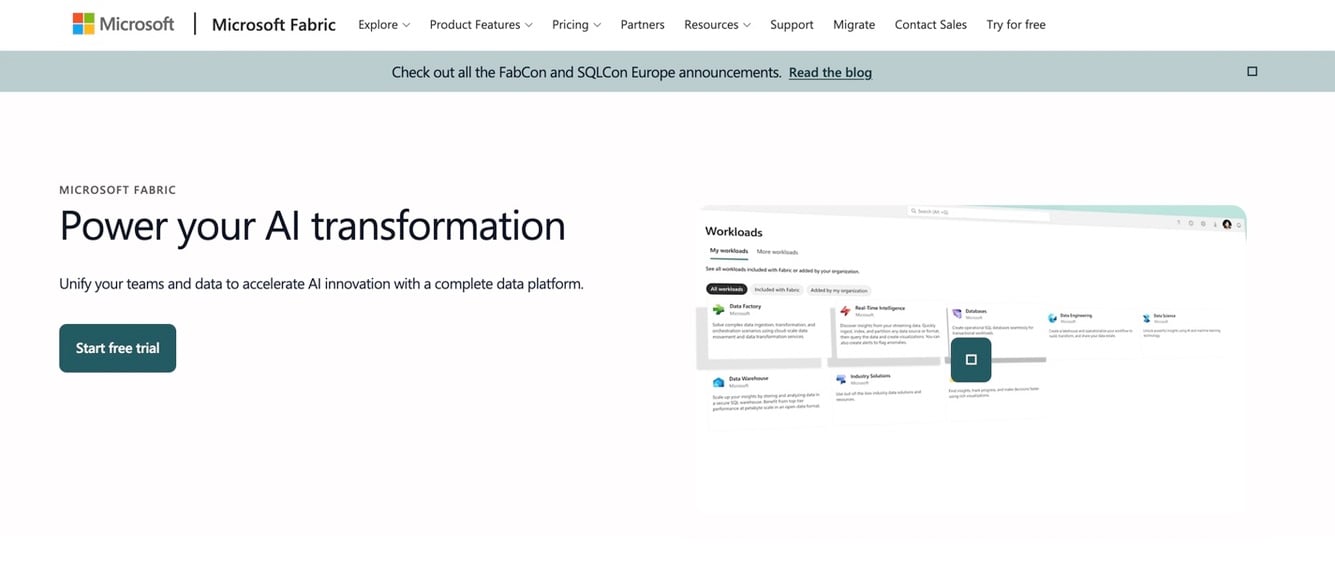
Fabric is a software-as-a-service analytics platform from Microsoft. On OneLake, a unified logical data lake built on Azure Data Lake Storage, you’ll find Data Factory, the warehouse, Real-Time Intelligence and Power BI. For new analytics work, Fabric is what Microsoft recommends. Azure Synapse Analytics, its predecessor, isn’t retired as a whole. Existing dedicated SQL pool, pipeline and Spark workloads keep running, and Microsoft provides migration assistants.
Best For
Microsoft-centric organizations and teams that live in Power BI.
Pricing
Capacity is what you license with Fabric: you buy capacity, not individual engines. Capacity units and tiers are explained on Microsoft’s licensing page.
Pros
- Data engineering, warehousing, real-time analytics and BI share one platform.
- Power BI is built in.
- With OneLake, every workload reaches the same data without making copies.
Cons
- Strongest inside the Microsoft ecosystem.
- Broad scope, so more to learn and govern.
- Capacity planning is a skill of its own.
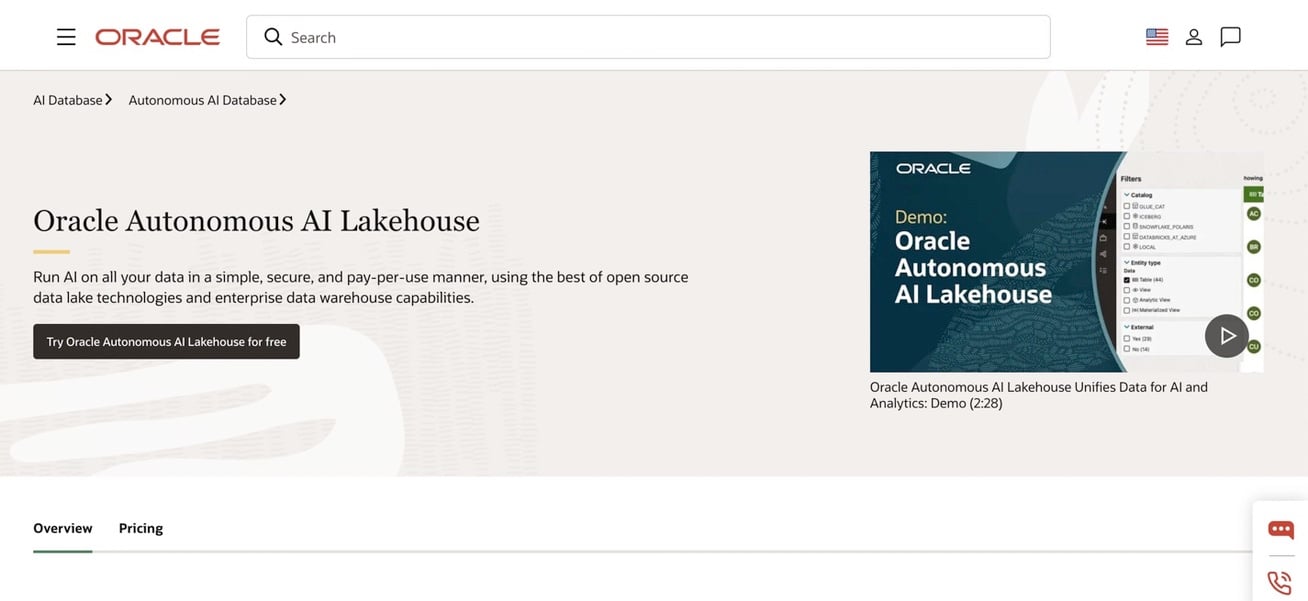
Oracle Autonomous AI Lakehouse
Oracle’s product page now calls this offering Oracle Autonomous AI Lakehouse, and the old Autonomous Data Warehouse pricing address redirects to it. Oracle describes it as a way to run AI on all your data “in a simple, secure, and pay-per-use manner,” using open source data lake technologies and enterprise data warehouse capabilities. Many reviews still use the earlier name.
Best For
Organizations already running Oracle databases that want an autonomous service from the same vendor.
Pricing
On the serverless deployment, Oracle’s list price is $0.336 per ECPU per hour, with Exadata storage at $0.0299 per GB per month. Dedicated infrastructure and Exadata Cloud@Customer have their own prices, and you can bring your own license.
Pros
- Pay-per-use pricing, with dedicated and Cloud@Customer options on the side.
- A natural fit for an existing Oracle estate.
- Bring your own license if you have one.
Cons
- Fit is best when Oracle is already in the stack.
- Three deployment models mean three pricing pages.
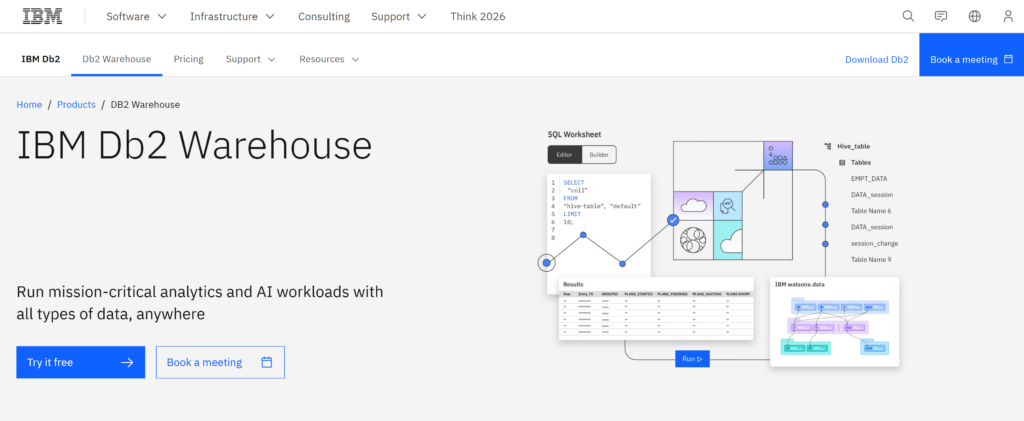
IBM Db2 Warehouse for Hybrid Environments
IBM describes Db2 Warehouse as an analytical database that brings data together across hybrid clouds. Db2, data lakes and watsonx.data all connect to it. It runs on low-cost cloud object storage, separates storage from compute and uses AI-powered workload management.
Best For
Hybrid cloud and on-premises analytics, and companies already invested in IBM’s data stack.
Pricing
IBM does not publish a price on its pricing page; there is a free trial and a way to book a meeting. Expect a quote.
Pros
- It supports cloud and on-premises environments alike.
- In IBM’s words, shared metadata, open table formats and object storage let several query engines share one copy of the data.
- Integrates with watsonx.data for AI work.
Cons
- No published price to compare.
- Hybrid setups can mean more to operate than a single managed cloud.
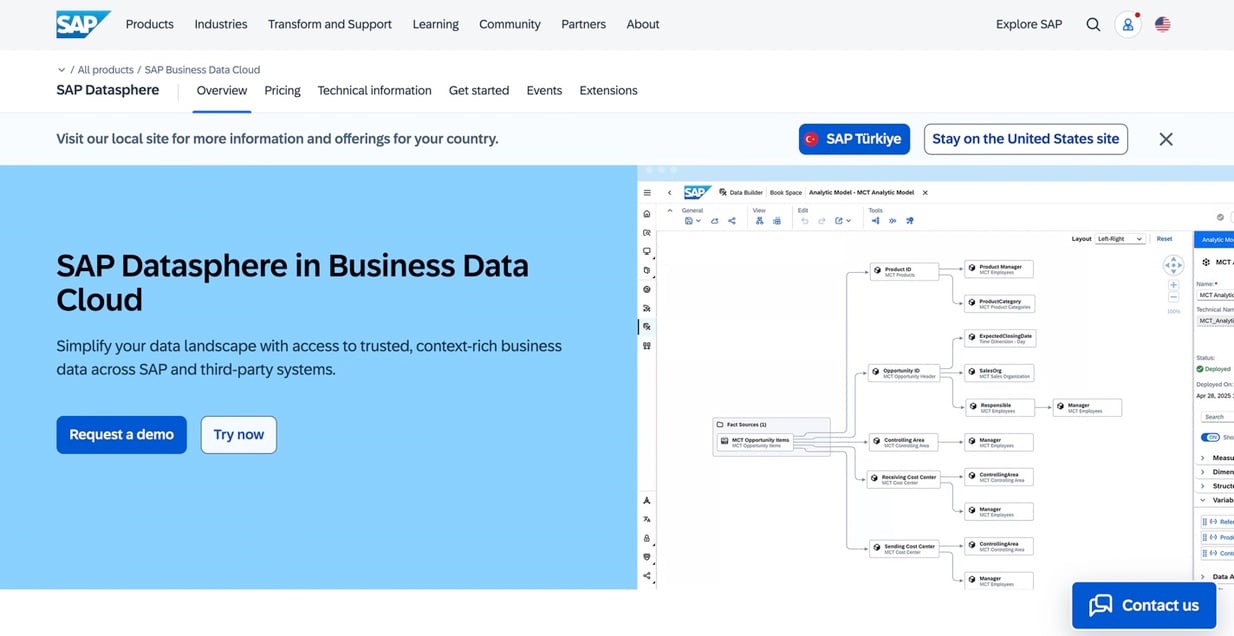
SAP Datasphere
SAP calls Datasphere a key component of SAP Business Data Cloud: it unifies semantics, data products and modeling, so business context travels with the data. According to SAP’s own FAQ, Business Data Cloud brings BW, Datasphere, SAP Analytics Cloud and SAP Databricks together and does not replace them.
Best For
Organizations built around SAP that want analytics on top of their SAP data models and business logic.
Pricing
SAP publishes no list price for Datasphere, and the price may depend on the company’s wider SAP contract.
Pros
- Keeps SAP business context and data models intact.
- Works as part of SAP Business Data Cloud.
- Makes sense when teams already build their models in SAP.
Cons
- Best suited to environments already centered on SAP.
- Less attractive if most of the stack sits elsewhere.
- No public list price.
Teradata
Teradata is an enterprise data warehouse vendor. Reviews often call its platform Vantage, but its own pages now describe Teradata Cloud. Teradata hosts Teradata Cloud on AWS, Microsoft Azure and Google Cloud, backed by a 99.9% SLA. Prefer your own cloud or on-premises? That works too, either as software on your hardware or as Teradata Factory, a fully integrated system shipped to your data center.
Best For
Large organizations with an existing Teradata estate, and those that need cloud, customer-cloud and on-premises options from one vendor.
Pricing
Teradata’s “Fixed + Flex Pricing” uses one currency: a single unit pool across compute, software and AI agents. Storage is billed independently and starts at $23 per TB per month. Packages, such as Assured and Sovereign, and the rest of the price are by quote.
Pros
- Three deployment models, from Teradata-hosted cloud to on-premises.
- One unit pool across compute, software and AI agents.
- A published starting price for storage.
Cons
- Compute pricing is by quote.
- It’s aimed at large enterprises, so smaller teams may find lighter tools easier to start with.
Specialized, Open-Source and “New Wave” Data Warehouse Tools
The tools below challenge traditional warehouse assumptions. Some focus on lakehouse architecture, some on speed or concurrency, and one on being free to start.
Databricks SQL
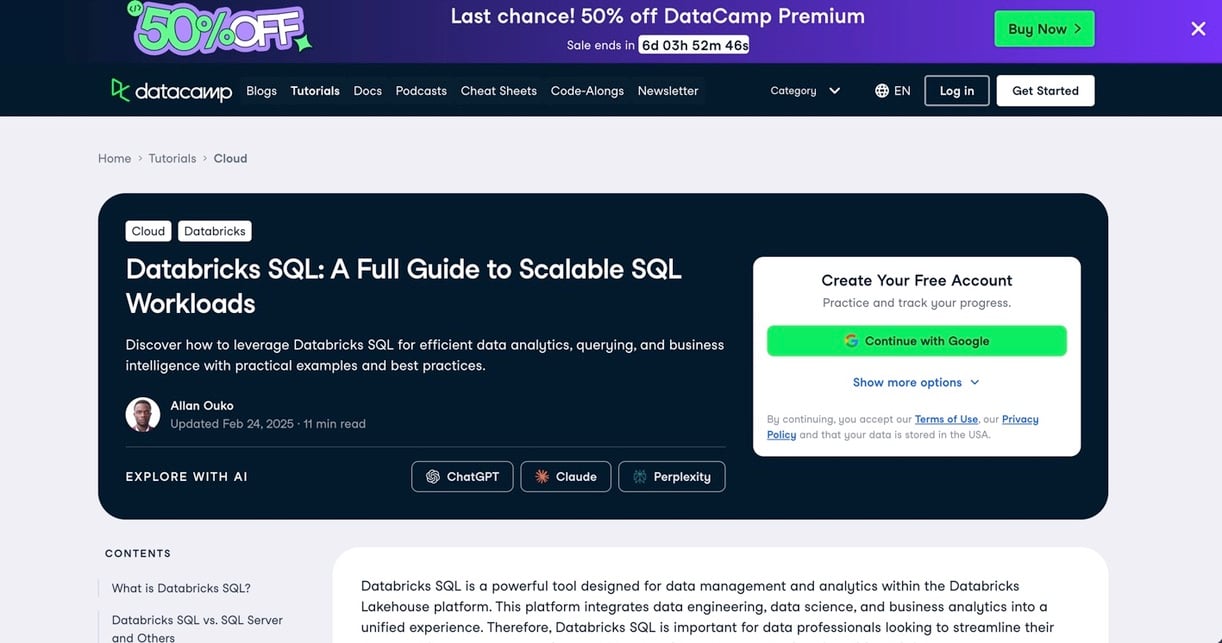
Databricks SQL is the SQL layer of the Databricks platform. That platform is a lakehouse on open formats such as Delta Lake. You can pick SQL Serverless, SQL Pro or SQL Classic. As Databricks kept improving SQL performance and BI integrations, its capabilities and customers started overlapping with Snowflake’s. Hence the comparisons.
Best For
Organizations running BI, large-scale data engineering and machine learning in a single environment.
Pricing
Databricks bills in DBUs. On its pricing page, SQL Classic is $0.22 per DBU, SQL Pro $0.55 and SQL Serverless $0.70. Serverless already includes the cloud instance cost. Classic and Pro run on your own cloud infrastructure, and your cloud provider bills that separately. Plan, cloud and region change the prices, and a 30% promotion on selected products runs until January 31, 2027. There’s a 14-day free trial.
Pros
- Lakehouse architecture on open formats.
- It ties closely into data engineering and AI workflows.
- Three SQL warehouse types let you match the workload.
Cons
- It asks for data engineering skills.
- You’ll configure more than you would with a warehouse-only service.
- Performance hinges on warehouse type and how data is laid out.
ClickHouse
ClickHouse is an open-source columnar database designed around fast aggregations. Operators in its vectorized query engine pass rows in batches, not one at a time. This uses CPU caches better, and execution is parallelized across whatever resources are available.
Best For
Real-time dashboards, observability, clickstream analytics: anything analytical where performance is the point.
Pricing
Self-manage the open-source version at no cost. ClickHouse Cloud offers Basic, Scale and Enterprise plans, meters compute and storage separately, and opens with a 30-day trial that includes $300 in credits.
Pros
- An open-source core, with a managed cloud if you want one.
- Vectorized, parallel execution.
- Compute and storage metered separately in the cloud.
Cons
- Running it yourself means real operational work.
- Cross-department BI governance gets less attention than it does in the big warehouses.
Firebolt
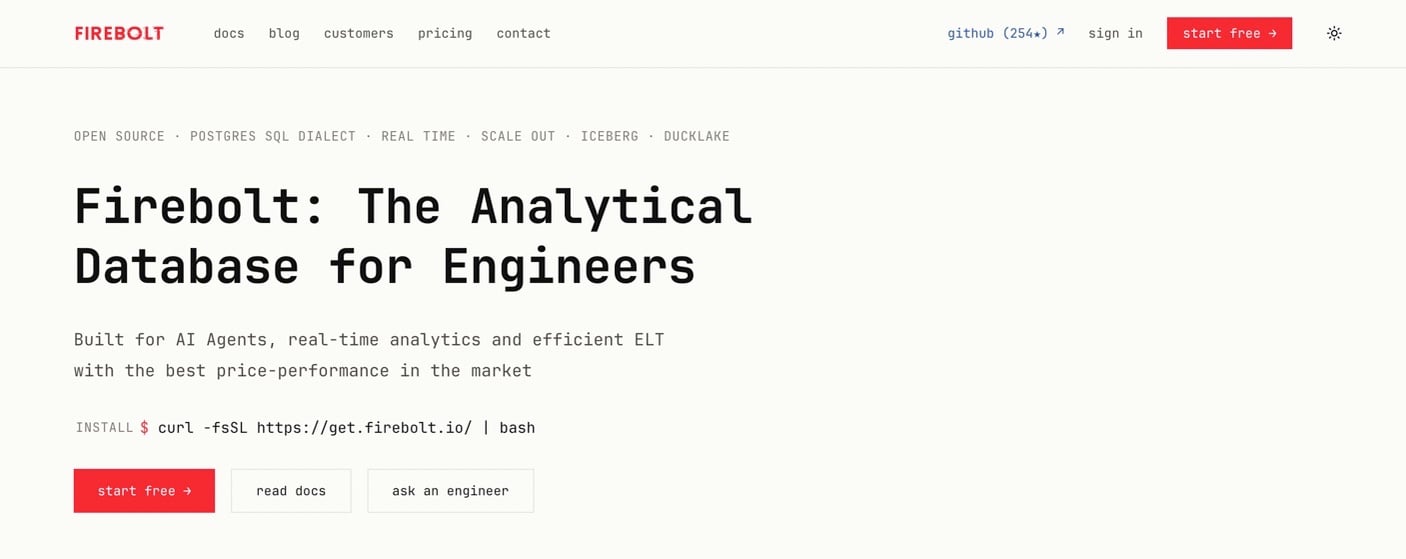
Firebolt calls itself an analytical database for engineers, built for AI agents, sub-second analytics and efficient ELT. Per its pricing page, Firebolt is fully open source, so you can self-host, use the managed service or bring your own cloud. Billing is per second, compute scales to zero and runs on Arm, and an open-source release is in preview.
Best For
Customer-facing analytics, or any workload where many users query the same data at once.
Pricing
Managed engines are billed in Firebolt Units (FBUs) by node type. Rates differ by plan and region, so check Firebolt’s billing documentation. Self-host the open-source version and there’s no license fee.
Pros
- Open source, plus managed and bring-your-own-cloud options.
- Billing is per second, and compute scales to zero.
- Built with high-concurrency analytics in mind.
Cons
- The ecosystem is smaller than the hyperscaler warehouses have.
- The open-source release is still in preview.
PostgreSQL
PostgreSQL is a general-purpose open-source relational database released under the PostgreSQL License, a liberal open-source license in the BSD and MIT family. It isn’t a dedicated warehouse, yet plenty of small teams start their analytics on it and only outgrow a single server later.
Best For
Small teams with modest data volumes who’d rather start with software they may already run.
Pricing
The software costs nothing. You pay for the servers or managed service that run it, at a price that depends on the provider.
Pros
- No license fee.
- Familiar SQL and wide tooling.
- It fits easily next to existing applications.
Cons
- You own tuning, scaling and backups unless you use a managed service.
- A single server limits how far it scales as analytics grows.
Choosing a Data Warehouse Tool: Five Questions
There usually isn’t one “best” warehouse. The first filter is what you already use: cloud, BI tools, team skills, and the way the data needs to move. From there, the choices get easier to separate. The table below shows where I’d start for a few common setups.
| Your situation | Look at first | Why |
|---|---|---|
| Everything runs on Google Cloud | BigQuery | No clusters to manage, with on-demand and capacity pricing |
| You run across clouds or share data with partners | Snowflake | Three clouds, data sharing in every edition |
| Your stack is AWS | Redshift | Two modes, with zero-ETL from AWS databases |
| You use Power BI and Microsoft tools | Microsoft Fabric | Power BI is part of the platform |
| Oracle, IBM, SAP or Teradata already hold your data | The matching vendor’s warehouse | Fits the existing stack and governance |
| You mix BI, data engineering and ML | Databricks SQL | Lakehouse on open formats |
| You need fast aggregations on event data | ClickHouse or Firebolt | Columnar and open source, built for speed and concurrency |
| You are a small team that is just starting | PostgreSQL, or a free tier | No license fee; BigQuery’s first 1 TiB of queries is free each month |
Before you commit, run one real use case through your top two choices:
- Which pricing unit will our monthly bill follow, and can we estimate it from one month of use?
- Does it run where our data and BI tools already are?
- What does it take to load our five busiest sources?
- Who will tune it, and who is on call?
- What do access control, masking and audit logs look like?
- What does the bill look like at three times today’s volume?
Data Warehouse Myths
- “Warehouses are only for large enterprises.” Redshift Serverless starts at $1.50 per hour, BigQuery has a free monthly tier, and PostgreSQL has no license fee.
- “Warehouses cannot handle semi-structured data.” Snowflake, for example, loads JSON, Avro, ORC, Parquet and XML into VARIANT columns.
- “A warehouse replaces your ETL tool.” It doesn’t. The data still has to arrive somehow, and that’s the next section.
Getting Data Into the Warehouse
Even the best warehouse features suffer when data ingestion is fragile, since a warehouse is only as useful as the data inside it. Python scripts are a common way to extract and load SaaS data, and they do offer granular control. The price is maintenance. Scripts need constant watching for schema changes and endpoint updates, and at scale they tend to turn into technical debt that is hard to automate.
An integration platform such as Skyvia removes much of that work. With 200+ connectors, this no-code cloud platform loads data from systems such as Salesforce, HubSpot or Stripe into Snowflake, Google BigQuery, Amazon Redshift, Azure Synapse, Databricks or a database. Here’s what matters for a warehouse project.
A typical setup might start with Salesforce data replicated into Snowflake. Once the new records arrive, Skyvia can run a dbt Core project from Git to transform them in the warehouse. The cleaned tables are then ready for BI, reporting, or downstream AI workloads.
Real example: TitanHQ moved from Redshift to Snowflake and used Skyvia to automate data loading from SugarCRM into Snowflake. That reduced the need to write and maintain custom Python extraction scripts, while the resulting data fed Tableau reporting.
Want to see the workflow in practice? The webinar “Building an AI-Ready Data Warehouse with BigQuery and Skyvia” walks through SaaS data integration into BigQuery, a working pipeline demo, and the use of BigQuery ML and Gemini for analysis.
Key Features
ELT Capabilities
Replication follows an ELT approach: it creates the tables, runs a full load, then picks up only new and changed records. Transformations then run in the warehouse, and Skyvia can run a dbt Core project from your Git repository once replication has finished.
Visual Replication
With Skyvia’s Replication you pick a source, choose a destination warehouse and set a schedule. Runs can go as often as every minute on the Professional plan, hourly on Standard and once a day on Free and Basic.
Limits to Know
One limit to plan around: Skyvia Replication doesn’t detect source schema changes automatically, so check an integration after a source adds fields. Only SQL Server gets log-based change capture; every other source uses timestamp-based incremental updates. The On-premise Agent is how databases behind a firewall reach Skyvia’s cloud.

Conclusion
The right choice usually comes down to fit rather than the longest feature list. Start with the cloud and tools your team already uses, then look at how the platform is priced and what it will take to run day to day. Once the warehouse is in place, the next job is getting useful data into it. Try Skyvia free to connect a source and load your first dataset.

FAQ for Data Warehouse Tools

Which data warehouse fits my team?
That depends on your cloud, your team and your pricing unit. Google Cloud teams tend to begin with BigQuery, AWS teams with Redshift, and teams working across clouds with Snowflake. The table and decision questions above should help you pick the first two to test.
How much does a data warehouse cost?
Start by finding the pricing unit: bytes processed for BigQuery, credits for Snowflake, RPU-hours for Redshift Serverless, DBUs for Databricks and ECPU-hours for Oracle. Then run a real workload for a month and scale it to your expected volume, because in all of these models cost grows with usage.
Do small teams need a data engineer for a warehouse?
Not always. BigQuery, Redshift Serverless and Snowflake take most of the cluster work off your hands, whereas self-managed PostgreSQL or open-source ClickHouse leave tuning, scaling and backups with your team.
Is an ETL tool needed for a data warehouse?
Not strictly, though most teams do end up using one. ETL or ELT tools pull data out of applications and load it into the warehouse for you. Without one, you end up writing custom scripts, and those become harder to maintain as pipelines grow.
Can on-premises data feed a cloud data warehouse?
Yes. Connectors, replication tools and integration platforms can bring the data over. Many companies keep operational systems on-premises and run analytics in the cloud, and Skyvia’s On-premise Agent can connect databases behind a firewall.
What is a lakehouse, and how does it compare with a warehouse?
In a lakehouse, data sits in low-cost object storage with warehouse-style structure and governance on top, so analytics, BI and machine learning run on the same data. A warehouse, in contrast, keeps modeled data in its own optimized format.
Ready to load a warehouse without scripts? Create a free Skyvia account, then connect a source and schedule your first replication.