Summary
- Cisco's Data Analytics Essentials is the strongest fully free beginner course: 30 hours of Excel, SQL and Tableau with a badge.
- Google's Data Analytics certificate now teaches Python instead of R and costs $49 a month in the US after a 7-day trial.
- Most Coursera courses now offer only a free Preview of the first module; Full Course, No Certificate is limited to select courses.
- Simplilearn, Great Learning, Kaggle Learn and freeCodeCamp give free certificates; Codecademy, edX and Coursera charge for theirs.
- Python for Everybody is free on py4e.com even though Coursera says it can't be taken for free there.
You want to learn data analytics without paying for it, so you search for free courses. The first big name you click asks for a card, the second locks after one module, and the third is free but hasn’t been updated in years. “Free” means something different on almost every platform now.
That’s what this list sorts out. We checked 16 free data analytics courses on their providers’ own pages in October 2026: what they cost, what the free version actually includes, how long they take, and whether you get a certificate. Coursera, for example, now gives most courses a free Preview of the first module only, and Google’s popular certificate costs $49 a month in the US after a 7-day trial.
Below you’ll find a comparison table, what each platform’s “free” covers, a short review of every course, and a free learning path that ends with a portfolio project.
The best free data analytics courses at a glance
Sixteen courses made the list, from three-hour introductions to university programs. The table gives the time each provider states, the level it assigns, and what you get without paying. “Free access” is the column to read first, because it decides whether you finish with a certificate, a final grade, or a locked module.
| Course | Provider | Time (provider’s estimate) | Level | Free access | Certificate |
|---|---|---|---|---|---|
| Google Data Analytics Professional Certificate | Google on Coursera | 6 months at 10 hours a week | Beginner | 7-day trial, then $49 a month (US) | Included with the paid subscription |
| IBM Data Analyst Professional Certificate | IBM on Coursera | 4 months at 10 hours a week | Beginner | Subscription with a free trial | Included with the paid subscription |
| Data Analytics Essentials | Cisco Networking Academy | 30 hours | Not stated | Free, self-paced | Badge |
| Introduction to Data Analytics | Simplilearn SkillUp | 3 hours of video, 90 days of access | Beginner | Free | Free |
| Excel Basics for Data Analysis | IBM on Coursera | 1 week at 10 hours a week | Beginner | Preview, or Full Course, No Certificate where offered | Paid |
| Databases and SQL for Data Science with Python | IBM on Coursera | 2 weeks at 10 hours a week | Beginner | Preview, or Full Course, No Certificate where offered | Paid |
| Learn SQL | Codecademy | 5 hours | Beginner | Free course | Plus or Pro plan |
| Data Analysis with Python | freeCodeCamp | Not stated | Not stated | Free (legacy course) | Free |
| Python for Data Science, AI & Development | IBM on Coursera | 2 weeks at 10 hours a week | Beginner | Preview, or Full Course, No Certificate where offered | Paid |
| Pandas | Kaggle Learn | 4 hours | Not stated | Free | Free |
| Data Visualization with Power BI | Great Learning Academy | 3 hours | Beginner | Free | Free certificate of completion |
| Get started with Microsoft data analytics | Microsoft Learn | 1 hr 28 min | Intermediate | Free | Not included |
| Free training videos | Tableau | About 1 hour in total | Not stated | Free | Not included |
| Data Science Professional Certificate | HarvardX on edX | 9 courses, 66 weeks | Not stated | Audit each course | $1,481 for the program |
| Python for Everybody | University of Michigan | 2 months at 10 hours a week (Coursera) | Beginner | Free on py4e.com, not on Coursera | Paid on Coursera |
| R Programming | Johns Hopkins on Coursera | 6 weeks at 10 hours a week | Intermediate | Preview, or Full Course, No Certificate where offered | Paid |
Our quick picks:
- Free from start to certificate: Cisco’s Data Analytics Essentials. Thirty hours of Excel, SQL and Tableau, a portfolio project on a movies dataset, and a badge, with no trial to cancel.
- The most structured beginner program: Google Data Analytics on Coursera. It isn’t free past the 7-day trial, but Google says most learners finish for under $300.
- Writing SQL tonight: Codecademy’s Learn SQL, five hours in the browser.
- Dashboards first: Great Learning’s Power BI course, then Tableau’s free videos.
What does “free” mean for data analytics courses in 2026?
“Free” now covers three different deals, and most course lists don’t tell them apart. Coursera changed the most. Its help center now describes two no-cost routes into a course. The first is Preview, offered on most courses: you get module one in full, graded quizzes too, and everything after it stays locked. Full Course, No Certificate is the generous one (every module plus a final grade), though Coursera only offers it on select courses. The course page shows which option you get.
Specializations and Professional Certificates on Coursera are monthly subscriptions, and most start with a free trial. Google states its price plainly: in the US and Canada, the Data Analytics certificate costs $49 a month after a 7-day free trial. The University of Michigan’s Python for Everybody specialization goes further in its FAQ: “No, you cannot take this course for free.” Can’t afford the fee? Most Coursera courses let you apply for financial aid.
edX hasn’t dropped its free audit option. As an auditor you can watch the lectures, read along, do practice questions and post in forums, at least until your audit time runs out. Anything graded, plus the certificate, sits behind the paid verified track.
| What you get free | Courses in the list | The catch |
|---|---|---|
| The course and the certificate | Cisco NetAcad (badge), Simplilearn SkillUp, Great Learning, Kaggle Learn, freeCodeCamp | Simplilearn access lasts 90 days; freeCodeCamp’s course is no longer updated |
| The course, not the certificate | Codecademy Learn SQL, Microsoft Learn, Tableau videos, HarvardX (audit), py4e.com | Certificates need a paid plan or verified track; py4e.com gives badges instead |
| A preview or a trial | Google and IBM certificates, IBM single courses, R Programming | Preview stops after module one; Google’s trial lasts 7 days |
Our rule of thumb? Test your interest on a course that’s free all the way through, and pay for one structured certificate only if you want a credential employers will recognize.
Free data analytics courses if you’re starting out
All five assume you’re starting from nothing. No coding or statistics background is expected.
Google Data Analytics Professional Certificate, via Coursera
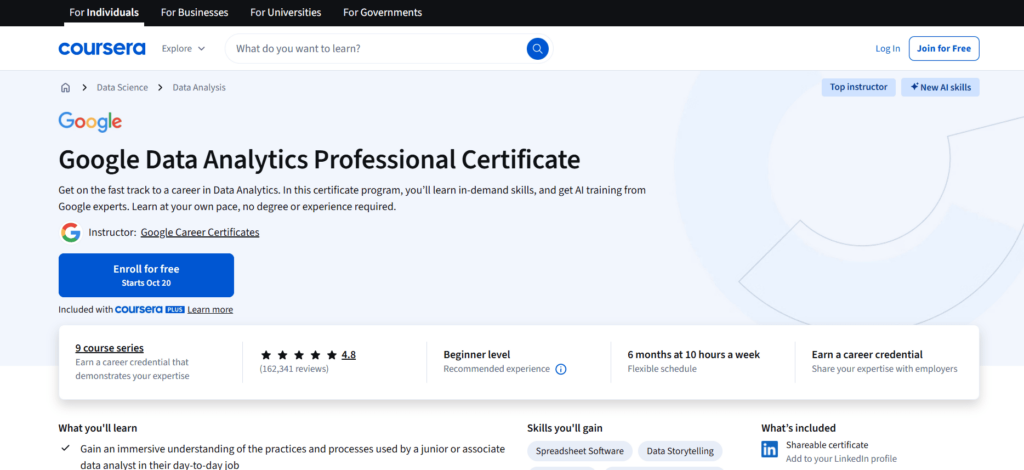
Price and access: there’s a 7-day free trial up front; once it runs out, US and Canadian learners pay $49 a month. Google’s own math says most people wrap it up for less than $300.
Time and level: nine courses in all, though the last one’s optional, and Google figures about six months if you put in 10 hours a week. Nobody checks for a degree or prior experience, since it’s pitched at beginners.
You’ll learn: spreadsheets, SQL, Python and Tableau, with data cleaning, visualization and data ethics along the way, and a capstone case study at the end that you can put in front of employers.
Biggest change since last year? Python took R’s place. Course 7 is now called “Introduction to Data Analysis Using Python”, and every Google Career Certificate now comes with an optional ninth course, “Accelerate Your Job Search with AI”. Many lists still describe the R version.
In a 2022 survey of US graduates, 75% of Google’s certificate holders said they’d seen a positive career outcome (a new job, a promotion or a raise) within six months. So think of it as the most guided route here, not a free one.
IBM Data Analyst Professional Certificate on Coursera
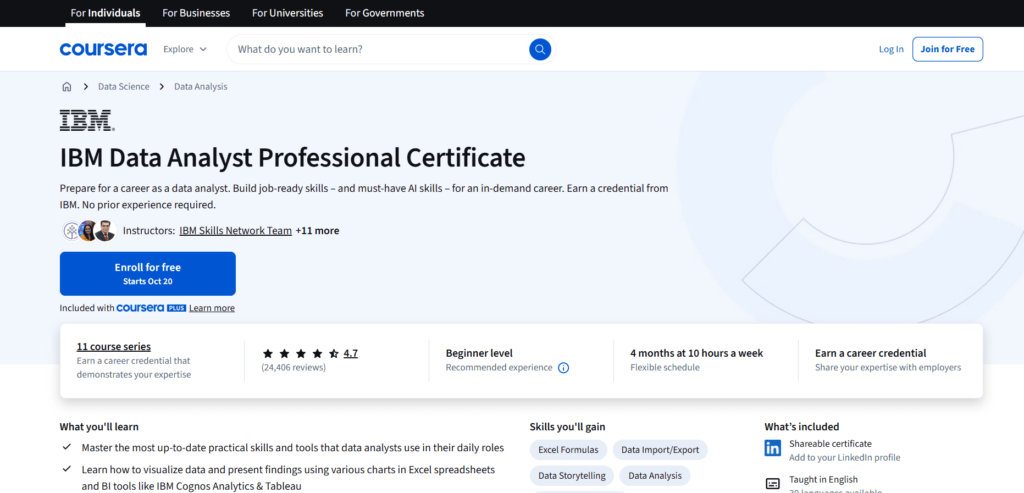
Price and access: it’s sold as a Coursera subscription, and the first stretch is a free trial.
Time and level: beginners are the audience here. At 10 hours a week, you’d be looking at roughly four months for all 11 courses.
You’ll learn: the program opens with Excel and moves into Python (Pandas and NumPy in Jupyter notebooks) and SQL, then charts in Tableau and IBM Cognos Analytics, a little web scraping, and regression models for predictions.
Compared with Google’s, IBM’s program is heavier on Python. And the projects aren’t abstract. You’ll build Excel pivot tables on a vehicle inventory, query census, crime and school data with SQL, and put together a Python dashboard on US flight reliability. At the end there’s an IBM digital badge, and ACE and FIBAA recommend the program for up to 12 college credits.
Cisco Networking Academy: Data Analytics Essentials
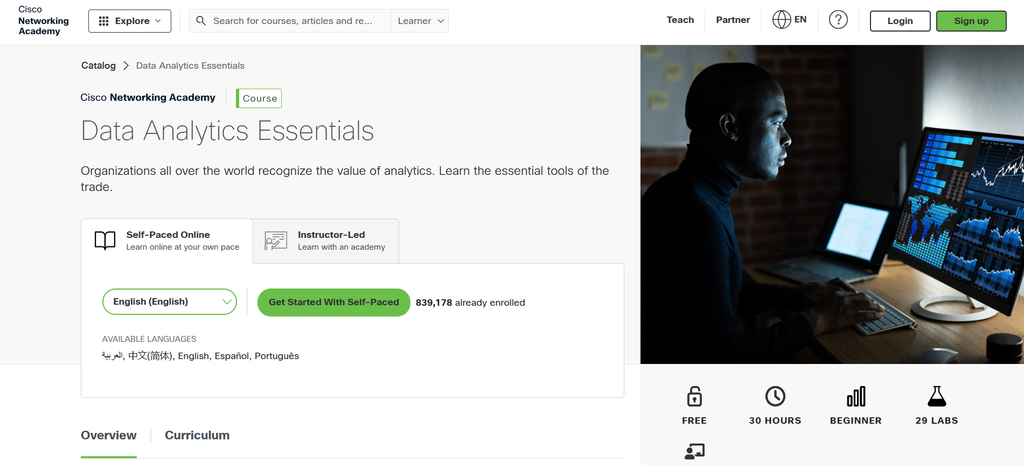
Price and access: you won’t pay a cent, and it’s self-paced, though partner academies teach it with instructors too.
Time and level: count on about 30 hours, which covers 10 modules and a final exam.
You’ll learn: gathering data and cleaning it up, Excel transformations, some basic statistics, SQL queries on relational databases, Tableau, and the ethics and bias questions that come with any dataset.
For a beginner who wants to pay nothing, this is our top pick. By the end you have an analytics portfolio on a movies dataset that uses Excel, SQL and Tableau, three tools analysts open every day. There’s a badge from Cisco when you finish, and you can take the course in English, Spanish, Portuguese, Arabic or Chinese.
Simplilearn’s Introduction to Data Analytics
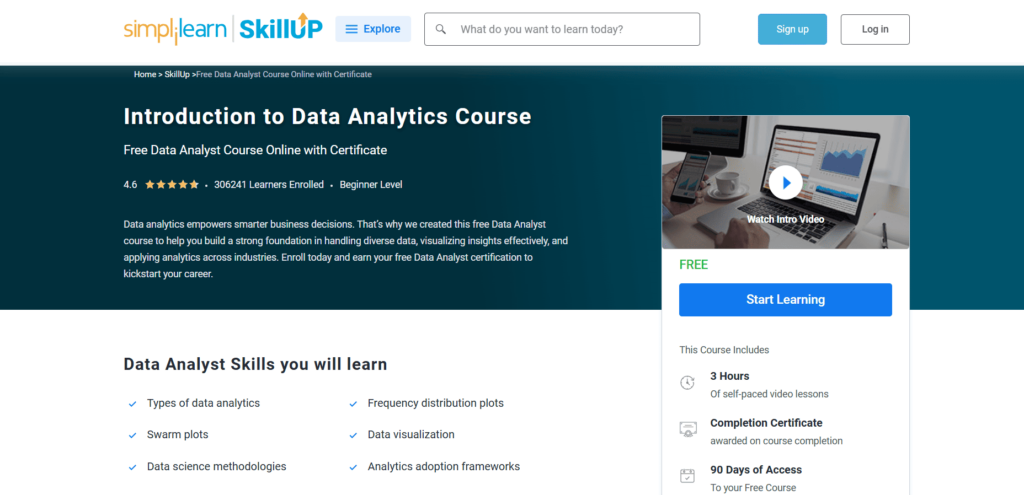
Price and access: free, including the certificate; 90 days of access.
Time and level: it’s 3 hours of self-paced video aimed at beginners, and there aren’t any prerequisites.
You’ll learn: data types, visualization as a decision tool, how analytics differs from data science and machine learning, one data science methodology, and examples of analytics across different sectors.
Not sure yet if analytics is your thing? Start here. There’s no SQL and no coding in it at all; it sticks to ideas. You’ll come out knowing the vocabulary and roughly how companies get from data to decisions, which is handy before you sign up for anything longer.
IBM’s Excel Basics for Data Analysis on Coursera
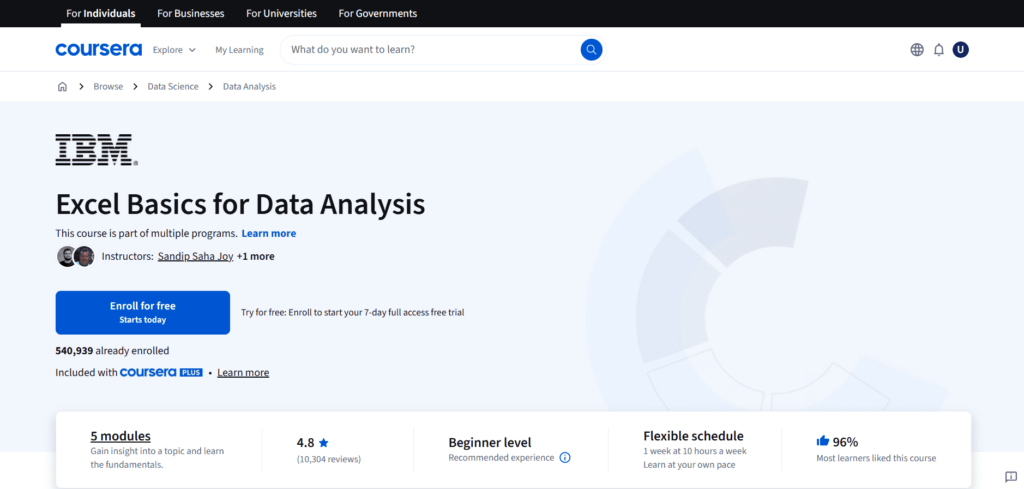
Price and access: Coursera gives you Preview, or Full Course, No Certificate when it’s offered on this course, and the certificate costs money.
Time and level: five modules, beginner friendly, about one week if you can spare 10 hours a week for it.
You’ll learn: how to tidy and format messy data, plus formulas, filters and pivot tables, and the final project hands you real datasets to work on. Code? You won’t touch any.
Excel is still where a lot of analysis at work begins, honestly. Once pivot tables have you grouping and totaling, SQL’s GROUP BY feels familiar instead of foreign. It’s part of several IBM programs on Coursera, so if you later pay for a certificate, the progress you made here carries over.
Free courses that teach one data analytics tool
When the basics start to make sense, choose one tool and go deep. We’d make SQL the first, since it’s how analysts get data out of databases.
Free SQL courses
Databases and SQL for Data Science with Python (IBM on Coursera)
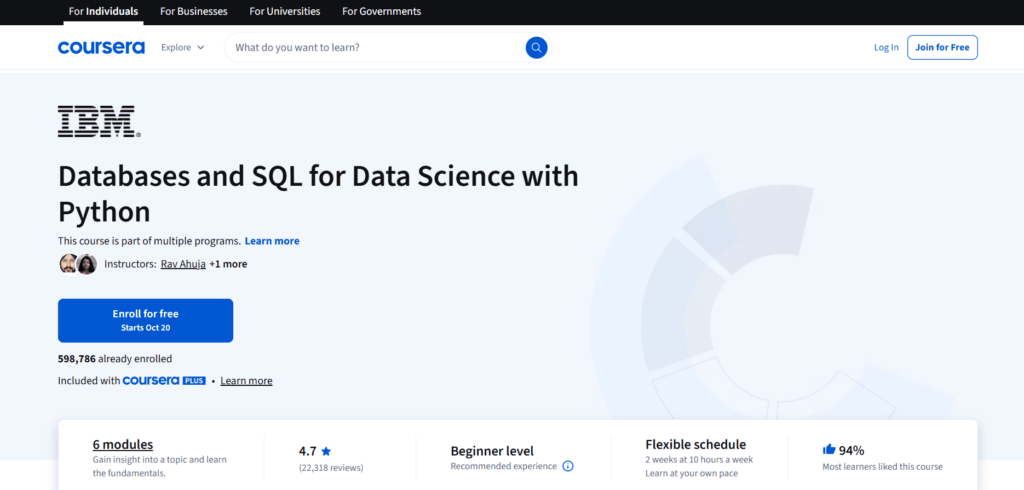
Price and access: Preview, or Full Course, No Certificate where offered; paid certificate.
Time and level: rated beginner, with six modules you can finish in about two weeks at 10 hours a week.
You’ll learn: SELECT, INSERT, UPDATE and DELETE to start, and later the joins, views, transactions and stored procedures that IBM calls advanced, which you write in Jupyter notebooks with Python against real cloud databases.
Why this one over a pure SQL course? The Python part. That’s how plenty of analysts work: they query a database from a notebook, then pick the results up in Pandas, and the course drills that exact move. The final project? Several real-world datasets.
Codecademy’s Learn SQL
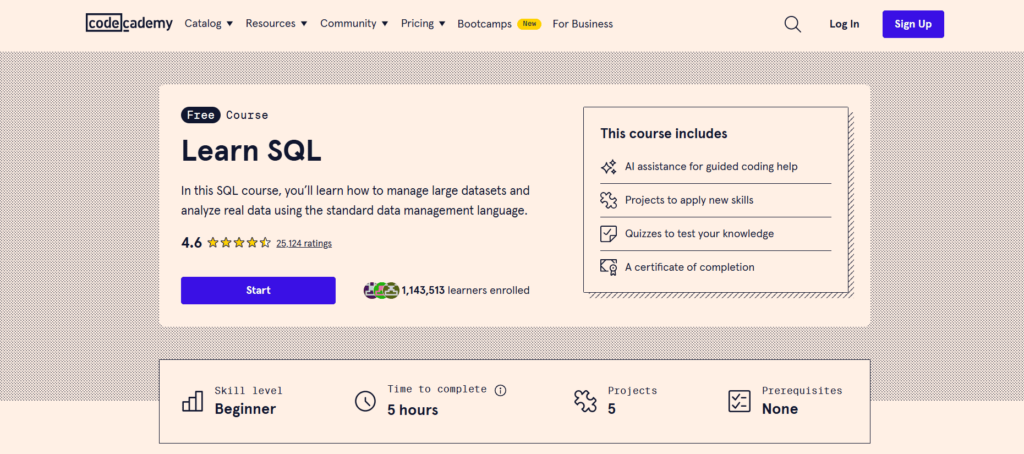
Price and access: the course is free, but you need a Plus or Pro plan for the certificate of completion.
Time and level: beginner, and about 5 hours long.
You’ll learn: how to query, create and update tables, then work across multiple related tables, spread over 4 lessons, 5 projects and 4 quizzes.
You’re typing queries in the first lesson, while Codecademy’s AI Learning Assistant points out problems in your code as you go. Curious whether SQL clicks for you before committing weeks to something longer? Nothing here gets you there faster.
Free Python courses for data analysis
Data Analysis with Python (freeCodeCamp)
Price and access: free, and the certification is free too.
Time and level: there’s no published hour count from freeCodeCamp, so size it up another way. You get 28 lessons and five certification projects.
You’ll learn: first you read data from CSV files and SQL, and after that it’s Jupyter notebooks, NumPy, Pandas, Matplotlib and Seaborn.
One thing most course lists leave out: freeCodeCamp has moved this course into its legacy section. The page says the content “is not being updated, but is still available.” The five projects are still worth doing, because each one becomes a portfolio piece: a demographic data analyzer, a medical data visualizer, a page view time series, a sea level predictor and a mean-variance-standard deviation calculator.
Python for Data Science, AI & Development (IBM on Coursera)
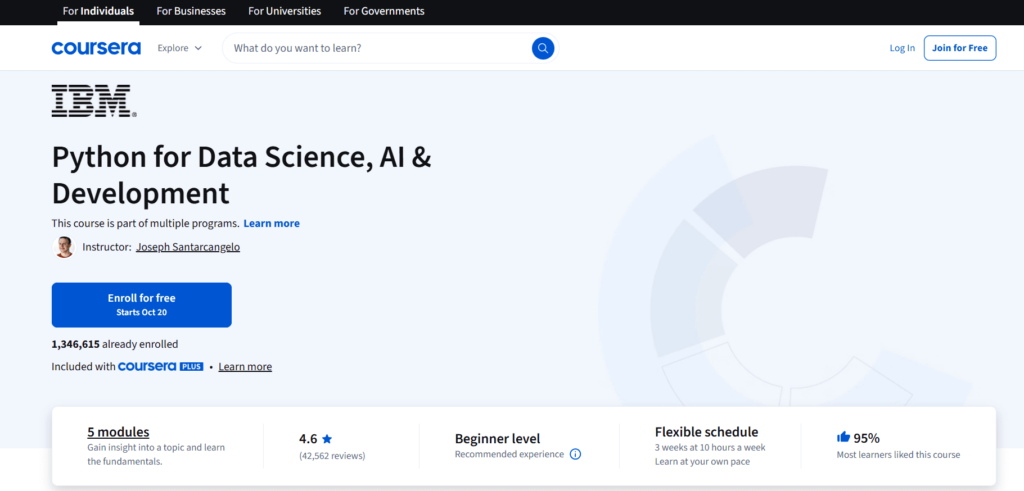
Price and access: Preview, or Full Course, No Certificate where offered; paid certificate.
Time and level: no programming background is required, and the five modules take roughly two weeks if you study 10 hours a week.
You’ll learn: Joseph Santarcangelo walks you from Python basics up to objects and classes, then through files, NumPy and Pandas, REST API calls with the requests library, and web scraping with BeautifulSoup.
Pick it if you’ve never programmed. It starts at data types and ends with you pulling data from an API, which is the part most beginner Python courses skip.
Pandas on Kaggle Learn
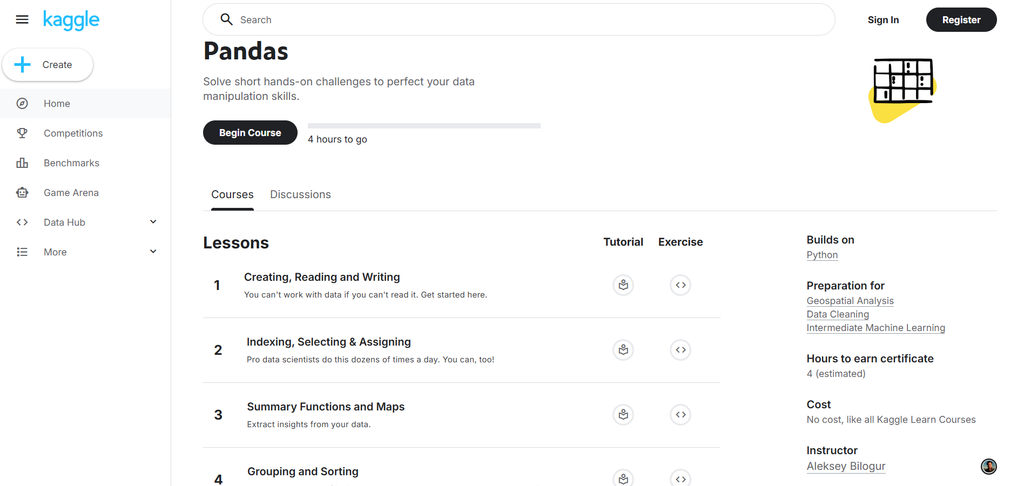
Price and access: like every Kaggle Learn course, it’s free, and you earn a certificate when you finish.
Time and level: about 4 hours, each short lesson pairing a tutorial with a coding exercise right after it.
You’ll learn: the lessons go from creating, reading and writing data to indexing and selecting, summary functions, grouping and sorting, and finally data types and missing values.
Kaggle’s courses are short, and you code in every one. Read for a few minutes, write a bit of code, move on. For analytics work, pick Pandas, since it’s what you’ll use to clean and reshape nearly any dataset in Python.
Free Power BI and Tableau courses
Data Visualization with Power BI (Great Learning)
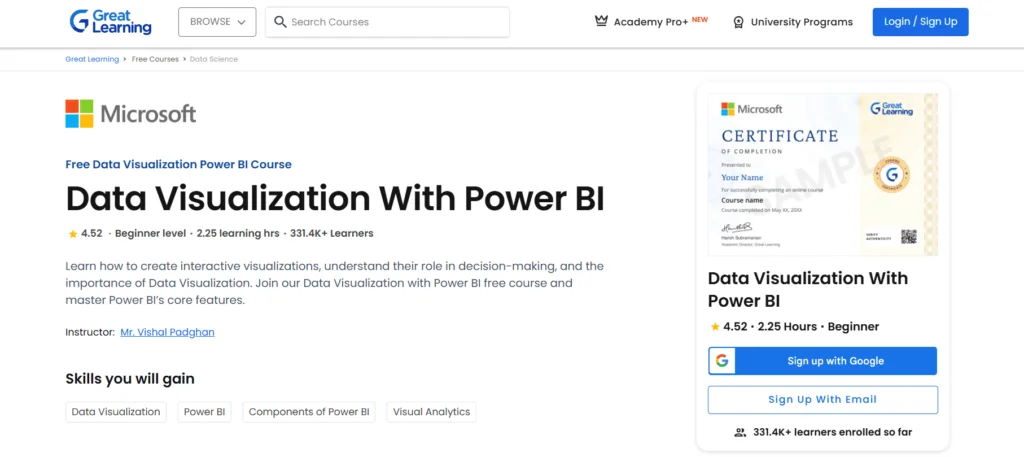
Price and access: free, with a certificate of completion. A separate Microsoft certificate comes only with Great Learning’s paid Pro+ plan.
Time and level: roughly 3 hours, aimed at beginners.
You’ll learn: you get comfortable in Power BI Desktop, bring data in and prep it, model it with hierarchies, write DAX calculations, and wrap up with dashboards and visual reports.
R Vivekanand teaches it, and it’s short and practical. In one evening you’ll have built a dashboard, which is enough to decide whether you want to go deeper into Power BI.
Get started with Microsoft data analytics (Microsoft Learn)
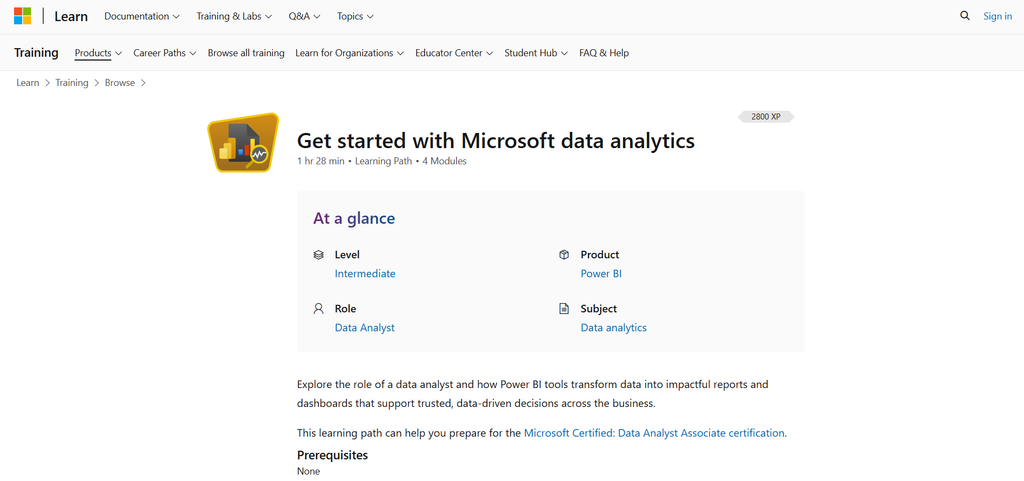
Price and access: free.
Time and level: four modules adding up to 1 hr 28 min, which Microsoft classes as intermediate.
You’ll learn: it shows what a data analyst does all day, and walks through how Power BI turns raw numbers into reports and dashboards.
It’s meant to help you prepare for the Microsoft Certified: Data Analyst Associate certification, Microsoft says. The learning costs nothing; the exam is a separate thing. Take it after a beginner Power BI course, not before.
Tableau free training videos
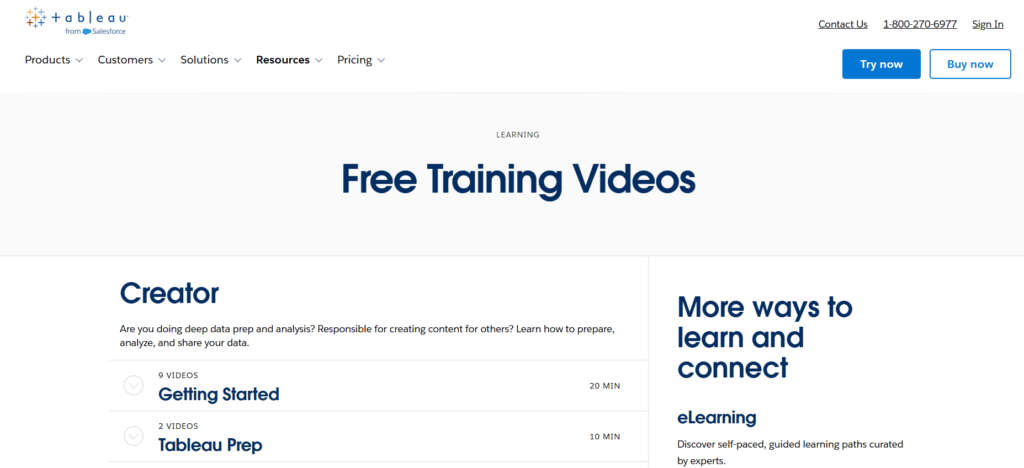
Price and access: free videos; Tableau’s structured eLearning, with skill badges, is a paid one-year license.
Time and level: roughly an hour of short clips overall, split between Tableau Desktop (8 videos, 26 minutes), Tableau Cloud and Server (11 videos, 31 minutes) and Tableau Prep (2 videos, 10 minutes).
You’ll learn: the clips cover connecting a data source, moving around the workspace, and building an interactive dashboard step by step. The Tableau Public how-to videos have you build along with the Superstore sample dataset.
Short isn’t a flaw here. Build the Superstore dashboard alongside the videos, publish it to Tableau Public, and you have a link to put on your resume.
Free data analytics courses from universities
These are slower and harder than the short courses above. What you gain is real depth in statistics and programming, which short courses rarely give you.
HarvardX Data Science Professional Certificate, via edX
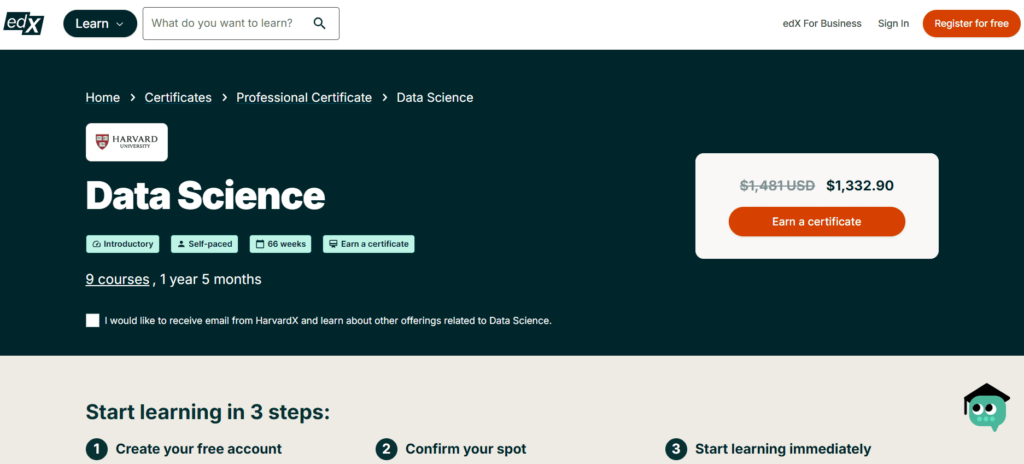
Price and access: on edX, every course in the program can be audited for free. Paying gets you more: $219 for one verified course such as R Basics, or $1,481 for the whole program with its certificate.
Time and level: the program has nine courses across about 66 weeks, and R Basics, the first, takes 8 weeks at 1 to 2 hours a week.
You’ll learn: R, and through it probability, inference, regression and machine learning, while you get used to dplyr, ggplot2, Unix/Linux, git and GitHub, and RStudio.
Let’s be clear that it’s data science rather than analytics. Business questions answered from data you already have are just the start; after that it moves into statistics, machine learning and predictions. Every topic comes with a case study from Rafael Irizarry. You’ll work through world health and economics, US crime rates, the 2007 to 2008 financial crisis, election forecasting, a baseball team built Moneyball-style, and movie recommendations.
There’s real statistics here, not only code. An audit gets you the lectures for a limited time, without the graded work, so finish each course before its window closes.
University of Michigan’s Python for Everybody
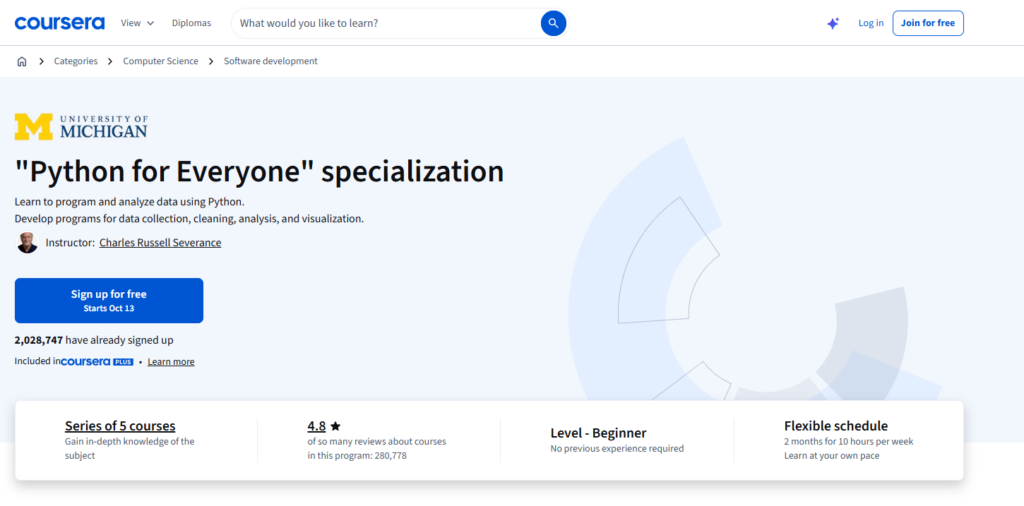
Price and access: py4e.com gives you the lectures, the book, autograded assignments and badges at no cost. Coursera is a different story, because it charges for the same material and its specialization FAQ says the course can’t be taken for free.
Time and level: Coursera breaks it into five beginner courses, which take about two months when you put in 10 hours a week.
You’ll learn: the course opens with Python basics and data structures. Later you’ll pull web data through APIs and work with databases in SQL, and the capstone has you retrieve, process and visualize data on your own.
Charles Severance made py4e.com so the course would be open to anyone at no charge, and the materials carry a Creative Commons license. So go to the free site, unless you specifically need the Coursera certificate.
Johns Hopkins University’s R Programming on Coursera
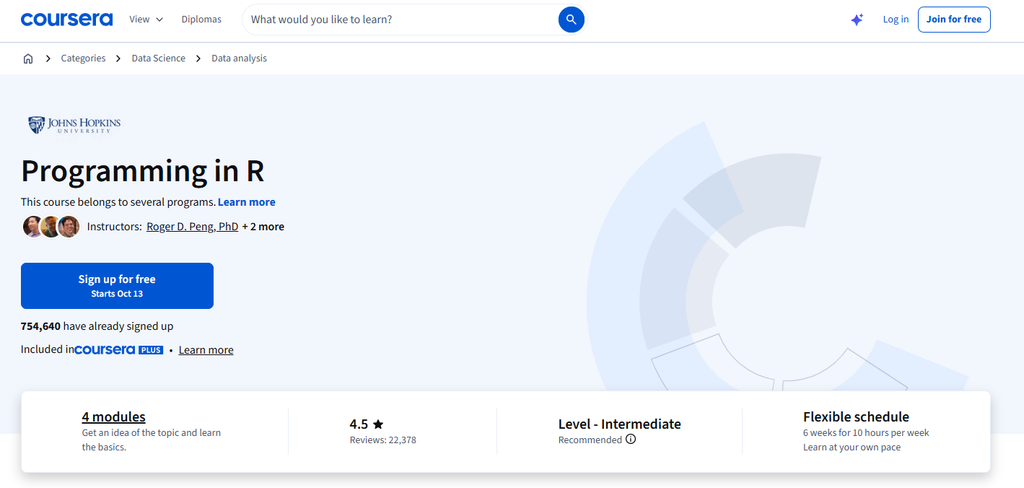
Price and access: Preview, or Full Course, No Certificate where offered; paid certificate.
Time and level: it’s intermediate, and its four modules come to about six weeks at 10 hours a week.
You’ll learn: you install R, load data, use packages, write your own functions, then debug them, profile slow code, and run simulations.
Roger D. Peng teaches it, and Coursera’s module estimates add up to about 57 hours. If you’re headed for statistics-heavy work, where R still shows up a lot, take it after a beginner course.
A free learning path: from zero to a first portfolio project
A list of courses doesn’t tell you what order to take them in. Every course on this path stays free from start to finish. By the providers’ own estimates, that’s roughly 40 hours of course time.
| Step | Course | Time | What you finish with |
|---|---|---|---|
| 1. Learn the workflow and Excel | Cisco Data Analytics Essentials | 30 hours | Cleaned data, Excel analysis, first SQL queries and a Tableau view on a movies dataset; a badge |
| 2. Get fluent in SQL | Codecademy Learn SQL | 5 hours | Queries across related tables, practiced in the browser |
| 3a. Add Python | Kaggle Learn Pandas | 4 hours | Grouping, sorting and missing-value handling in Pandas; a certificate |
| 3b. Or add a BI tool | Great Learning Power BI, then Tableau’s free videos | 3 hours plus about 1 hour | A Power BI dashboard and a Tableau Public dashboard |
| 4. Build a project | Your own dataset | 2 to 3 weekends | A portfolio piece with a question, a method and an answer |
So how long does it take? With 5 to 10 hours a week, the courses fill four to eight weeks. Tack on two or three weekends for the project, and you’re looking at roughly two to three months from start to finish. Job ads near you asking for Python? Take 3a. If they ask for Power BI or Tableau, take 3b. Nothing stops you from doing both, of course. Just finish one project before you pick up the second tool.
Step 4 gets its own checklist; paste it into your project’s README:
- A single business question written out as a sentence (for example, “Which product category lost margin in Q3?”)
- The source of the data, and its row count
- The cleaning steps: duplicates removed, blanks handled, types fixed
- The SQL queries or Pandas code, saved in the repository
- One chart or dashboard that answers the question
- Three sentences on what you found, what you’d dig into next, and what the data just can’t answer
In an interview, one finished project built on data you picked yourself says more than a stack of certificates. Two or three like that make a solid portfolio.
How to choose the right free data analytics course for you
Start from your goal
A career change calls for a structured program that ends in a portfolio: Cisco’s Data Analytics Essentials for free, or the Google or IBM certificate if you’ll pay for the credential. Adding one tool to your current job calls for a short course in that tool. Simplilearn’s three hours are plenty if all you want is to understand what your data team does.
Here’s something you can do tonight, before you choose anything, and it costs nothing: read 10 job ads for the role you’re aiming at. As you read, list every tool and skill they ask for, because the one that turns up most is the one to learn first. Then look for a course where you’ll do hands-on work in that tool, since what you only watch in videos tends to fade fast.
Be honest about your starting level
Most courses here are labeled beginner. Two aren’t: Johns Hopkins’ R Programming and Microsoft Learn’s data analytics path are both rated intermediate. HarvardX’s program also moves quickly into probability, inference and machine learning. Starting too high wastes weeks; a course that’s too easy costs you an evening.
Budget your hours
The courses run from about an hour (Tableau’s videos) to 66 weeks (the HarvardX program). Studying 5 to 10 hours a week, you’ll finish a 30-hour course in three to six weeks. Block out study time before you enroll. And on Coursera, don’t start a trial in a week you’re too busy to study, because its 7 days count down from signup.
Is data analytics worth learning in 2026?
The job data says yes. The US Bureau of Labor Statistics projects 35% growth in data scientist jobs between 2025 and 2035, much faster than average. That growth starts from 275,600 jobs in 2025, with median pay of $120,230. Operations research analysts, close relatives of the analyst role, are expected to grow 12% in the same ten years.
Look through the 16 courses on this list and you’ll notice the same tools again and again: Excel, SQL, Python or R, and Power BI or Tableau. That’s no accident, because those tools cover an analyst’s whole day of cleaning data, analyzing it, and handing the business insights it can use.
Analytics skills also travel. The same SQL and dashboard work shows up in marketing, finance, operations and product roles, and it’s the usual starting point for data engineering. Our comparison of data analyst and data engineer roles explains where the two paths split.
If you want to keep learning between courses, our lists of the best data analytics certifications, books for data analysts and YouTube channels on data analytics pick up where this one ends.
The skill most courses skip: getting the data in one place
Courses hand you clean CSV files. Real company data is all over the place. A typical company keeps its numbers in a CRM, an ad platform, a payment system and a hand-edited spreadsheet, and each of those stores data in its own way. Before anyone can write the first SQL query or build a dashboard, all of that has to land in one place and stay current. On a small team, guess who gets that job? Often the analyst.
That doesn’t require writing ETL code. Skyvia handles that part: it’s a no-code cloud data platform with 200+ connectors for cloud apps, databases and data warehouses. Two uses fit a learner:
- Practice SQL on real data. With Skyvia Query, you write SQL against sources such as Salesforce right in your browser, and its Google Sheets add-on and Excel add-in fetch fresh results with one click.
- Build a small warehouse. Data Integration replicates your app data into a database (PostgreSQL, for example) or into BigQuery, and from there you can join sources like working analysts do.
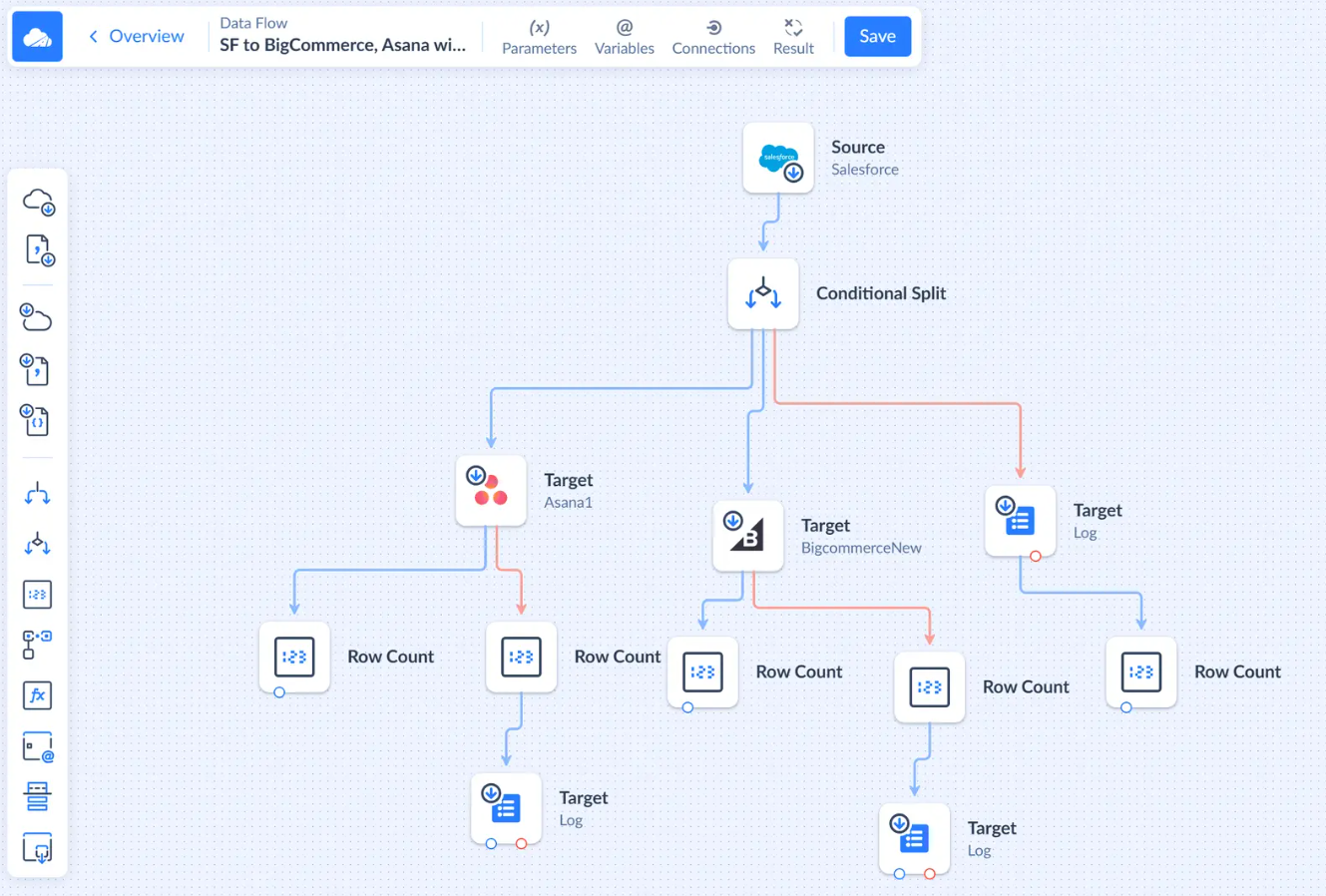
What you see above is a Data Flow, where one source splits into several targets and row counts are tracked along the way. Data Flow comes with the Standard plan and up. For a practice project, the Free plan is enough: 10,000 records a month, with integrations running once a day. You don’t need a credit card to sign up, and signup starts a 14-day trial of every product. Once the trial ends, you can request the Free plan.
Pick a question your team keeps coming back to (which campaign brings in customers who stay, say) and answer it with live data rather than a course file. No course assigns that task, and it’s the one you’ll do most on the job.

FAQ for Best Free Data Analytics Courses

Why did my Coursera course lock after the first module?
That’s the Preview option. You get the first module, graded quizzes and all, and nothing after it. To go further, check whether the course offers Full Course, No Certificate, start the subscription trial, or apply for financial aid.
Can I get a data analytics certificate for free?
Yes, from a few providers. Simplilearn’s Introduction to Data Analytics, Great Learning’s Power BI course, Kaggle Learn and freeCodeCamp give free certificates, and Cisco’s Data Analytics Essentials awards a badge. Codecademy, edX and Coursera charge for theirs.
What is the best free data analytics course for a complete beginner?
Our pick for the strongest fully free option is Cisco Networking Academy’s Data Analytics Essentials. Over about 30 hours it covers Excel, SQL and Tableau, and you finish with a portfolio project on a movies dataset. Simplilearn’s three-hour introduction is shorter, if you’d like to test your interest first.
In what ways is data analytics different from data science?
Data analytics answers business questions with the data a company already has, usually in Excel, SQL and Power BI or Tableau. Data science pushes further into statistics, machine learning and predictions. That’s why a program like HarvardX’s Data Science certificate teaches probability, regression and machine learning in R.
How long does it take to learn data analytics with free courses?
The free learning path in this guide adds up to about 40 hours of course time, plus two or three weekends for a first project. Studying 5 to 10 hours a week, you’d need roughly two to three months. Structured certificates run longer; Google’s estimate is six months at 10 hours a week.
Can I get a data analyst job with free courses alone?
Free courses can teach you the skills. A certificate on its own, however, almost never gets someone hired. What does help is two or three portfolio projects built on data you chose, as long as each one shows a clear question, the code you wrote, and a chart with the answer.