Summary
- Skyvia brings Zoho CRM and other Zoho apps into one visual ETL/ELT and Reverse ETL workflow, which is useful when CRM, finance, support, and warehouse data all need to work together.
- Fivetran is better suited to warehouse-first teams that want Zoho CRM replication largely handled for them and prefer to do most modelling downstream.
- Airbyte gives engineering teams more control over Zoho CRM pipelines, with dynamic discovery of standard and custom modules, fields, and incremental sync across every stream.
- Integrate.io is worth considering when you want a visual ETL platform with fixed-fee pricing and are comfortable connecting Zoho through its API rather than relying on a dedicated native connector.
- CData Sync is a practical option when Zoho sits alongside legacy databases or on-premises systems and hybrid deployment flexibility matters.
Zoho usually starts out simple. CRM handles sales, Books covers finance, Desk takes care of support, and before long the same customer is spread across three or four apps.
That is where reporting gets awkward. Exports pile up, custom fields don’t always line up cleanly, and combining Zoho data with a warehouse, billing platform, or marketing stack becomes repetitive cleanup.
A good Zoho ETL tool should take that work out of the loop: pull the data on a schedule, keep changes in sync, and give the team one place to analyze it without rebuilding the same dataset every week.
In this guide, we compare the tools based on connector depth, schema handling, setup effort, incremental replication, and pricing.
Why Do You Need a Dedicated ETL Tool for Zoho CRM and Apps?
Zoho data spreads out quickly. CRM has the deals, Books has invoices and payments, Desk has support history, and Creator may hold the custom workflows your team built around all of it.
That becomes a problem once you want one report to cover the whole customer journey. A dedicated ETL pipeline pulls those pieces together automatically instead of making someone rebuild the same dataset every time.
What Challenges Arise When Extracting Data from the Zoho Ecosystem Manually?
For a one-off report, exporting a CSV is not a big deal.
The trouble starts when the same report needs fresh data every week. Someone pulls CRM data, another file comes from Books, custom fields need cleaning up, customer records have to be matched, and a small formatting change can break the whole thing.
Custom modules make this even less predictable. Zoho CRM is often adapted heavily to the business, so the data structure you actually use may look very different from a standard CRM setup.
And once the files are exported, they begin going stale. A deal moves stage, an invoice is paid, a ticket closes, and the report no longer reflects what is happening now.
How Does a Dedicated ETL Pipeline Enhance Analytics and RevOps Reporting?
Once Zoho data lands in the same warehouse, the reporting gets much easier.
CRM can be tied to invoices in Books, support activity in Desk, and data from outside Zoho, such as ad platforms or billing systems. That gives RevOps and finance a much clearer picture of what happens after a lead enters the funnel.
You can see which deals become paid customers, whether overdue invoices line up with account activity, or whether certain support patterns show up before churn.
The real win is that the team no longer has to rebuild that view from scratch every time someone asks for updated numbers.
How Did We Evaluate and Select the Best Zoho ETL Tools?
Having a Zoho CRM connector was only the starting point. What matters more is how well that connector holds up once the CRM has custom modules, API limits start to matter, or the pipeline needs to work with Books and Desk as well.
So we focused on the parts that usually create work after the first successful sync.
Criterion 1: Does the Tool Support the Full Zoho Suite (CRM, Books, Desk, Creator)?
Zoho CRM may be the main source, but it is rarely the only Zoho app in use. Finance data can sit in Books, tickets in Desk, inventory somewhere else, and custom business processes in Creator.
We gave more weight to platforms that cover several Zoho products rather than treating CRM as a standalone connector. That matters if you want to build one warehouse model around the customer instead of maintaining a separate pipeline for every Zoho app.
Criterion 2: How Does the Tool Handle Zoho API Rate Limits and Custom Modules?
This is where a connector can look good in a demo and become frustrating later.
Zoho CRM uses an API credit system and also applies concurrency limits based on the CRM edition. A pipeline doing a large historical load therefore needs to control request volume rather than simply firing calls as fast as possible.
Custom modules matter just as much. Zoho exposes them through its API, so we checked whether a tool can discover and work with more than the standard Leads, Contacts, and Deals objects.
Criterion 3: How Easy Is the Setup and Pipeline Maintenance?
A pipeline should not need a developer every time someone adds a field or changes the schedule.
We looked at how much work it takes to connect Zoho, choose objects, map fields, set the destination, and come back later to change something. Some tools make most of that visual. Others give engineers more control, but expect more setup and infrastructure work in return.
Neither approach is automatically better. It depends on who will actually own the pipeline six months from now.
Criterion 4: Does the Tool Offer Automatic Schema Drift and Incremental Replication?
Zoho CRM setups change. New custom fields appear, modules evolve, and reporting requirements rarely stay fixed.
We checked whether those changes can be detected without rebuilding the pipeline from scratch, and whether recurring loads can pull only new or modified records. Zoho itself supports incremental patterns around fields such as Created_Time and User_Modified_Time, so there is little reason to reload an entire CRM dataset every time.
Criterion 5: What Are the Destination Capabilities?
Getting data out of Zoho is only half the job.
For analytics, we looked at warehouse and database destinations such as Snowflake, BigQuery, Redshift, and PostgreSQL. We also checked whether the platform can send modeled data back into Zoho or other business apps through Reverse ETL.
That second part matters when the warehouse is not just for dashboards. A churn score or customer segment is much more useful if sales can actually see it in CRM.
Criterion 6: How Transparent and Predictable Is the Pricing Model?
ETL pricing gets confusing quickly because vendors meter very different things.
One platform may charge by processed records, another by MAR, another by events or credits, and another by connector or capacity. With Zoho, where one customer can touch several modules and apps, those differences can add up.
How Do the Top Zoho ETL Tools Compare at a Glance?
| Tool | Setup Complexity | Zoho Connector Depth | Reverse ETL Support | Schema Drift Handling | Pricing Model | Best For |
|---|---|---|---|---|---|---|
| Skyvia | Low – visual setup | Broad – CRM, Books, Desk, Creator, Inventory, Billing, Invoice, Projects, and other Zoho apps | Yes – including Zoho CRM and other supported Zoho apps | Replication can detect new fields and update destination schemas | Tiered subscription based mainly on monthly processed records | Teams that want several Zoho apps, ETL/ELT, and Reverse ETL in one visual platform |
| Fivetran | Low-Medium – managed SaaS | Focused – native Zoho CRM connector with supported custom modules | Limited for Zoho CRM | Automatic schema propagation with configurable handling for new tables and columns | Usage-based MAR | Warehouse-first teams that want managed Zoho CRM replication |
| Airbyte | Medium – managed or self-hosted | Broad, but mixed maturity – CRM plus Books, Desk, Inventory, Billing, Invoice, Expense, and other Zoho apps; support levels vary by connector. | No dedicated Zoho CRM destination | Schema propagation can apply detected source changes | Free self-managed Core; volume/capacity-based paid plans | Engineering teams that want deployment control and connector customization |
| Integrate.io | Medium – visual builder, but Zoho requires API configuration | API-based rather than native Zoho CRM coverage | Yes through configurable destinations and REST APIs | Automatic schema handling is available in Integrate.io pipelines, but Zoho-specific behavior depends on the API setup | Fixed-fee pricing; Core starts at $1,999/month | Teams that prefer visual ETL and predictable pricing and do not mind configuring Zoho through REST/API |
| CData Sync | Medium – point-and-click with flexible deployment | Broad – separate connectors for Zoho CRM, Books, Creator, Inventory, Projects, and more | Yes – Zoho CRM can be used as a destination | Dynamic schema replication detects and applies source schema changes | Annual licensing based on connections and row volume | Hybrid environments that need broad Zoho coverage and deployment control |
Which Zoho ETL Tool Best Fits Your Team’s Needs?
The right choice mostly depends on how much of the Zoho ecosystem you use, where the data needs to go, and who will maintain the pipeline.
Why Is Skyvia the Best Overall No-Code ETL & Reverse ETL Platform for Zoho?
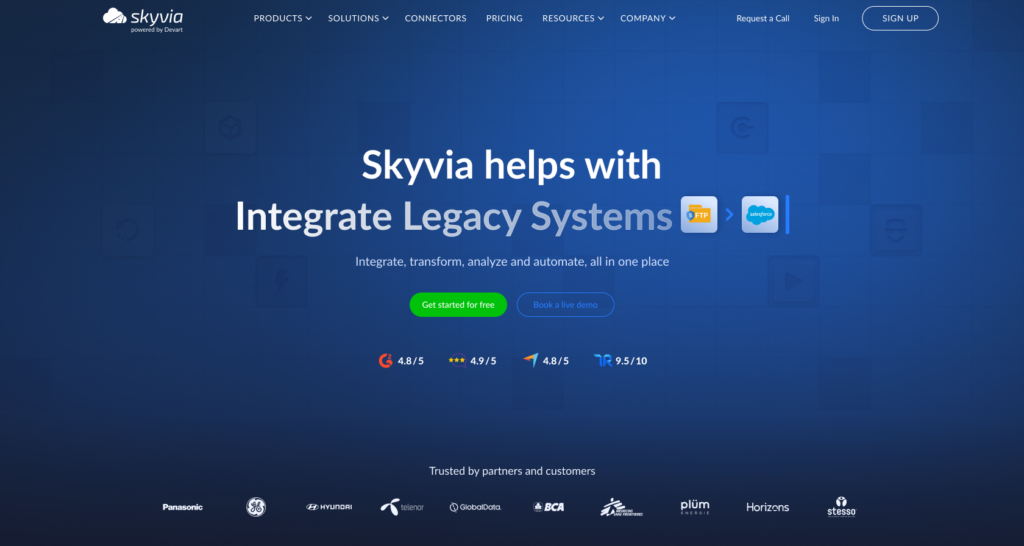
Skyvia is the option I would start with when Zoho CRM is only part of the picture and the pipeline also needs to work with Books, Desk, Creator, Inventory, or other Zoho apps. Skyvia currently offers 200+ connectors overall and supports ETL/ELT, synchronization, and Reverse ETL for Zoho CRM.
Best for
Teams that want a visual way to connect multiple Zoho apps with warehouses, databases, and other business systems without building separate pipelines for each one.
Pros
- Broad Zoho coverage, including CRM, Books, Desk, Creator, Inventory, Billing, Invoice, Projects, and more.
- 200+ prebuilt connectors across SaaS apps, databases, warehouses, and storage.
- ETL/ELT and incremental loading for recurring Zoho CRM pipelines.
- Reverse ETL can send enriched warehouse data back into Zoho CRM.
- Visual imports, replication, synchronization, and more advanced Data Flow pipelines.
- Zoho Books, Desk, Inventory, and Creator can also be used in broader integration workflows, not just extracted as standalone sources.
- Published tiered pricing based on monthly processed records, with a free plan and optional paid overage on Standard and Professional plans.
Cons
Zoho apps don’t all expose data the same way, so some objects need extra API calls or additional transformation before they are report-ready. Zoho Inventory, for example, may require extended requests to retrieve fields such as line items.
Skyvia also uses scheduled polling rather than true event streaming. Professional can run integrations as often as once per minute, which works for near-real-time warehouse updates but not sub-second streaming.

When Is Fivetran the Right Choice for Zoho Enterprise Pipelines?
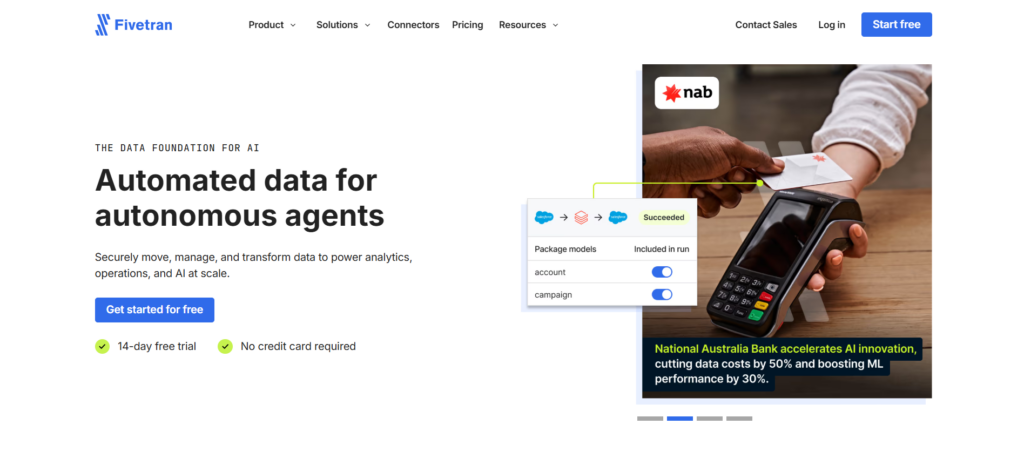
Fivetran makes sense when the priority is a managed Zoho CRM pipeline, and the team would rather spend its time on warehouse models than connector maintenance. Its native connector supports incremental syncs and custom modules. It also captures deletions across Zoho CRM modules, while subforms are re-imported weekly to catch deleted records.
Best for
Larger data teams that use Zoho CRM as a source for a warehouse-first stack and want most extraction, schema handling, and pipeline maintenance managed for them.
Pros
- Native Zoho CRM connector with managed incremental replication.
- Supports custom modules exposed by Zoho CRM.
- Captures deletes across supported modules, with special handling for subforms.
- Automatically maps source objects into destination tables and handles supported schema changes.
- Handles Zoho API-limit errors by rescheduling the affected sync instead of failing the pipeline.
- Fivetran Activations supports Reverse ETL to Zoho CRM, although native support is currently limited to the Account object.
Cons
The biggest limitation for this comparison is Zoho coverage. Fivetran has a dedicated Zoho CRM connector, but it does not offer the same breadth across Books, Desk, Creator, Inventory, and other Zoho apps as platforms built around a wider Zoho connector set.
Pricing is usage-based and measured in Monthly Active Rows (MAR). Under Fivetran’s 2026 pricing rules, inserts, updates, and deletes can all contribute to paid MAR, although the effective date for annual customers depends on their contract and renewal date.
It is also primarily a warehouse-first ELT approach. Teams that want substantial visual transformation before data reaches the destination may find it less flexible than a traditional ETL builder.
Why Would Engineering Teams Choose Airbyte for Zoho CRM?
Airbyte gives engineering teams more control over how Zoho CRM data is replicated and where the pipeline runs. Its current Zoho CRM source supports full-refresh and incremental syncs and can send data to more than 50 destinations.
Best for
Engineering teams that want more control over deployment, connector behavior, and downstream architecture, especially when they are comfortable extending connectors or managing part of the infrastructure themselves.
Pros
- Native Zoho CRM source connector with full-refresh and incremental sync support across every discovered stream.
- Dynamic schema discovery for standard modules, custom modules, and custom fields using Zoho CRM metadata, rather than relying on a fixed list of streams.
- Broader Zoho ecosystem coverage than CRM alone, with connectors for Zoho Books, Desk, Inventory, Billing, Invoice, Campaigns, Bigin, Expense, and the Zoho Analytics Metadata API. Many are Marketplace connectors, so support levels and capabilities vary.
- Available across Core, Standard, Plus, Pro, Enterprise Flex, and PyAirbyte.
- Can load Zoho CRM data into a broad range of destinations.
- Connector Builder and CDKs give engineering teams room to extend or customize integrations when needed.
Cons
Airbyte’s Zoho CRM connector is currently listed as a Marketplace connector, but its sync success rate is rated Low. That does not mean the connector is experimental, but I would still test the exact modules, volumes, and sync patterns you need before using it for an important production workflow.
Airbyte is also more ELT-oriented than a traditional visual ETL platform. Complex transformations are usually better handled after loading, and self-managed or heavily customized deployments require more operational work from the engineering team.
There is also no clearly documented dedicated Zoho CRM destination connector for Reverse ETL in the current catalog, so teams that need to push modeled warehouse data back into Zoho may need another route.
When Does Integrate.io Make Sense for Custom Zoho API Pipelines?
Integrate.io does not currently list Zoho CRM as a dedicated native source connector, so Zoho data is handled through its REST API tooling. Its REST API components support pagination, OAuth-based authentication, field mapping, and scheduled pipeline runs.
Best for
Teams that need a custom Zoho API workflow, want to keep most pipeline logic visual, and prefer fixed-fee pricing over row- or event-based billing.
Pros
- Universal REST API source for pulling data from Zoho endpoints.
- Universal OAuth can handle OAuth 2.0 authentication and token refresh for API-based connections.
- Built-in support for API pagination, request parameters, and response-field mapping.
- Visual transformations can clean, filter, join, and reshape Zoho data before loading.
- REST API destinations make custom Reverse ETL workflows possible when data needs to be written back through an API.
- Core pricing is $1,999/month with unlimited data volumes, pipelines, and connectors, plus pipeline schedules down to 60 seconds.
Cons
Integrate.io does not currently list Zoho CRM as a native source connector, so the setup requires more work than choosing Zoho from a connector catalog. You need to configure the relevant API endpoints, authentication, pagination, and fields yourself.
That also means Zoho-specific details such as custom modules, API limits, and schema changes are more dependent on how you build the API workflow. The $1,999 monthly starting price can also be difficult to justify if Zoho is the only pipeline you need.
When Does CData Sync Make Sense for Legacy IT and Zoho Integrations?
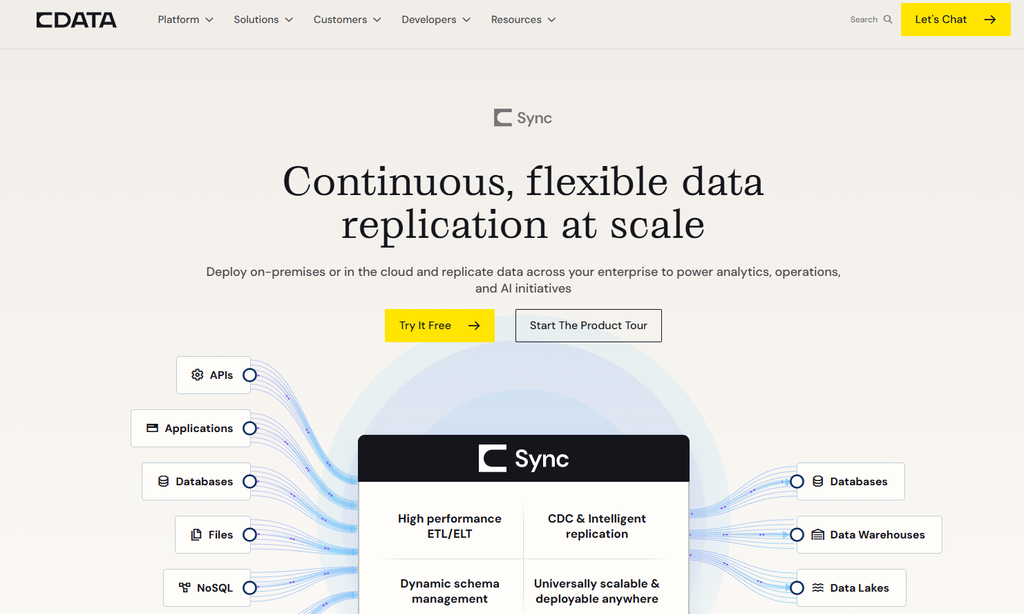
CData Sync is a strong option when Zoho CRM has to sit alongside older databases, ERP systems, or infrastructure that cannot simply be moved into a cloud-only stack. It can run on-premises or in the cloud and replicate between SaaS apps, databases, warehouses, lakes, and other enterprise systems.
Best for
IT and data teams that need Zoho CRM integration across hybrid or legacy environments, especially when deployment location and direct database connectivity matter.
Pros
- Native Zoho CRM connectivity for ETL/ELT and automated replication.
- Can be deployed on-premises or in the cloud, which is useful when some systems must stay inside the company network.
- Point-and-click replication reduces the amount of custom integration code needed.
- Incremental replication and automated schema-change management are included in the standard Sync feature set.
- Supports destinations such as Snowflake, BigQuery, Redshift, PostgreSQL, SQL Server, Databricks, and data lakes.
- Reverse ETL to Zoho CRM is supported, including key-based upserts from warehouse models.
- Works well beyond Zoho, which can be useful when the same pipeline also touches ERP platforms, databases, files, or older enterprise systems.
Cons
CData Sync is more infrastructure-oriented than the lighter cloud ETL tools in this comparison. The deployment flexibility is useful, but it also means there are more decisions around hosting, connections, and architecture.
The entry price is also relatively high. The current Standard license starts at $7,999 per year for up to five standard connections and 100 million processed rows per month, while features such as premium connectors, CDC, API connectivity, and advanced transformation options may require a custom configuration.
For a simple Zoho CRM-to-warehouse pipeline, that may be more platform than the team actually needs.
How to Choose the Right Zoho ETL Tool for Your Business?
You don’t need to compare every feature line by line. Start with the part of your setup that is hardest to compromise on: Zoho app coverage, infrastructure control, Reverse ETL, or pricing.
| If your priority is… | Tool to consider |
|---|---|
| A visual setup across several Zoho apps, plus ETL, ELT, and Reverse ETL | Skyvia |
| Managed Zoho CRM replication into a warehouse with little connector maintenance | Fivetran |
| Self-managed deployment, connector customization, and more engineering control | Airbyte |
| A visual ETL platform for a custom Zoho REST API pipeline with fixed-fee pricing | Integrate.io |
| Hybrid or legacy infrastructure with on-premises deployment requirements | CData Sync |
The biggest distinction is whether you need Zoho CRM alone or a broader Zoho stack. Fivetran is more CRM-focused, while Airbyte covers a wider part of the Zoho ecosystem but with more variation in connector maturity and support. Skyvia and CData cover a wider set of Zoho applications, while Integrate.io makes more sense when a custom API workflow is acceptable.
From there, look at who will own the pipeline after launch. If the goal is to avoid turning every change into an engineering task, a visual platform such as Skyvia is a practical place to start. If your team wants more control over deployment and connector behavior, Airbyte or CData may be a better fit.

FAQ for Zoho ETL Tools

Can You Sync Data from Multiple Zoho Apps (Books, Desk, Inventory) into the Same Warehouse?
Yes, if the platform supports those apps. You can load CRM, Books, Desk, Inventory, and other Zoho data into the same warehouse and model it around shared customers, accounts, or transactions.
How Do ETL Pipelines Track Deleted Records and Historical Changes in Zoho?
It depends on the connector. Some capture delete flags and incremental updates, while others only sync the latest record state. For history, keep load timestamps or use snapshots so older values are not overwritten.
Is It Better to Transform Zoho Data In-Pipeline or Warehouse-Side (ELT vs. ETL)?
Use ETL when data needs cleaning or filtering before loading. ELT makes more sense when the warehouse handles large transformations well, and the team already works with SQL or dbt. Many setups use both.
How Can You Prevent Sensitive Customer PII from Entering the Data Warehouse?
Filter or exclude sensitive fields before loading. You can also mask values, limit connector permissions, separate restricted schemas, and apply warehouse access controls so only approved users can see customer PII.
How Does Volume-Based Pricing Compare to MAR or Event-Based Pricing for Zoho Pipelines?
Volume pricing usually tracks processed records or data. MAR charges for rows changed during the month, while event pricing counts pipeline events. Costs can differ sharply when Zoho records update frequently across many modules.