Summary
- ER/Studio and erwin Data Modeler suit enterprise teams that need governance and shared repositories.
- SqlDBM fits teams that model Snowflake, Databricks or BigQuery warehouses in the browser.
- DbSchema, Navicat Data Modeler and dbdiagram.io cover developer teams on a budget, MySQL shops included.
- Oracle SQL Developer Data Modeler and pgModeler are the strongest free choices, and Hackolade Studio leads for NoSQL.
- SAP PowerDesigner faces end of life (Idera dates it to December 2027), and MySQL Workbench 26 lists no modeling features, so plan around both.
Your schema began life as 20 tables and a photo of a whiteboard. These days it’s 300 of them across two databases and a warehouse, and nobody can say which foreign keys still matter. Right about then, teams start shopping for data modeling tools, and a bad pick means a year of license fees plus a migration nobody enjoys.
This year that risk is real. Vendors now put SAP PowerDesigner’s end of life at December 2027, and the new MySQL Workbench 26 lists no modeling features, yet both still sit near the top of most tool lists.
We compared 10 data modeling tools on model levels, forward and reverse engineering, database coverage, collaboration and price, using each vendor’s own pages as of October 2026. The rest of this piece walks through which one suits your stack.
Which Data Modeling Tool Fits Your Stack?
Two questions come first, though: what databases are you modeling, and how does your team work day to day? Answer those and about half this list drops out.
- Enterprise governance and large models: go with ER/Studio or erwin Data Modeler. Both cover the conceptual, logical and physical layers (and both plug models into a data catalog).
- Cloud data warehouses (Snowflake, Databricks, BigQuery): SqlDBM is the browser-based option here, and its price comes as a per-user quote.
- Mixed SQL and NoSQL on a small budget: DbSchema, at $19.60 a month, though $196 buys it outright.
- Several relational databases plus MongoDB, one desktop app: Navicat Data Modeler.
- Quick diagrams the business can read: Lucidchart works, and so does dbdiagram.io when your developers would rather type the schema as code.
- Free: Oracle SQL Developer Data Modeler, if the Oracle slant doesn’t bother you, or pgModeler Community on PostgreSQL.
- NoSQL and polyglot schemas: Hackolade Studio.
One warning before you choose, because SAP PowerDesigner and MySQL Workbench, long the default picks, aren’t what they were. We cover what happened to them next.
| Tool | Best for | Model levels | Reverse engineering | Team features | Pricing (US, October 2026) | Free option |
|---|---|---|---|---|---|---|
| ER/Studio | Enterprise modeling and governance | Conceptual, logical, physical | Yes | Repository, check-in/check-out (Pro); Team Server portal (Enterprise) | Data Architect $2,687 per user, Pro $3,693 per user (subscription); Enterprise on quote | 14-day trial |
| erwin Data Modeler | Governance with a data catalog | Conceptual, logical, physical | Yes | Git version control, ER360 portal | On request or through Quest’s online store | Free trial |
| SqlDBM | Cloud warehouse teams | Conceptual, logical, physical | Yes | Concurrent editing, comments, approvals | Per user, on quote; AI credits extra | Ask sales |
| DbSchema | SQL and NoSQL on a budget | Physical | Yes | Schema in Git | Pro Personal $19.60/month or $196 perpetual; Pro Business $29.40/month or $294 | Community edition after a 15-day trial |
| Navicat Data Modeler | Multi-database desktop modeling | Conceptual, logical, physical | Yes | Cloud workspace sync | On Navicat’s online store | Navicat Data Modeler Lite |
| Lucidchart | Diagrams for mixed audiences | ER diagrams | Import from a query result | Comments, revision history (Team) | Individual $9/month billed annually | Free plan, 3 editable documents |
| dbdiagram.io | Schema-as-code diagrams | Physical | Import from databases or SQL dumps | Shared workspace (Team) | Personal Pro $8/month billed annually ($14 monthly); Team $75/month billed annually for 3 users | Free plan, 10 diagrams |
| Oracle SQL Developer Data Modeler | Oracle-centric teams | Logical, relational, physical, multidimensional, data type | Yes | Subversion | Free | Free |
| pgModeler | PostgreSQL | Physical | Yes | Git client (Plus, 2.0 beta) | Plus: 6- or 12-month licenses (1 seat) or a perpetual team license (2 seats) | Community edition (source code) |
| Hackolade Studio | NoSQL and polyglot data | Polyglot (SQL and NoSQL) | Professional and up | Git integration (Workgroup) | Workgroup €175 per seat per month or €1,750 a year | Community edition in the browser |
What Changed in 2026 for PowerDesigner and MySQL Workbench
Most roundups of data modeling tools still recommend both without a caveat. Read this before you commit a new project to either one.
SAP PowerDesigner Is Heading to End of Life
On SAP’s public support page you’ll find mainstream maintenance end dates for PowerDesigner 16.5 (February 2018) and 16.6 (November 2021). For 16.7, the current line, it sends customers to the Product Availability Matrix, which needs an SAP login. The PowerDesigner product page on sap.com no longer loads.
Idera, which makes ER/Studio, gives December 2027 as PowerDesigner’s end-of-life date. Three vendors (Idera, Quest with erwin, and Hackolade) now run PowerDesigner migration programs. ER/Studio can even import PowerDesigner models directly.
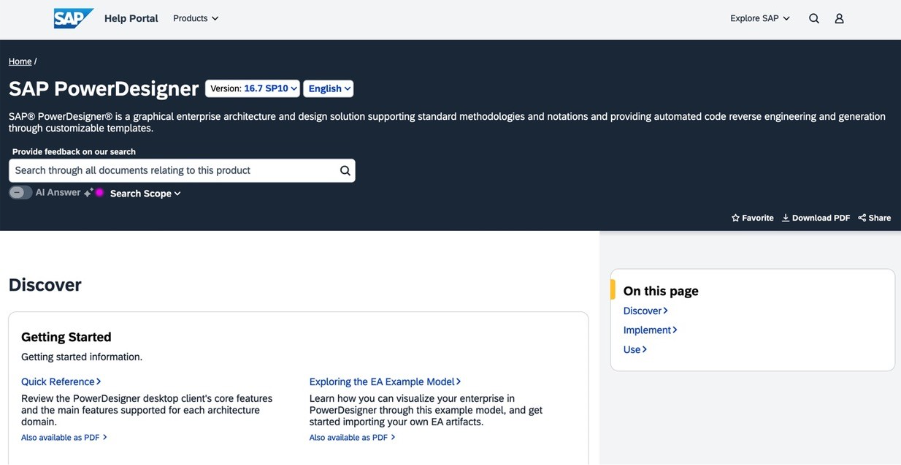
Still on PowerDesigner? Look up your 16.7 dates in SAP’s matrix, list the models you have, and try importing them into whichever tool you’ll probably move to. A trial import of one large model shows what converts cleanly and what you’ll rebuild by hand. Starting a new project on PowerDesigner makes little sense now.
MySQL Workbench 26 Lists No Data Modeling
In September 2026, Oracle released MySQL Workbench 26.7, a rebuild on top of MySQL Shell. Oracle’s own word: Workbench 8.0 is at end of life, and no new releases are coming. It’s open source, with builds for Windows, macOS and Linux.
Its feature list covers the SQL editor, SQL notebooks, Visual Explain, server administration, performance reports, backups and migration to HeatWave. It doesn’t list EER diagrams or forward and reverse engineering, and Oracle says some Workbench 8 features “may not be available yet”.
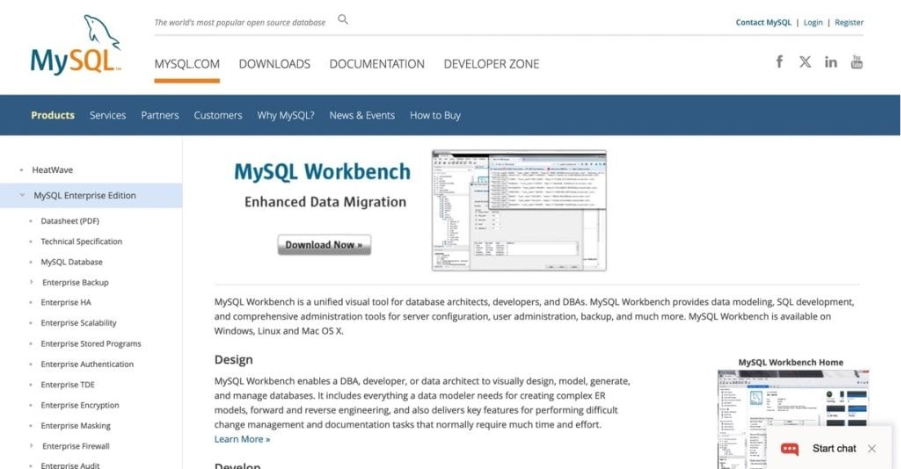
MySQL teams have two options. You can hold on to 8.0.47, the latest 8.0 release, for the models you already have and keep an eye on the 26.x line. The other route is moving your modeling into DbSchema, Navicat Data Modeler or dbdiagram.io, all of which speak MySQL. Watch the server version too. Version 26.7 is officially supported on MySQL 8.4 LTS and newer, and on MySQL 8.0 it may run without that support. Still deciding on the database itself? Our PostgreSQL vs MySQL comparison can help.
AI Assistants Reached the Modeling Tools
Several data modeling tools now generate draft models from plain language. ER/Studio has ERbert, an AI Modeling Assistant. Quest’s claim for erwin is that GenAI auto-generates data models and database designs. SqlDBM went with an AI Copilot and MCP connectivity. Over at dbdiagram.io you describe a schema in words and get it back drawn, while DbSchema’s AI Assistant is a $9 monthly add-on.
None of that output is finished work, though. Somebody who knows modeling still has to go over the keys, data types and naming before DDL heads to production.
What Does a Data Modeling Tool Actually Do?
Business requirements go in one end of a data modeling tool, and out the other comes a database design you can build, check and change later on. Draw the entities, connect them, give them keys and data types; the DDL for your platform gets generated from that.
Reverse direction works as well. Aim it at an existing database and it rebuilds the diagram, which is how most teams document a legacy system before changing it. Compare the model with the live schema afterward and you’ll get an alter script, so no one has to hand-write a migration.
Spreadsheets and whiteboards cope with small schemas, but past a few dozen tables, or once several people edit, they stop being much use. That’s the gap data modeling tools fill: a data dictionary, naming standards, version history, and impact analysis when any column changes. That is also why they show up in data architecture and governance programs, not only in database design.
How We Compared the Tools
Every data modeling tool got checked on the same fields, which is why the table above has no empty cells:
- Model levels: conceptual, logical and physical, plus dimensional or Data Vault if the vendor offers them.
- Forward and reverse engineering: model to DDL one way, and live database back to model the other.
- Database coverage: the relational databases most teams run, as well as cloud data warehouses and NoSQL stores.
- Collaboration and versioning: a shared repository, Git support, comments and a change history.
- Documentation: a data dictionary, plus generated docs.
- Pricing: whether the vendor publishes prices, the billing basis, and the free edition or trial.
Enterprise Data Modeling Tools
ER/Studio
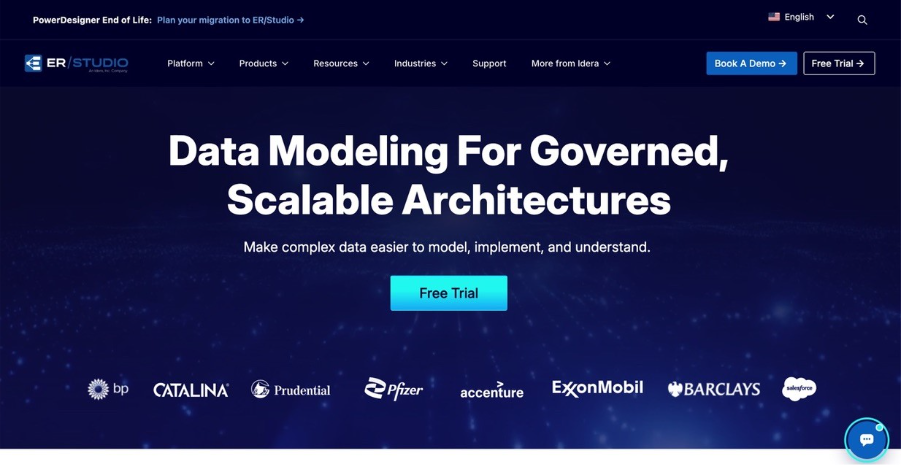
Idera built ER/Studio for architects looking after big logical and physical models that span lots of database platforms. There are three editions. What changes as you go up is teamwork, not the modeling itself.
Key features:
- All three model levels, with logical models converted to physical ones automatically.
- Naming standards, reusable data domains, and engineering in both directions (forward and reverse).
- Data Architect Pro brings a central repository (check-in, check-out, version history) and an Enterprise Data Dictionary.
- ER/Studio Enterprise layers on Team Server, a web portal and Microsoft Purview and Collibra integrations.
- Version 20.9 reverse-engineers JSON stored inside database columns; Idera has announced Microsoft Fabric modeling for 21.2.
Pricing: Idera lists Data Architect at $2,687 per user and Data Architect Pro at $3,693 per user, both as total subscription prices. Enterprise is sold on quote. You get 14 days to try it, no credit card required.
Limits: Small teams will mostly find the price too high, and collaboration only arrives with the Pro edition.
erwin Data Modeler
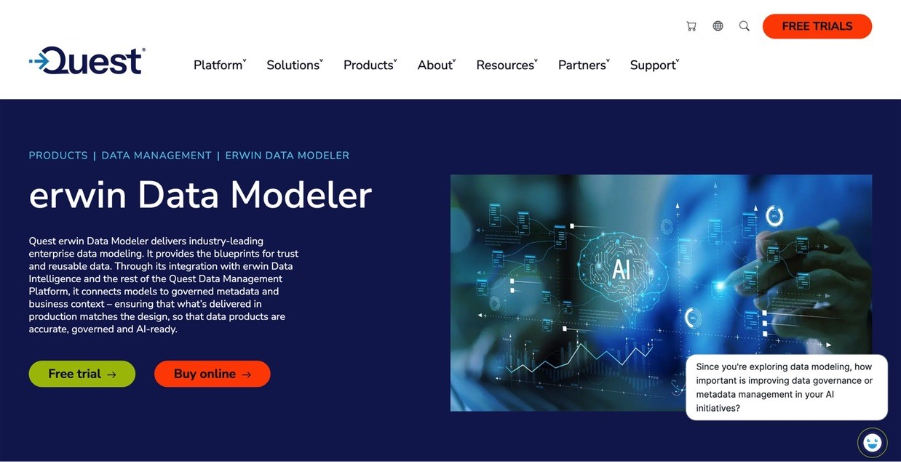
erwin Data Modeler now belongs to Quest’s erwin Data Management Platform, where modeling and governance are sold together. Its edge comes from erwin Data Intelligence, because the business definitions you write in a model end up in the catalog.
Key features:
- Conceptual, logical and physical models with complete compare and reverse engineering.
- Git version control, enterprise glossary integration and the ER360 collaboration portal.
- erwin Mart with cloud SaaS options for shared model storage.
- On the database side it covers Oracle, SQL Server, PostgreSQL, MySQL and IBM Db2, and also Snowflake, Databricks, Google BigQuery, Teradata, MongoDB, Cassandra and Neo4j.
- GenAI features that generate data models and database designs.
Pricing: You won’t find a list price on Quest’s product page. You request pricing or buy through Quest’s online store, and a free trial is available.
Limits: It pays off when you also use the erwin governance stack. A team that only needs diagrams and DDL will pay for more than it uses.
Cloud and Team Data Modeling Tools
SqlDBM
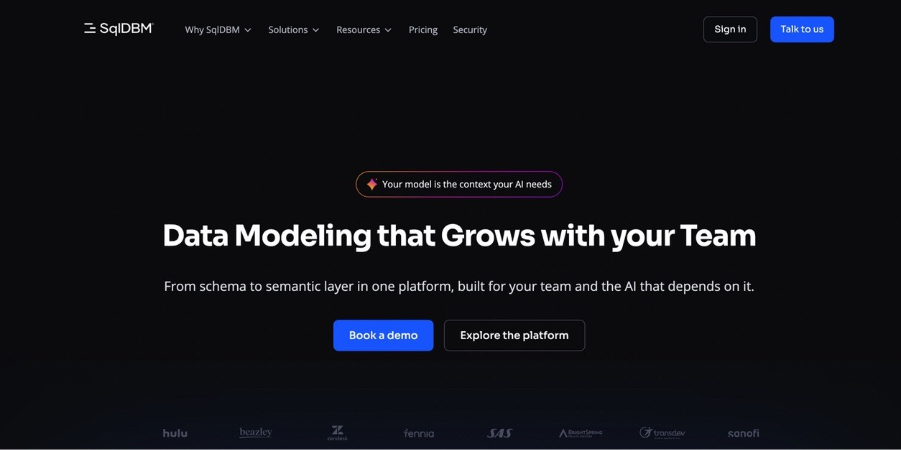
SqlDBM runs in the browser and was designed around cloud data platforms. Since it supports Snowflake, Databricks, BigQuery, Amazon Redshift and Azure Synapse, warehouse teams get to model next to their data.
Key features:
- Conceptual, logical and physical models, reverse and forward engineering, and generated alter scripts.
- Version control and concurrent editing, plus comments, view-only users and approval workflows.
- Hooks into dbt, Git, Jira and Confluence, with HTML documentation on top.
- An AI Copilot, MCP connectivity and semantic modeling.
- SOC 2 Type II, per the vendor.
Pricing: Per user, on quote. AI Copilot credits are the one extra; everything else comes in the base price.
Limits: There’s no public price. And since it’s SaaS, your models sit in SqlDBM’s cloud unless you pay for the optional customer-hosted storage.
DbSchema
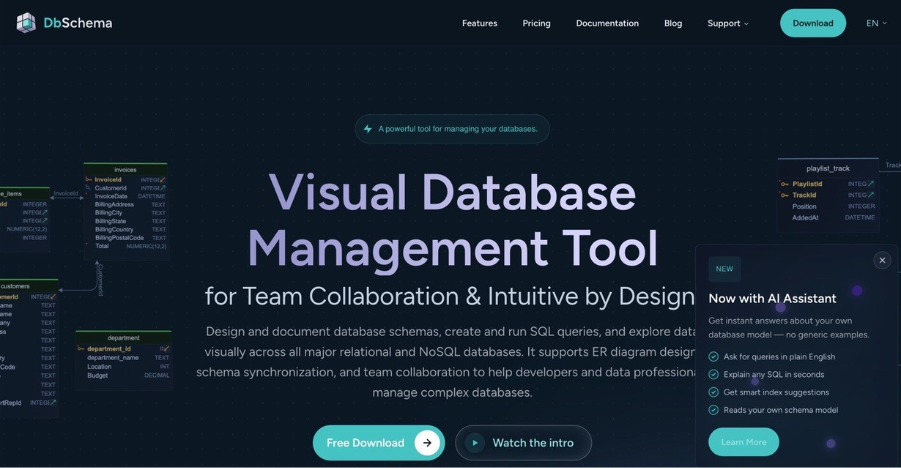
DbSchema is a desktop designer that handles relational and NoSQL databases (MongoDB too). Developer teams like it because the schema lives in a file you can branch, diff and push through a pull request in Git.
Key features:
- Visual design, reverse engineering and schema synchronization.
- Schema changes go through Git, and you can work offline against any database.
- The free Community edition can connect, reverse-engineer, draw diagrams and run SQL.
- An optional AI Assistant ($9 a month) with credits for ChatGPT, Claude and DeepSeek.
Pricing: Personal use of Pro is $19.60 a month or $196 one time; business use is $29.40 a month or $294 one time. For the Architect edition, personal use runs $31.36 a month or $313.60 once, while business use is $47.04 a month or $470.40 once. A floating Pro Business perpetual license costs $1,168. Downloads come with 15 days to try it. And a perpetual license includes a year of updates (handy to remember when you hold it up against the monthly price).
Limits: Need glossaries or catalog links? ER/Studio and erwin take governance a lot further.
Navicat Data Modeler, a Desktop Option
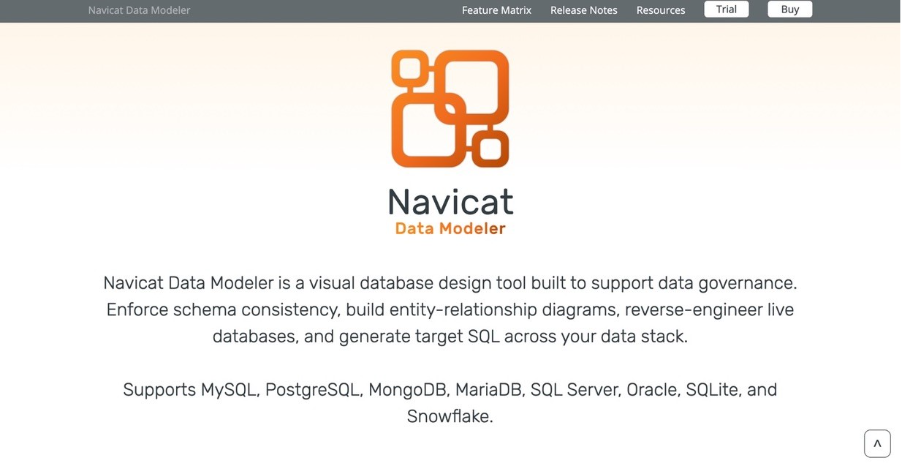
Navicat Data Modeler is a single desktop app for Windows, macOS and Linux, and it connects to MySQL, PostgreSQL, MongoDB, MariaDB, SQL Server, Oracle, SQLite and Snowflake, so it suits shops running several of those.
Key features:
- All three levels, and a model can be converted from conceptual to logical to physical.
- Relational, Dimensional, Data Vault 2.0: those are the methods on offer.
- Notation is your call, whether that’s Crow’s Foot, IDEF1X or UML.
- Reverse engineering over a direct connection or ODBC, sync from model to database, and SQL export.
- Navicat Collaboration syncs model workspaces to the cloud.
Pricing: Prices are on Navicat’s online store. There’s also Navicat Data Modeler Lite, which costs nothing.
Limits: Because there’s no built-in Git versioning, teams share workspaces through Navicat’s cloud instead.
Lucidchart
Lucidchart, to be fair, was never built as a data modeler. It’s a general diagramming app, and the entity-relationship shape library is one part of it. Where it does pay off is with business stakeholders, the people who would never open a database tool but still need to read the model.
Key features:
- On every plan you can import a query result file from your database (CSV, TSV or TXT), and Lucidchart turns it into tables and fields.
- Everything happens in the browser. Team licenses add commenting, revision history with versioning, and integrations with Confluence and Jira.
Pricing: Free gets you three editable documents, each capped at 75 shapes. Individual is $9 a month billed annually, and Team and Enterprise are per-user plans. There’s a seven-day trial, and Lucid asks for payment details when you sign up.
Limits: No DDL generation or schema compare. Fine for presenting a model; managing one is another job entirely.
Dbdiagram.io
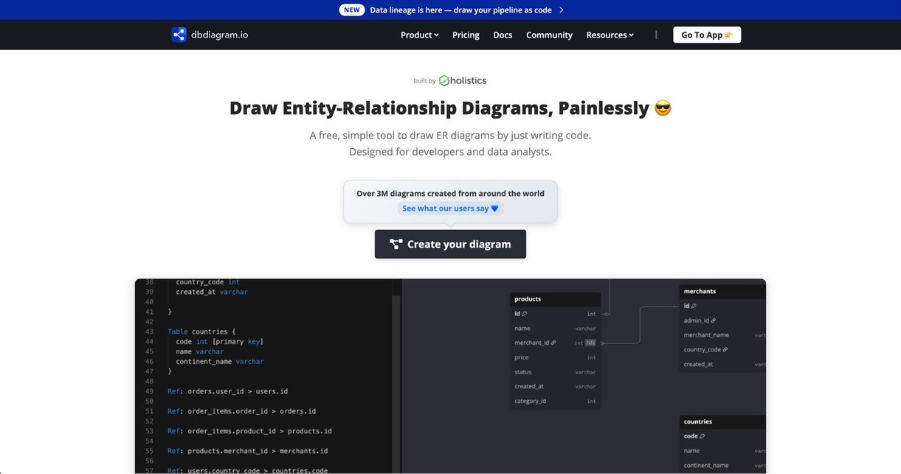
dbdiagram.io works the way many developers like: type the schema in DBML and watch the diagram draw itself. It suits small teams that want diagrams under version control without a desktop install.
Key features:
- Diagrams come from DBML, SQL comes out the other side, and you can import from SQL databases or dump files.
- Several people can edit at once, and there’s an AI that drafts a schema after you describe what you need.
- dbdocs publishes the schema as browsable documentation.
Pricing: The Free plan covers up to 10 diagrams for one user, with SQL import and export. Personal Pro costs $8 a month billed annually or $14 billed monthly. Team costs $75 a month billed annually ($100 monthly) for three users, with extra users at $5 ($7 monthly), and comes with a seven-day trial.
Limits: It works at the physical level. There are no conceptual or logical layers.
Free and Open-Source Data Modeling Tools Worth Trying
Oracle SQL Developer Data Modeler (Free)
Of the free modelers here, Oracle SQL Developer Data Modeler covers the most ground. Version 24.3.1 is current, and it runs on Windows, Linux and macOS (with separate Intel and ARM builds for the Mac).
Key features:
- Covers logical, relational, physical, multidimensional and data type models.
- Forward and reverse engineering, aimed mainly at Oracle.
- Subversion integration for versioning.
Pricing: Free, under the Oracle Free Use License.
Limits: Oracle comes first here, and for versioning you get Subversion rather than Git.
pgModeler
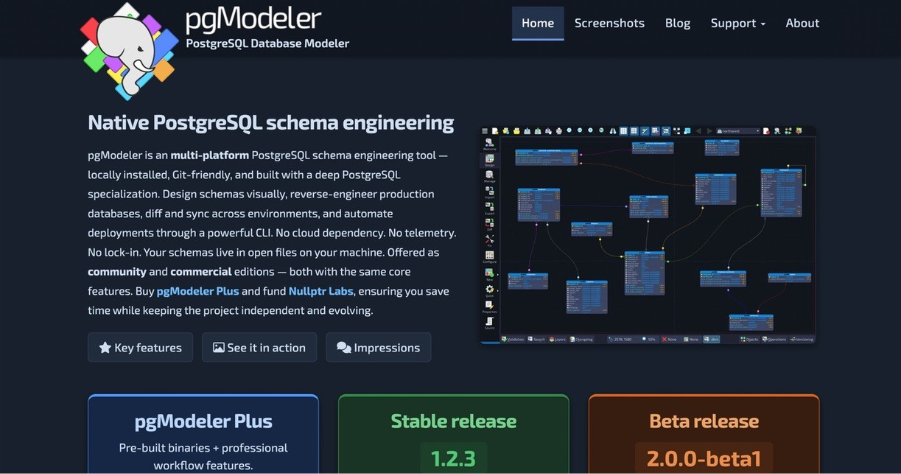
pgModeler handles PostgreSQL and nothing else. It installs locally and keeps your models as open files on your own machine. Community is free as source code, while pgModeler Plus brings pre-built installers and some extras.
Key features:
- Visual schema design, reverse engineering from production databases, and diff and sync between environments.
- A command-line interface you can script deployments with.
- Extras only in Plus, like fast object search and a backup and restore utility; the 2.0.0-beta1 release from September 2026 puts a full Git client in Plus.
Pricing: Compile the Community edition yourself and it’s free. Plus is licensed per platform: 6 or 12 months for a single seat, or a perpetual license covering two seats.
Limits: It’s PostgreSQL only, and going free means building from source.
Best Data Modeling Tool for NoSQL Data: Hackolade Studio
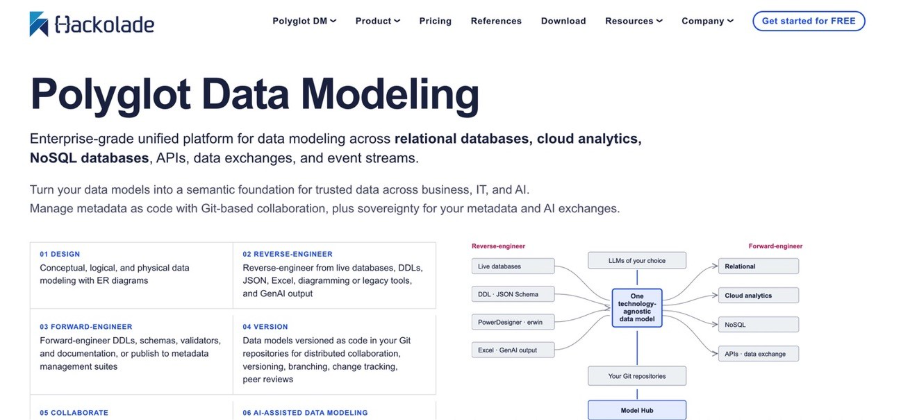
Hackolade Studio models document, key-value, graph and relational databases, plus storage formats and APIs, in one tool. It is the strongest choice when JSON structures matter more than tables.
Key features:
- SQL and NoSQL targets share one polyglot model here.
- You’ll need Professional or Workgroup for forward and reverse engineering, by the way.
- Native Git integration in Workgroup, with versioning, branching and peer review.
- Collibra integration as a paid add-on.
Pricing: Hackolade lists prices in euros. Workgroup costs €175 per seat per month or €1,750 per year; concurrent seats are quoted. The Community edition is free, runs in the browser and allows up to 50 model objects, without forward or reverse engineering. The 14-day trial needs no credit card.
Limits: The free edition is a learning tool. Real projects need a paid edition.
How to Choose a Data Modeling Tool
| Your situation | Pick | Why | What to test in the trial |
|---|---|---|---|
| Large enterprise models, governance team, catalog in place | ER/Studio or erwin | Repository, standards, catalog links | Reverse-engineer your biggest schema and generate DDL for your main platform |
| Leaving SAP PowerDesigner | ER/Studio, erwin or Hackolade | All three run PowerDesigner migration programs; ER/Studio imports models directly | Import one large PowerDesigner model and list what didn’t convert |
| Snowflake or Databricks warehouse, dbt in use | SqlDBM | Cloud-native, dbt and Git integrations | Model one dbt-managed schema and generate an alter script |
| Developers who want schemas in Git | DbSchema or dbdiagram.io | Schema files you branch and review | Open a pull request with a schema change |
| MySQL shop that used Workbench modeling | DbSchema, Navicat or dbdiagram.io | Workbench 26.7 lists no modeling | Reverse-engineer your MySQL database and compare against the live schema |
| Business stakeholders review the model | Lucidchart | Diagrams anyone can comment on | Import your schema and share it with a reviewer |
| Zero budget | Oracle SQL Developer Data Modeler or pgModeler Community | Free | Check that your target database is supported |
| MongoDB or JSON-heavy data | Hackolade Studio | Polyglot modeling | Reverse-engineer one collection and review the inferred schema |
Run every trial of a data modeling tool on a real model, not a sample. Copy this checklist into your pilot notes:
- Reverse-engineered our largest production schema without errors
- Generated DDL that runs on our target database
- Compared the model with the live database and got a usable alter script
- Two people edited the model; changes were tracked and reviewable
- Generated documentation a new hire could read
- Total yearly cost for our seat count, with the billing basis written down
Trials are short: ER/Studio and Hackolade give 14 days, DbSchema gives 15, and Lucidchart and dbdiagram.io’s Team plan give seven. Line up the test model before you start the clock.
Types of Data Models Your Tool Should Support
In practice three levels are plenty for most teams, and a decent set of data modeling tools will carry one design across all of them so nobody types it twice:
Conceptual model: the business entities and how they fit together, while data types wait for a later stage. This is usually the version a stakeholder signs.
Logical model: attributes, keys and relationships, but you haven’t committed to a database yet.
Physical model: the tables, columns, indexes and constraints for one platform, ready for DDL generation.
For warehouses there’s a fourth, the dimensional model, where dimension tables surround fact tables and the design is built with reporting queries in mind. Data Vault 2.0 is on the menu in Navicat Data Modeler too, built from hubs, links and satellites for sources that keep changing.
Coverage differs. ER/Studio, erwin, SqlDBM and Navicat cover all three main levels. dbdiagram.io and pgModeler work at the physical level only. Our guide to data warehouse development practices covers how these layers play out in a warehouse project.
From Data Model to Loaded Warehouse
A model describes the target. Data still has to flow in from your apps and databases, stay current, and make it through the next schema change. That is the integration layer’s job.
Skyvia, a no-code platform, brings 200+ connectors to that job. Once you have a physical model, you’ll use different Skyvia features depending on where the data comes from:
Replication is what you’d use for app data, because it lands that data in a database or in BigQuery, Snowflake, Amazon Redshift, Azure Synapse or Databricks. You don’t create the tables yourself; Skyvia does. The first run is a full load. From then on, only new or changed records come across.
Maybe the tables are already built from your model. In that case Import fits, reading a CSV file, a table or a query result and running insert, update, upsert or delete against them.
Multi-step transformations with lookups or conditional splits need another feature. That’s Data Flow, from the Standard plan up. Control Flow, on Professional and up, runs integrations one after another or in parallel.
Your dbt Core project can run from Git too, on a schedule or straight after replication inside a Control Flow, so modeling-as-code never leaves your repository. Our walkthrough of Skyvia with dbt shows the setup.
Two limits to plan for: Skyvia doesn’t design models, and it doesn’t detect source metadata changes automatically. When your model changes, update the mapping. For the difference between loading before or after transformation, see our ETL vs ELT guide.

To start, the Data Integration Free plan allows 10,000 records a month. Paid plans start at $79 a month on annual billing, and it’s $99 when you pay month by month. For a first test, set up a replication into the warehouse you just modeled and compare the tables that show up with your design.

FAQ for Data Modeling Tools

Does SQL count as a data modeling tool?
No. SQL builds and queries the database. You design the structure in a data modeling tool, and the tool produces that SQL for you. Most of them generate DDL for whichever platform you target, and they work in reverse too, turning an existing database into a diagram.
Is PowerDesigner being discontinued by SAP?
It appears so, though SAP’s own date sits behind a login. On its public support page SAP lists end-of-maintenance dates for 16.5 and 16.6 but points 16.7 customers to the Product Availability Matrix. Idera, ER/Studio’s vendor, says end of life comes in December 2027. Rely on it today? Try importing a model into ER/Studio, erwin or Hackolade before planning the move.
Does MySQL Workbench still have data modeling?
Yes in Workbench 8.0, though Oracle says that version is at end of life with no new releases coming. The 26.7 release from September 2026 doesn’t list EER diagrams, or forward and reverse engineering, as features. If you model MySQL today, DbSchema, Navicat Data Modeler and dbdiagram.io are where to look.
Which free data modeling tool should I start with?
Oracle SQL Developer Data Modeler, mostly because it covers logical, relational, physical and multidimensional models at no cost. If you’re on PostgreSQL, pgModeler Community is free once you build it from source, and DbSchema and Hackolade also have free Community editions, though those come with fewer features.
Can a data modeling tool reverse engineer an existing database?
Yes. It’s usually where a team starts with any new tool. That’s possible in ER/Studio, erwin, DbSchema, Navicat Data Modeler and Oracle SQL Developer Data Modeler, which all draw a diagram from a live database. Hackolade keeps reverse engineering for Professional and above.
What separates ER/Studio from erwin Data Modeler?
Less than you’d think on the modeling side, since both are enterprise tools for conceptual, logical and physical work. ER/Studio lists subscription prices for its first two editions ($2,687 and $3,693 per user) and adds teamwork through a repository. erwin, sold on request, connects models to the erwin Data Intelligence catalog. Already running Quest’s governance stack? Then erwin is the pick.
What role does data modeling play in ETL?
The model is basically the blueprint for where data ends up: the tables, how they relate, and what each column should hold. Extracting from the sources, mapping to that structure and loading it is then the integration tool’s part of the job. Clear models mean fewer mapping errors, and the reports come out cleaner too.
The model says what goes where. Now the data has to get there. Skyvia pulls it from 200+ cloud apps and databases into the tables you designed, on a schedule, and there’s a free plan to begin with. Create a free Skyvia account and run your first load into the new schema.