Summary
- Data reporting tools turn data from your systems into tables, charts and dashboards that people read.
- The billing model decides cost more than the entry price: per user, by capacity, by credits or by plan limits.
- Power BI suits Microsoft shops, Domo suits many viewers, and Data Studio is free to start.
- Check what a free tier leaves out, such as sharing, users or rows.
- Skyvia is not a reporting tool; it loads and exposes the data that reporting tools read.
Rows pile up in your systems, and data reporting tools are what turn them into tables, charts and dashboards someone will read. Choosing among them is the tricky bit. Take pricing: one vendor charges per user, another per credit, another per gigabyte, and even a single product can show several prices once you open the plan list.
Below, we compare ten data reporting tools using entry prices from each vendor’s US pricing page, read in October 2026. We also cover what a reporting tool does, how to choose one, and which team gets the most from which. Here’s the catch: every reporting tool depends on fresh data from somewhere, and Skyvia fits in that step.
How We Picked and Compared the Tools
We started from the tools that most of the top-ranking lists for this search name, then kept ten that cover the four types of reporting tool described below. For each one we read the vendor’s own US pricing page and product documentation, and we compared them on one thing first: how the tool is billed, because that decides what it costs as the team grows. Prices and plan limits are accurate as of October 21, 2026.
A few popular names are left out on purpose. Looker, Google’s enterprise BI platform, is sold as platform editions with users included and annual terms through Google Cloud sales, so we cover Google through Data Studio, which anyone can start with for free. Marketing reporting tools such as Whatagraph serve campaign reports for agencies, and Coupler.io stands in for that kind of tool here. Excel is where many reports end up, but it is a spreadsheet, not a reporting tool.
We make Skyvia, a data integration platform. It isn’t a reporting tool, so it isn’t ranked here; the last section explains where it fits.
Data Reporting Tools Compared
Here’s how each tool is billed and what it costs to start, side by side. Every price below comes from the vendor’s own US pricing page, read in October 2026. Prices move often (check the vendor page before you buy).
| Tool | How it is billed | Entry price (US) | Free option |
|---|---|---|---|
| Tableau | Per user | Standard from $15 a user a month, Enterprise from $35, billed annually | Tableau Desktop Free Edition, files stored locally |
| Power BI | Per user | Pro $14.00 a user a month, Premium Per User $24.00, paid yearly | Free account and free Power BI Desktop |
| Coupler.io | By plan (accounts, rows per run, refresh frequency) | Starter $24 a month, billed annually | Free plan |
| Domo | Credits, unlimited users | Custom pricing by volume | 30-day free trial, no credit card |
| Data Studio (formerly Looker Studio) | Free to start, paid Data Studio Pro | Free; Pro price not listed on Google’s public pages | Free to start |
| Zoho Analytics | By plan (users and rows) | Paid prices shown by region on Zoho’s page, not a single US list price | Free plan: 2 users, 10K rows; 15-day trial |
| Sisense | Enterprise and Self-serve plans, aimed at embedding | Enterprise: talk to sales | Self-serve: try free |
| Qlik Cloud Analytics | Capacity (users and GB) | Starter $300 a month for 10 users and 10 GB, billed annually | Free trial |
| SAP Analytics Cloud | Usage-based, in blocks of 1 user, 3 to 12 month contract | No public price | None listed |
| IBM Cognos Analytics | Per authorized user | Standard and Premium tiers; IBM shows indicative prices that vary by country | None listed |
Data Reporting Tools in a Nutshell
Aim a reporting tool at your data, shape tables, charts and dashboards from it, and share them with whoever needs them. That’s the whole job. Many tools can refresh their data on a schedule, so reports stay up to date without someone manually pulling the latest numbers.
Business intelligence (BI) platforms overlap with reporting tools, and where one ends and the other begins is a matter of degree. Here’s one way to tell them apart: reporting tools exist to produce and distribute a fixed set of reports. A BI platform goes further into open-ended exploration, where users cut the data in ways nobody planned. Plenty of products on this list do both jobs.
Charts and dashboards are only part of the job. Some teams need reports emailed automatically, while others care more about keeping metrics consistent or controlling who gets to see what. And if those reports need to appear inside your own app, that’s another thing to check. Figure out what matters to your team before comparing prices.
By what they are built for, the ten tools fall into four types:
| Type | Built for | Tools in this guide |
|---|---|---|
| BI and visualization platforms | Dashboards and exploration for business users | Tableau, Power BI, Qlik Cloud Analytics, Domo, Data Studio, Zoho Analytics |
| Reporting automation | Pulling data from many sources into scheduled reports | Coupler.io |
| Embedded analytics | Putting charts and reports inside your own application | Sisense |
| Enterprise suites | Large organizations buying through licenses and contracts | SAP Analytics Cloud, IBM Cognos Analytics |
Picking the Right Reporting Tool
Don’t start with the product. Start with the report. Who reads it, how often does it refresh, and where do the numbers live? Settle those three questions before you open a single vendor page. After that, test each candidate against the criteria below.
| Criterion | What to check |
|---|---|
| Connectors | Does it read your sources directly, or do you need to load the data somewhere first? |
| Refresh and scheduling | How often can a report update, and does a faster schedule cost more? |
| Sharing and licenses | Can the people who read the report open it on your plan, or does each viewer need a paid seat? |
| Governed metrics | Can one definition of “revenue” be defined once and reused in every report? |
| Security | Can you limit which rows or reports each person sees? |
| Embedding | Do you need reports inside your own product? |
| Pricing model | Per user, per capacity, per credit or per row, and what happens as the team grows? |
The pricing model decides more than the entry price. Four models show up in this guide.
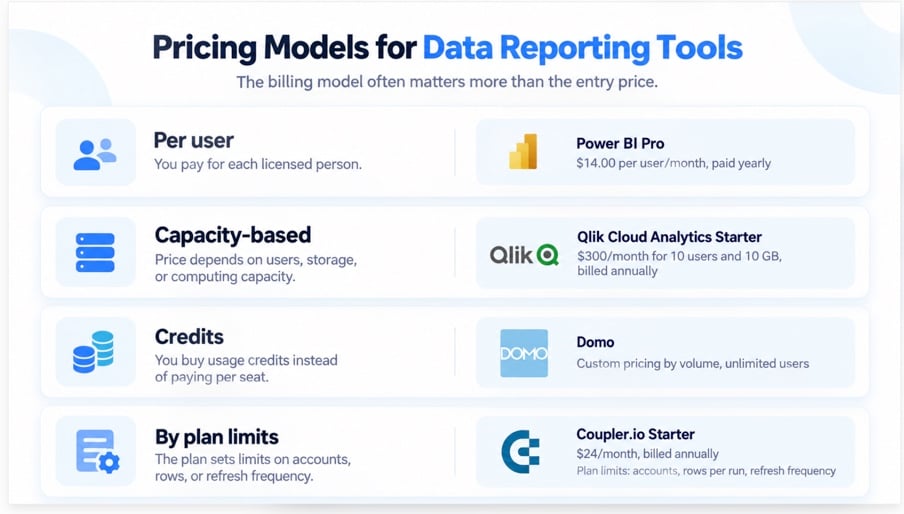
- Per user. Power BI, Tableau and IBM Cognos bill for every licensed person. Say you buy ten Power BI Pro licenses: that’s 10 x $14.00 = $140 a month, paid yearly. Each additional person needing access raises the bill.
- Capacity. Qlik Cloud Analytics prices its tiers by users and by data volume. Starter is $300 a month billed annually for 10 users and 10 GB, and Standard raises storage to 25 GB at $825. SAP Analytics Cloud is licensed through SAP Business Data Cloud core capacity.
- Credits. Domo works on credits, so you pay for what you use, with unlimited users and no per-seat fees.
- By plan limits. Both Coupler.io and Zoho Analytics put limits on accounts, users and rows. Coupler.io Starter is a good example: it allows 1 user, 3 accounts, 1 destination and 5,000 rows per run.
A free tier lets you try the interface, but it’s worth reading what’s missing from it first. Sharing is where a free Power BI account stops, because sharing needs Pro or Premium. Tableau Desktop Free Edition saves everything locally.
Which Reporting Tool Fits Which Team
| Your situation | Start with | Why |
|---|---|---|
| Your company already runs on Microsoft 365 | Power BI | Pro is $14.00 a user a month, and it is included in Microsoft 365 E5 |
| You want to start without paying | Data Studio, Power BI Desktop or Zoho Analytics Free | Data Studio is free to start, Power BI Desktop is a free download, and Zoho’s free plan covers 2 users and 10K rows |
| Many people only need to view reports, and per-seat fees hurt | Domo | Unlimited users, credit-based pricing |
| A small team needs scheduled reports from many SaaS sources | Coupler.io | Starter is $24 a month billed annually, with 400+ sources and a daily refresh |
| You want a fixed monthly bill for a mid-sized team | Qlik Cloud Analytics | Starter is $300 a month billed annually for 10 users |
| You ship analytics inside your own product | Sisense | Both plans are aimed at embedding |
| You already run SAP or IBM and buy through contracts | SAP Analytics Cloud or IBM Cognos Analytics | Both are sold through enterprise licensing |
The Ten Tools in Detail
Tableau
Tableau is a visual analytics tool that turns files and databases into dashboards and charts. Tableau Standard starts at $15 a user a month, Enterprise at $35, and both are billed annually. Tableau Cloud+ and the Tableau+ Bundle are sold by contacting Tableau. At least one Creator license is required in every deployment. You can author in Tableau Desktop Free Edition on Excel, CSV and database files, though everything stays on your computer.
Power BI
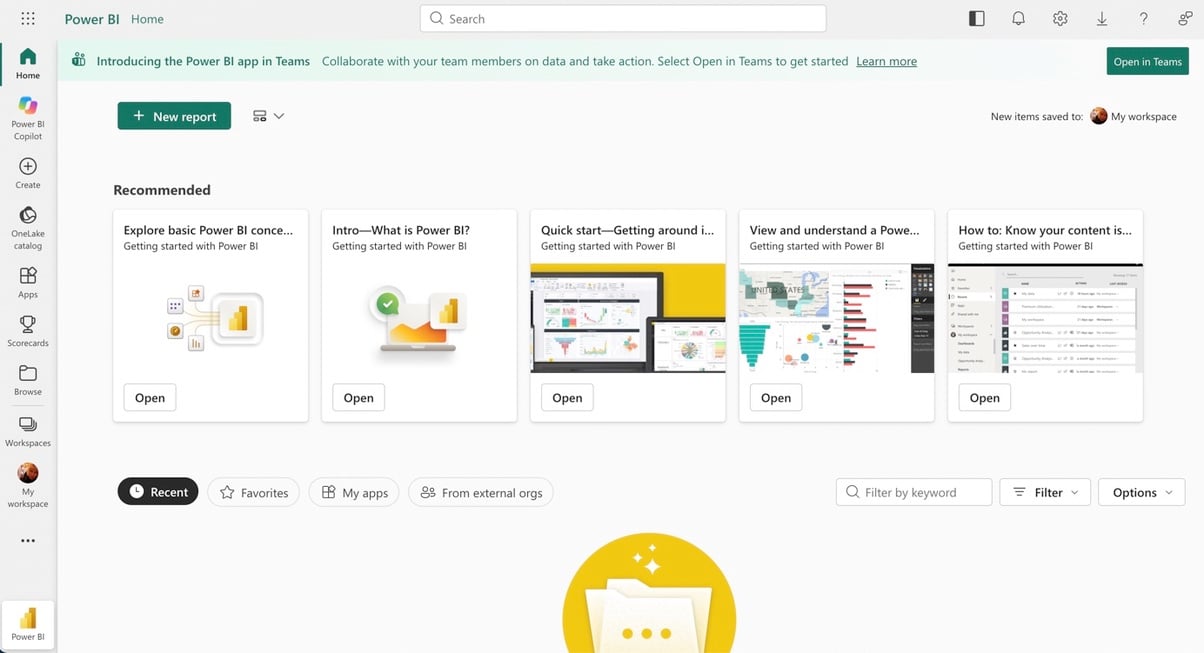
Power BI is Microsoft’s reporting and BI tool. If your company already pays for Microsoft 365, it’s the obvious pick, since Pro comes with the E5 plans. Otherwise Pro costs $14.00 a user a month paid yearly, and Premium Per User costs $24.00. You can build on a free account, but sharing takes Pro or Premium. You can download Power BI Desktop for free.
Coupler.io
Reports for marketing, sales or finance often draw on many apps. Coupler.io pulls data from 400+ sources on a schedule. Starter costs $24 a month, Active $99 and Pro $199 when billed annually. Starter includes 1 user, 3 accounts, 1 data destination, a daily refresh and up to 5,000 rows per run. Compare them with your largest report before you commit. A free plan is listed too.
Domo
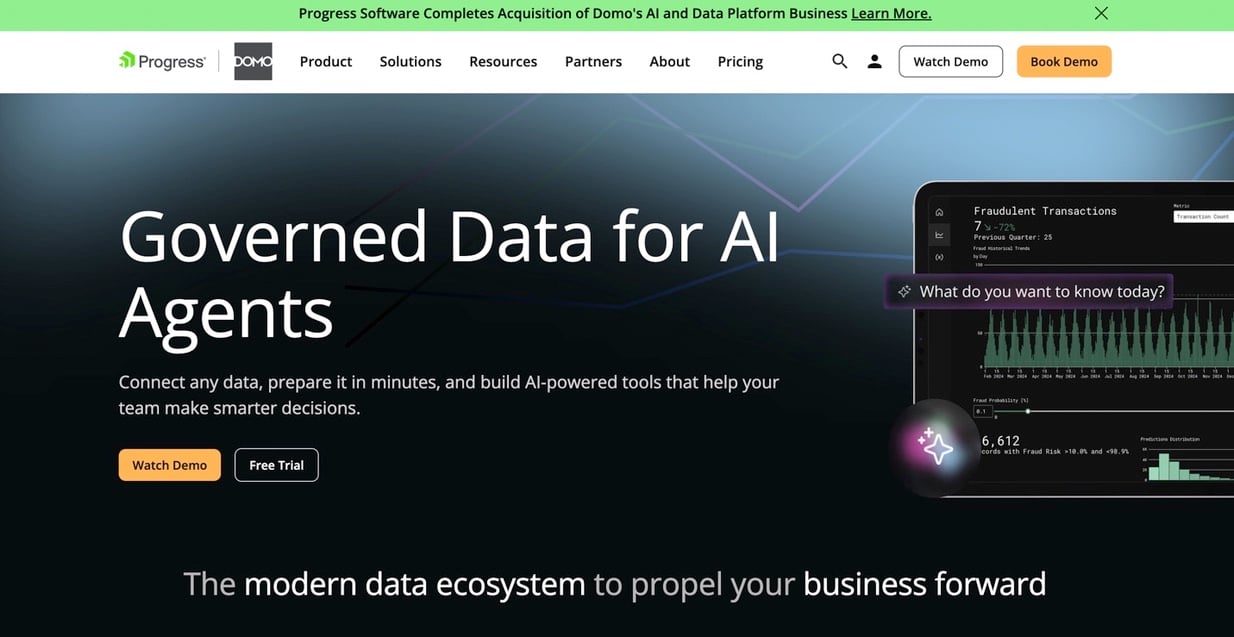
Domo is a cloud platform where dashboards and data connections live together. No per-seat fees here: users are unlimited, and credits mean you pay for what you use. Volume discounts are custom. There is a 30-day free trial with no credit card. Domo’s pricing page also announces that Progress Software completed the acquisition of Domo’s AI and data platform business, so ask about the roadmap if you plan a long contract.
Data Studio
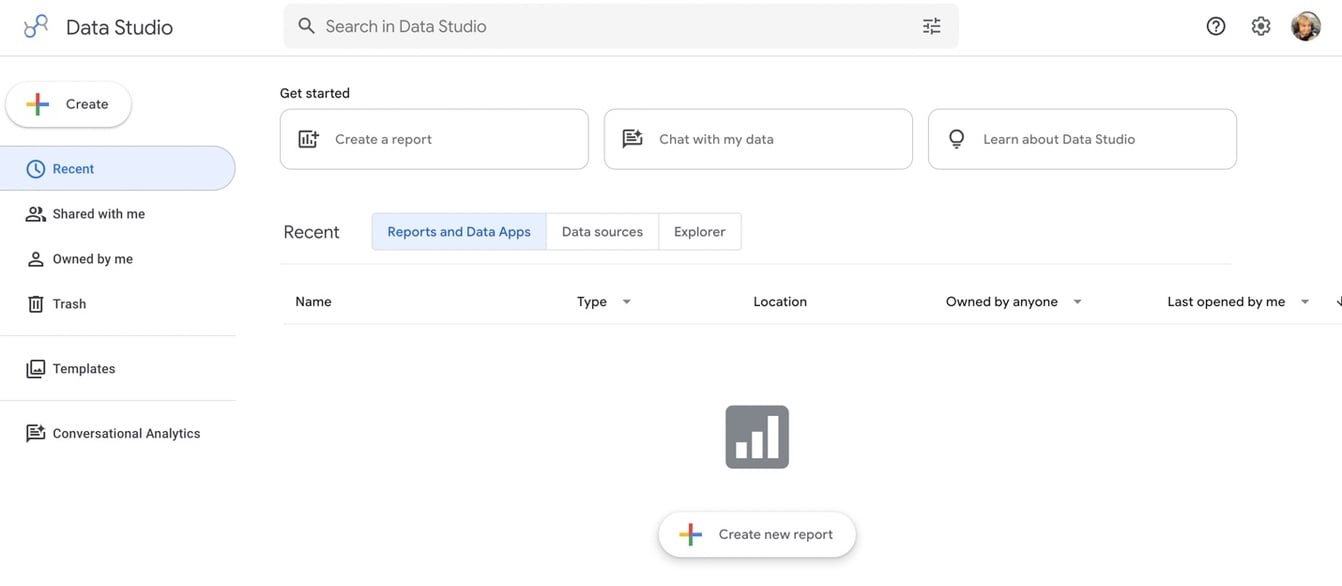
Google renamed Looker Studio back to Data Studio in April 2026. It is free to start, and a paid Data Studio Pro subscription is also available; Google doesn’t list the Pro price on its public pricing pages. Despite the old description, it isn’t open source. In Google’s documentation you’ll find connectors, data blending, calculated fields and sharing.
Zoho Analytics
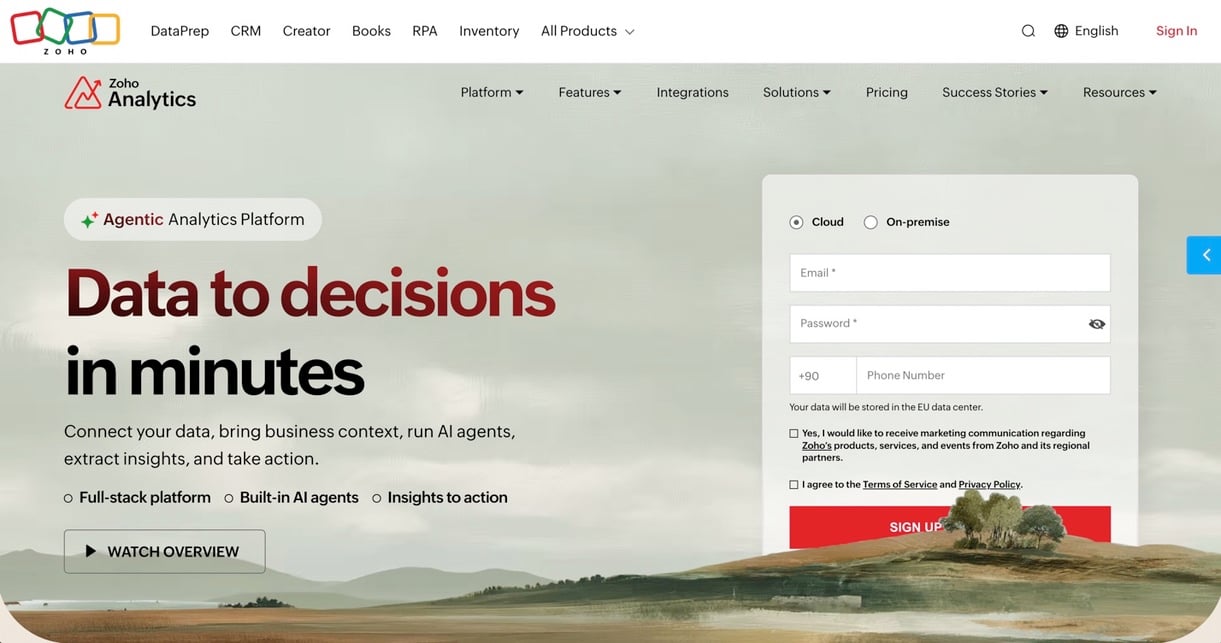
Zoho’s reporting and BI product goes by the name Zoho Analytics. Plans are tiered by users and rows. Basic starts at 2 users and 0.5M rows, Standard covers 5 users and 1M rows, Premium 15 users and 5M rows, and Enterprise 50 users and 50M rows. There’s a 15-day free trial (no credit card), plus a Free plan with 2 users, 10K rows and 5 workspaces. Zoho shows paid prices by region rather than one US list price, so check the figure for your country on its pricing page.
Sisense
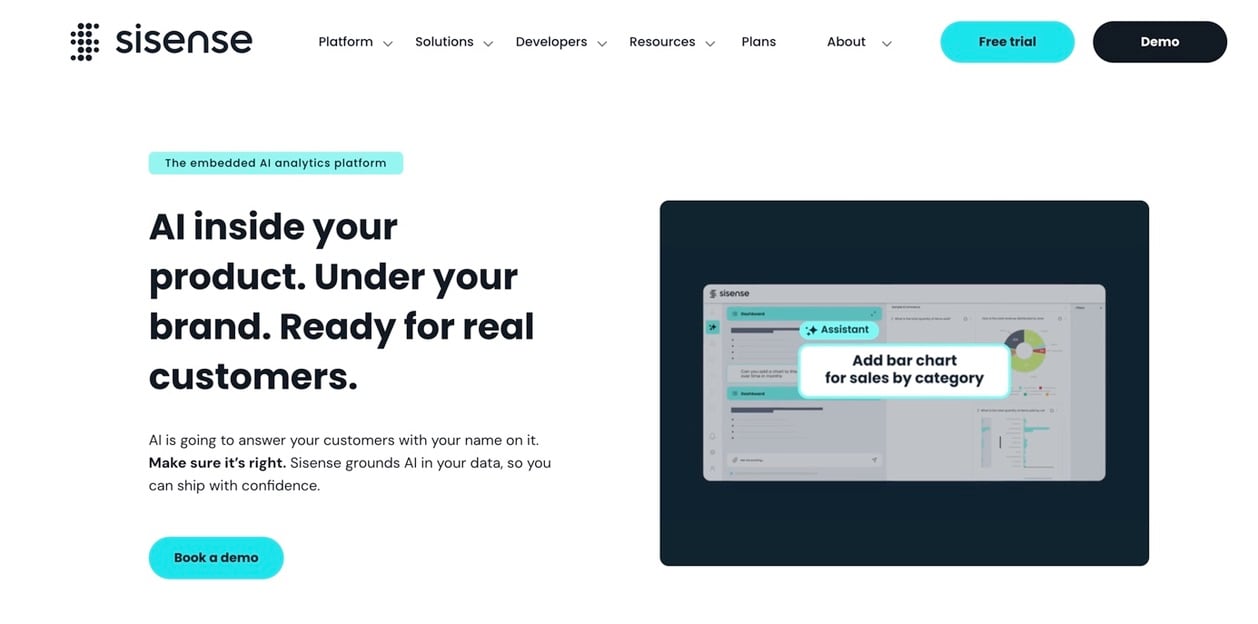
Sisense aims at one thing in particular: analytics embedded in other applications. Two plans are listed: Enterprise, where you talk to the vendor, and Self-serve, which you can try free. No price appears for either, so beyond the trial, plan on a conversation with sales.
Qlik Cloud Analytics
Qlik Cloud Analytics prices by capacity. Starter runs $300 a month and covers 10 users and 10 GB of data. Standard costs $825 a month for 25 GB (more capacity is added in 25 GB steps), Premium costs $2,750 a month, and all of it is billed annually. A free trial is available. Because capacity plans give a predictable monthly bill, compare the data limit with the size of your largest dataset.
SAP Analytics Cloud
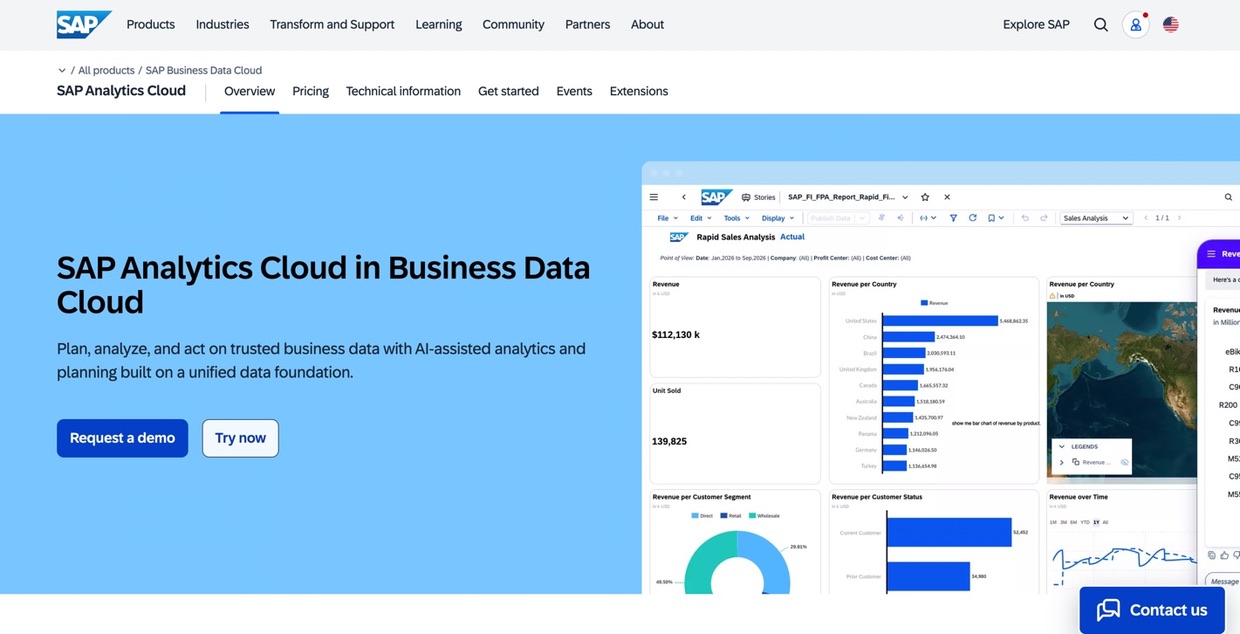
SAP Analytics Cloud is licensed through SAP Business Data Cloud core capacity. Billing is usage-based in blocks of 1 user, on a contract of 3 to 12 months that renews automatically. SAP shows no per-user price, so a quote is the only way to cost it. It makes the most sense for organizations that already buy from SAP.
IBM Cognos Analytics
IBM Cognos Analytics comes in Standard and Premium tiers, priced per authorized user a month. IBM calls its prices indicative and says they vary by country, so get the figure for your region from IBM’s pricing page. The cloud service is hosted and managed by IBM. Prefer to keep it in-house? IBM also offers an on-premises option.
Feeding Your Reporting Tool With Data
All of these tools assume the data is already somewhere they can read it. Real life is messier. The numbers sit in a CRM, an accounting system, a database and a few spreadsheets, and a report can only be as current as its last load.
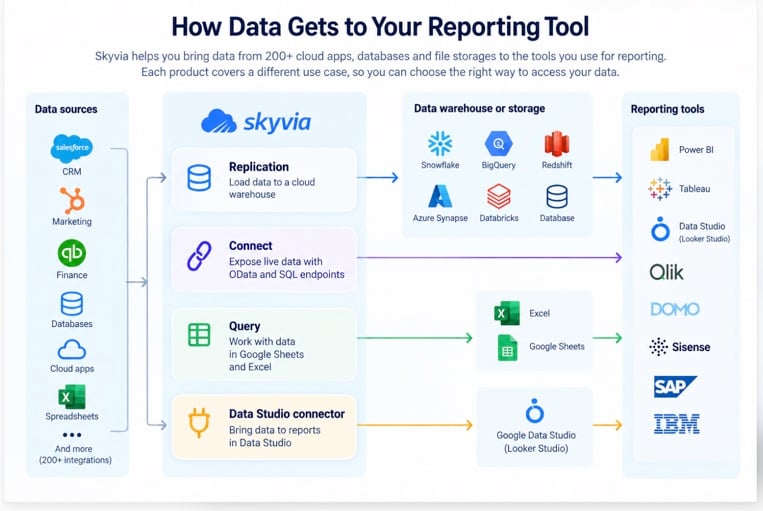
Skyvia is not a reporting tool. It moves and prepares the data that reporting tools read. It connects to 200+ cloud apps, databases, data warehouses and file storages, and each product has a free plan with no credit card needed. Four of its products are relevant for reporting.
| You want to | Use | What it does |
|---|---|---|
| Keep a warehouse copy that reports read | Replication | Copies data from your apps into BigQuery, Snowflake, Redshift, Azure Synapse, Databricks or a database. It creates the tables, runs a full load, then loads new and changed records |
| Let Power BI, Tableau or Excel read the source live | Connect | Creates OData and SQL endpoints that these tools read live |
| Pull data into a spreadsheet | Query | Runs SQL or a visual query, with a Google Sheets add-on and an Excel add-in with one-click refresh |
| Build reports in Data Studio | Data Studio connector | Reports in Google’s Data Studio on any Skyvia source |
Skyvia also has integration pages for Tableau, Qlik Sense, Zoho Analytics, Sisense, IBM Cognos and Domo. For the wider picture of loading data for BI, see our guide to business intelligence integration. To compare the loading side, see our roundup of data integration tools.
Eagle Intelligence offers a good example of how this works in practice. The company used Skyvia to bring advertising and CRM data into Power BI, giving its team one place to track campaign performance. According to the customer case study, reporting turnaround became 50% faster, while marketing ROI improved by 25% within three months.
Run the first load before you build any report. A dashboard designed on a sample can break the first time it meets the full table.
FAQ for Data Reporting Tools

What are the best 5 tools for data analysis?
This guide compares reporting tools, and several of them double as analysis tools. Power BI, Tableau, Qlik Cloud Analytics, Domo and Zoho Analytics let you explore data as well as publish fixed reports, which covers most analysis needs on this list.
What are the 5 top tools for data visualization?
Each of Tableau, Power BI, Qlik Cloud Analytics, Domo and Data Studio takes connected data and draws charts and dashboards from it. Billing and how your team will share results should decide it, and the comparison table above lays both out.
Which reporting tools do teams commonly use?
Tableau, Power BI, Coupler.io, Domo, Data Studio, Zoho Analytics, Sisense, Qlik Cloud Analytics, SAP Analytics Cloud and IBM Cognos Analytics are the ten covered here. Billing is where they split: per user, by capacity, by credits or by plan limits.
Reporting tool vs BI platform: what’s the difference?
A reporting tool is there to produce and distribute a set of reports. BI platforms go further and let users slice data in ways nobody planned, which is open-ended exploration. Power BI and Tableau do both, and plenty of other products blur the line too.
Do any reporting tools have a free version?
Data Studio is free to start. Power BI has a free account and a free Desktop download, while Tableau Desktop Free Edition keeps its files local. Zoho Analytics has a Free plan with 2 users and 10K rows, and Coupler.io lists one too. Free tiers limit sharing, users or rows, which is why it pays to read what yours leaves out.
Where does report data come from?
Your systems of record supply it: a CRM, an accounting tool, a database or spreadsheets. Reporting tools either read it through their own connectors or from a warehouse copy that an integration tool keeps current. To load that copy, Skyvia offers Replication; to let Power BI, Tableau and Excel read the source live, it offers Connect endpoints.
Want fresh data in your reports? Create a free Skyvia account, connect a first source and point your reporting tool at it. A credit card isn’t required.