Summary
- ELT tools such as Fivetran and Airbyte load app data into a warehouse and bill by rows or credits.
- Workflow tools such as Zapier, Make and n8n react to app events and bill by tasks, credits or executions.
- Workato and Tray.ai are enterprise iPaaS platforms with quote-only pricing, and Apache Airflow orchestrates code-based pipelines.
- Skyvia covers event-driven automation and scheduled warehouse loads in one no-code platform, with a free plan for each product.
- Most vendors now sell AI agents and MCP support, which draw from the same usage allowance as regular steps.
It’s Monday, so somebody is pulling last week’s orders again, fixing the file in a spreadsheet and pasting the lot into the CRM. The dashboard still wants a refresh. And a sales rep is asking why that new deal never showed up in billing. Data automation tools take that routine off people’s calendars, but they don’t all do the same job, and they bill in units that are easy to misread.
Some tools load app data into a warehouse on a schedule. Others react the moment a record changes. A third group runs code-based pipelines for data engineers. For this guide we went through vendor pricing pages and docs in October 2026 and compared nine tools on four things: the unit they bill, the free tier, how often a flow can run, and where it runs.
Each section below starts from a job and ends with the tools that do it well.
Which data automation tool fits the job in front of you?
Forget brand names for a minute and look at the job. Most roundups of the best tools lump together three kinds of software. They solve different problems and bill in different units, which is how a tool that’s cheap for one job gets pricey on another.
| Your job | Tool type | Examples | What you pay for |
|---|---|---|---|
| Copy CRM, finance or ad data into a warehouse for reporting, on a schedule | ELT and data pipeline tools | Skyvia Data Integration, Fivetran, Airbyte | Rows or records moved (Fivetran MAR, Airbyte credits, Skyvia records) |
| React when something happens in an app: a new deal, a paid invoice, a form entry | Workflow automation and iPaaS | Skyvia Automation, Zapier, Make, n8n, Workato, Tray.ai | Steps or runs (Zapier tasks, Make credits, n8n executions, Skyvia tasks) |
| Chain code-based pipelines in a set order with retries and dependencies | Orchestration | Apache Airflow | Your own servers and engineering time |
Before any pricing page, get two numbers straight. Two questions settle most of it: how often must the flow run, and how many records will one run touch? Moving 2M rows once a day? That’s a pipeline job. A Slack alert for every new deal is a workflow job. Get the type wrong and the invoice can come out twice as big.
What does data automation actually mean?
Collecting, cleaning, loading and acting on data is work software can do on its own, and data automation is just the name for letting it. The exports, the copy and paste and the spreadsheet cleanup go away; records find their way from CRMs, databases and APIs to a warehouse, a BI tool or wherever they’re needed next. After the setup, the flow just keeps going (and it leaves a log, which you’ll be glad of the day something breaks).
An automated job can get started in four different ways:
- Schedule. You choose a time or an interval, maybe hourly or 2:00 every night, and that’s when it goes.
- Polling trigger. At a set interval the tool looks at the source for new or changed records, and each one it finds starts its own run. That’s how Skyvia’s connection triggers behave. Shorten the interval and you spend more API calls.
- Webhook. Here the source app calls in as soon as the event happens, so nothing waits for the next check.
- Stream. Events arrive nonstop, which is typical of data ingestion from clickstreams or IoT sensors.
Once a job is running, most tools follow the same path. First, extraction reads the data out of the source. Data quality gets fixed during transformation, where filters throw out test records, duplicates go, and field mapping plus type conversion shape everything to fit the target. Loading writes it to the destination. Then something happens with it. Maybe an analytics dashboard refreshes, an alert fires, or a record gets updated back in the app.
Types of data automation tools
ELT and data pipeline tools
Tools in this group copy what’s in your apps and databases into a warehouse such as BigQuery, Snowflake or Redshift. The first sync brings over everything. After that, only new and changed records move. They suit reporting, analytics and AI projects that need history in one place. Our roundup of ELT tools and our explainer on ELT vs ETL go deeper.
Pricing follows volume: monthly active rows, credits or records. A wide Salesforce object that changes every day costs more than a static one.
Workflow automation and iPaaS
Workflow tools wait on a trigger. When it fires, the tool works down a list of actions: create a record, send a message, branch on a condition, loop over a list. Integration platform as a service (iPaaS) is the heavier cousin, with on-premise agents, API management and governance on top. See our explainer on what iPaaS is.
Pricing follows activity. Zapier counts each successful action step, Make counts operations (one credit each by default), and n8n counts each full workflow run. So one flow with 10 actions might cost 10 units in one tool and a single unit in another.
Orchestration tools
You write the pipelines as code, and the orchestrator runs them in the order you’ve set, with retries and alerts when a step falls over. Apache Airflow is the open-source one you’ve most likely heard of. Data engineers use it to chain extraction scripts, dbt models and machine learning jobs. Our list of data orchestration tools compares the options.
Two nearby categories tend to sneak into these lists as well. Robotic process automation (RPA) clicks through an app’s user interface, which is handy when the app has no API. Master data management (MDM) is about something else: one trusted record per customer or product. Syncari, which earlier versions of this article covered, now calls itself an agentic MDM platform.
The best data automation tools in 2026 compared
We picked nine tools that cover all three types. The vendors supply their own connector and app counts.
| Tool | Type | Pricing unit | Free plan or trial | Fastest schedule | Deployment |
|---|---|---|---|---|---|
| Skyvia | Workflow automation + ELT | Tasks (Automation), records (Data Integration) | Free plan for every product; 14-day trial | 1 minute (Automation Standard; Data Integration Professional) | Cloud, with an agent for on-premise databases |
| Fivetran | ELT | Monthly active rows (MAR) | Free plan up to 500,000 MAR | 15 minutes (Standard), 1 minute (Enterprise) | Cloud; hybrid on Enterprise |
| Airbyte | ELT | Credits (Standard, Plus); capacity (Pro) | 14-day trial with 400 credits; open-source Airbyte Core | 1 hour (Standard), 15 minutes (Plus) | Cloud, self-hosted, in-boundary |
| Zapier | Workflow automation | Tasks | Free plan, 100 tasks a month | Event-based | Cloud |
| Make | Workflow automation | Credits | Free plan, 1,000 credits a month | Event-based | Cloud |
| n8n | Workflow automation | Workflow executions | Cloud trial; free self-hosted Community Edition | Event-based | Cloud or self-hosted |
| Workato | iPaaS | Consumption by capability, quote | Free account at signup | Event-based | Cloud, on-premise agents |
| Tray.ai | iPaaS | Tasks, quote | Free trial | Event-based | Cloud; advanced on-premise options on Enterprise |
| Apache Airflow | Orchestration | None (open source) | Free | Any schedule you define | Self-hosted |
Skyvia
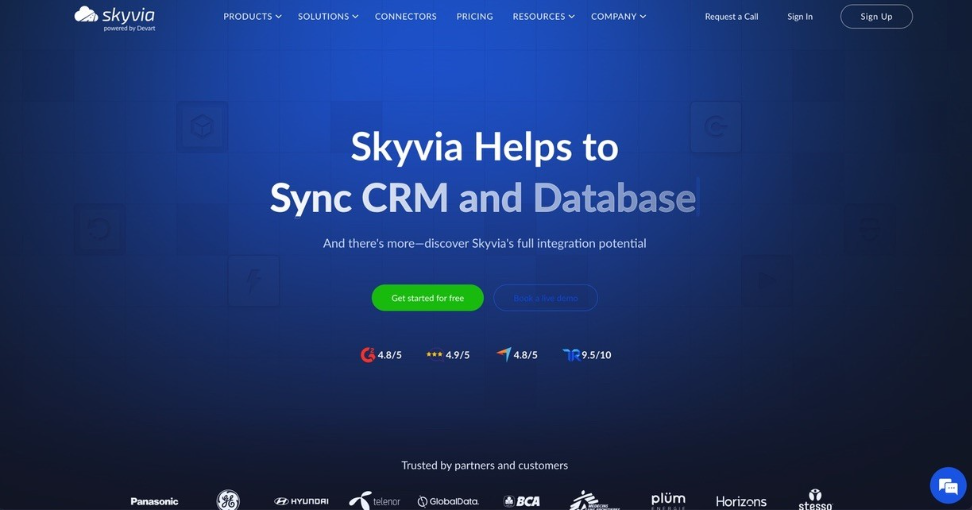
Skyvia has two halves, workflow automation and ELT, in one no-code product, plus 200+ connectors to cloud apps, databases, warehouses and file storage services. It’s where we’d send a team that wants event-driven flows and scheduled warehouse loads under one login. Start here.
You build flows for Skyvia Automation in a visual designer. A flow starts with a trigger (Manual, Run on Schedule, a connection trigger that polls for new or changed records, or a webhook), runs actions against your connections, and ends with Stop. Your logic sits between the trigger and Stop. If handles branching and Foreach loops over records, while Parallel runs branches side by side and Try Catch takes the failures. You get debugging, version history and execution logs without setting anything up.
Most real flows are pretty dull, honestly: a HubSpot deal becomes a Salesforce opportunity, yesterday’s web orders get copied to Google Sheets, and a CRM list receives birthday emails.
For heavy volume we’d switch to Skyvia Data Integration. With replication it loads BigQuery, Snowflake, Redshift, Azure Synapse, Databricks or a database, and after that first full load only the changes travel. The same product also does imports (reverse ETL too), CSV exports, two-way sync and multi-step Data Flow pipelines. Our take: record-by-record events belong in Automation, while big batches and heavy transformations like joins, sorting and aggregations belong in Data Integration.
Pricing: each product comes with a free plan, you don’t need a credit card to sign up, and signing up opens a 14-day trial of every product. Automation Free comes with 1,000 tasks a month and two active automations, but nothing can be scheduled or polled more often than once a day. Automation Standard is $99 a month billed annually ($119 if you pay monthly) for 50,000 tasks; the cap on active automations goes away and the interval can drop to 1 minute. Data Integration is priced on its own. Basic costs $79 a month billed annually ($99 billed monthly) for 5M records and syncs once a day, whereas Professional can schedule every minute.
Trade-offs: since a connection trigger polls, it only spots a change at its next check, and that’s why instant starts need a webhook. Log-based change capture is a SQL Server feature here; other sources load changes incrementally by timestamp. Automation Free and Data Integration Free both run once a day at most, which is fine for testing and too slow for most production alerts.

Fivetran
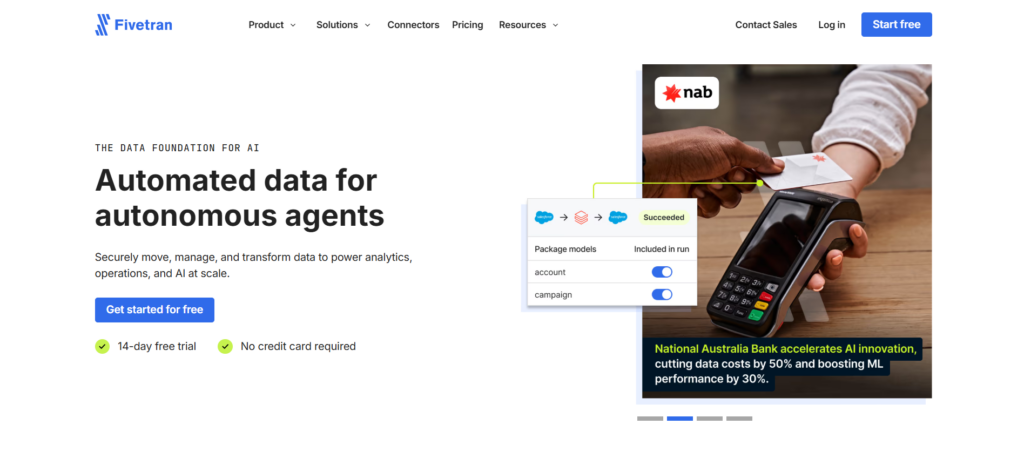
Fivetran is a managed ELT service with 700+ connectors that load app and database data into a warehouse. It suits data teams that want pipelines they don’t have to maintain.
Billing follows usage, and the unit is monthly active rows (MAR). The Free plan stretches to 500,000 MAR for connections plus 5,000 model runs for transformations. Standard adds 15-minute syncs and dbt Core integration; Enterprise brings 1-minute syncs and a hybrid deployment option. New connections each come with a 14-day free trial, and an annual contract takes up to 22% off. Fivetran Activations sends warehouse data back into apps.
Trade-off: the bill depends on usage, so you size it with Fivetran’s pricing estimator rather than a flat plan price. Our list of Fivetran alternatives covers cheaper options for small volumes.
Airbyte
You can use Airbyte’s 700+ connectors in its cloud service or in open-source Airbyte Core, which you’d host yourself. Engineering teams like it because they keep the choice to self-host, or to write connectors of their own.
On Airbyte Cloud Standard you pay $20 a month, which includes 5 credits (more cost $5 each), and syncs run at most once an hour. Plus begins at $189 a month for 40 credits, bringing 15-minute syncs and SSO. Pro and Enterprise Flex are priced on capacity instead, and Enterprise Flex can run inside your own boundary or as a hybrid. A free trial gives you 14 days and 400 credits.
Trade-off: self-hosting dodges the subscription, but then upgrades, scaling and monitoring are your team’s to run.
Zapier
Zaps is Zapier’s word for its trigger-and-action workflows, and the company says they connect to 9,000+ apps (vendor-reported). It’s at its best with marketing, ops and sales folks who want to build automations themselves and never touch code.
Everything runs on tasks. Successful action steps use them, while triggers, Filter and Paths steps and failed steps don’t, and AI steps, code, Zapier MCP and the SDK pull from that same pool. The Free plan includes 100 tasks a month and two-step Zaps. Professional starts at $19.99 a month billed yearly ($29.99 billed monthly) and adds multi-step Zaps, webhooks and unlimited Premium apps. Team is $69 a month billed yearly and brings 25 users plus SAML SSO. Hit the task limit and Zapier rolls you onto pay-as-you-go, unless you’ve turned that off.
Trade-off: Zaps with many actions and busy triggers burn through tasks quickly. For bulk warehouse loads, reach for an ELT tool instead.
Make
In Make, you lay automations out on a visual canvas with routers, filters and data mapping, and it connects 3,000+ apps (vendor-reported). It’s a good fit once your logic branches instead of running in a straight line.
Make bills in credits, and a standard operation (adding a Google Sheets row, for example) costs one credit by default; some AI modules use more. The free tier tops out at 1,000 credits a month and has no end date. Paid tiers are Core, Pro, Teams and Enterprise, all priced by monthly credits; pay annually and you save 15% or more. Newer pieces include AI Agents, Maia (which assembles automations from a chat) and an MCP Server.
Trade-off: operations add up, so a loop that adds 500 Google Sheets rows uses at least 500 credits.
n8n
n8n is a workflow tool built for technical teams. Use n8n’s cloud, or host the free Community Edition on your own servers. Next to the visual editor you’ll find code steps in JavaScript and Python, custom HTTP requests and webhook triggers.
n8n bills by workflow execution: one full run of a workflow counts once, however many steps it has. All plans include unlimited users, unlimited workflows and every integration. Cloud plans (Starter, Pro, Enterprise) begin with a free trial and no credit card, while the Business plan is self-hosted only. Data in n8n’s cloud is stored in the EU, in Frankfurt.
Trade-off: you’ll want to know your way around APIs and JSON. Host it yourself and updates and uptime are on you, too.
Workato
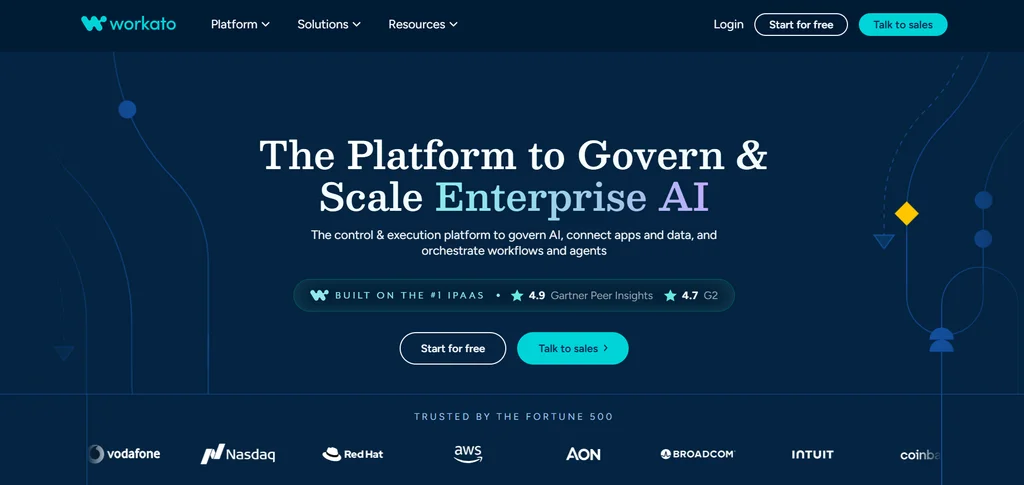
Workato is an enterprise iPaaS with 1,200+ pre-built connectors and no cap on workspaces or users. IT teams that run integrations, automations and APIs for the whole company, with governance in one place, are who it’s built for.
Workato sells four editions (Standard, Business MCP, Enterprise MCP and Workato ONE) with consumption tracked by capability. Prices aren’t public. Business MCP adds data integration (ETL, ELT and reverse ETL), an API platform and three on-premise agents for systems behind a firewall. Signup gives you a free account to try the platform.
Trade-off: you need a sales conversation for any price, which slows down a small team’s evaluation.
Tray.ai
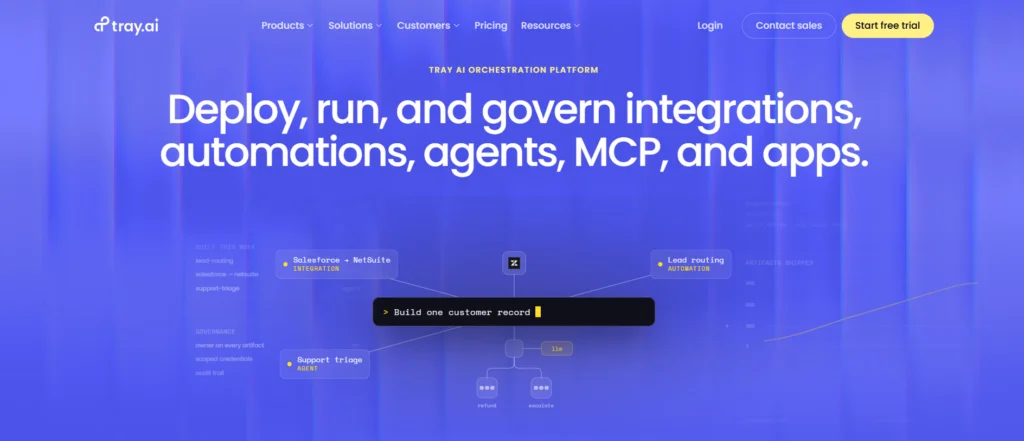
It was called Tray.io until recently. Now, as Tray.ai, it sells an iPaaS for process automation, data integration and API management, with 700+ connectors and a drag-and-drop builder. Buyers are mostly large companies, and their flows (lead routing and order-to-cash, say) run across several departments.
Workspaces, log retention and insights are what separate its Pro, Team and Enterprise plans, and Tasks are the usage unit. You’ll need a quote for pricing, though there is a free trial. On Enterprise you also get advanced on-premise options, SSO, HIPAA and regional hosting.
Trade-off: much like Workato, it’s designed and priced for enterprise programs rather than one team’s first automation.
Apache Airflow
Apache Airflow is an open-source platform where you author, schedule and monitor workflows, all of them written in Python. Jobs on Google Cloud, AWS, Azure and many other services can all be coordinated from it, and each run sits in the web UI with its logs. July 2026 brought version 3.3.0.
Free software, yes; free servers and on-call hours, no. Teams that already write Python pipelines and juggle dependencies, retries and backfills across lots of jobs are the right audience. Prefer not to run it yourself? Our roundup of Apache Airflow alternatives covers managed options.
Trade-off: scheduling and monitoring are Airflow’s job, while extracting and loading still call for code or a separate tool.
What’s new in 2026: AI agents and MCP
Connector counts aren’t where the real action has been since 2024. Look at almost any vendor in this guide and you’ll find AI agents and Model Context Protocol (MCP) support on sale, letting an assistant like Claude read data and take actions through the platform.
- Zapier offers Zapier MCP and moved AI steps, code and MCP calls into the same task pool as Zaps.
- Make added AI Agents, Maia and an MCP Server.
- n8n has an AI Agent node, an MCP Server Trigger and an MCP Client.
- Tray.ai sells Merlin Agent Builder and an Agent Gateway for MCP that exposes its 700+ connectors as MCP tools.
- Workato went further and named editions after MCP (Business MCP, Enterprise MCP); Business MCP and above include pre-built MCP servers.
- Skyvia turns any connection into an MCP endpoint in Skyvia Connect, so an assistant can read data and create or update records.
Before an agent goes anywhere near a data flow, we’d check two things. One is units: on tools billed by task or credit, AI steps eat into the same allowance as ordinary steps. The other is scope. A Skyvia MCP endpoint sees exactly what its connection sees, so give the connection a user with just the permissions your assistant needs, and put an endpoint password and an IP allowlist in front of it.
How to build your first data workflow
Look for one routine that somebody does every week, step for step the same. The export someone pastes into a spreadsheet is a fine first pick, and so are CRM updates copied from an order system or the nightly report refresh.
Before building, fill in this brief:
Automation brief
- Job: ______________________ (for example: new paid orders -> Google Sheets)
- Trigger: schedule / polling every __ min / webhook
- Source and object: ______________ Destination and object: ______________
- Volume: about ____ records per run, ____ runs per month
- Pricing unit on the chosen tool: tasks / credits / executions / rows / records
- Field mapping: source field -> destination field (list every required field)
- Error path: what happens to a failed record (retry, skip and log, notify ____)
- Test sample: 10 records, including one that must be rejected (missing email, duplicate ID)
- Owner: ________ How we know it ran: log check / alert to ________
Try it on the smallest sample you’ve got. Did the rejected record show up in your error path? Good, now turn the schedule on. Keep an eye on the logs in week one; those first executions are your preview of what API usage and unit consumption will cost at full volume.
What you gain from automating data, and what you don’t
The payback is quickest on data tasks that come back every day or every week. In a survey Gartner published in 2022, 80% of executives said they think automation can be applied to any business decision. The everyday gains are smaller than that, and easier to put a number on:
- Fewer manual exports. Nobody downloads the CSV, cleans it and uploads it again on a Friday afternoon.
- Consistent data. The same mapping and filters apply on every run, so reports stop drifting between people.
- Faster analysis. Reports stop waiting for a free afternoon, because dashboards refresh on a schedule and analysts open them to current numbers.
- Room to grow. A new source or destination becomes a configuration change rather than a reason to hire.
And some problems stick around after a flow goes live:
- Billing surprises. Usage-based units like tasks, credits and MAR climb with volume and with each step you add.
- Learning curve. No-code still means learning how triggers, field mapping and error handling work.
- Monitoring. Logs need a reader, and when a source renames a field, someone has to go fix the records that failed.
- API limits. Short polling intervals and large loads use API calls that the source app may cap.
Skyvia happens to do both, event-driven Automation and scheduled Data Integration, in one no-code platform with a free plan for each. Start with the free plan and build that first flow off the checklist above.

F.A.Q. for Data Automation Tools

What is the difference between data automation and workflow automation, exactly?
Data automation is the broad term for any job where data is moved or prepared without a person, including bulk warehouse loads. Workflow automation lives inside it as the event-driven part, the kind where a new deal sets off actions in other apps. So bulk loads go to ELT tools, while record-by-record reactions go to workflow tools.
Does Zapier count as a data automation tool?
It does, if the job is event-driven and between apps. Because Zapier charges a task for each successful action step, sending large volumes of records into a warehouse gets expensive fast. For that kind of job we’d pick an ELT tool that prices by rows or records.
Are there free data automation tools?
Several tools have free plans. Zapier’s free tier includes 100 tasks a month, Make’s gives you up to 1,000 credits, and Fivetran’s covers up to 500,000 monthly active rows. Every Skyvia product has a free plan, and Apache Airflow and n8n’s Community Edition cost nothing to self-host, although you still pay for the servers.
Why are new records showing up late in my automation?
The trigger is probably polling. A polling trigger only checks the source every so often, so a record that arrives just after a check sits until the next one, and on Skyvia’s Automation Free plan that check happens once a day at most. Can the source app send a webhook? Then use a webhook trigger. No webhook? Then a plan with a shorter interval is your fix.
Can I automate data workflows without writing code?
Yes. Skyvia, Zapier, Make and Tray.ai all give you a visual, drag-and-drop editor. n8n adds optional JavaScript and Python steps, and Apache Airflow is the one tool here that requires Python.
Where should I start with automation?
We’d begin with a weekly routine whose steps never change, exporting orders to a spreadsheet being the usual suspect. List the trigger, the number of records per run, the field mapping and the place failed records should go. Before launch, test it on a 10-record sample that contains one record the flow must reject.