Inherited a table you didn't build? Data profiling tools are how you find out what's in it, from blanks and repeated formats to an odd outlier or two and keys that never match between tables. In data management terms, profiling checks a dataset's structure, quality and content early. Skip it, and every report or model built on that data inherits the mess.
Boring job? Sure, until it rescues a project. Store a ZIP code as a number and its leading zero just disappears. Export your CRM and the same customer may turn up three times, each with a slightly different name. Nobody spots it until the revenue dashboard and the finance report tell two different stories, and by that point the bad rows are sitting in the warehouse.
We've lined up 10 data profiling tools below, catalog platforms such as Dataedo and Atlan first, then the big enterprise suites from IBM, Informatica, Oracle, SAP and SAS, each with its features, pricing and ratings. We also cover free and open-source options for teams that want to start without a license, and close with answers to the questions people ask most when they pick one.
Benefits of Using Data Profiling Tools
Data profiling tools are like the unsung heroes of data management, working behind the stage to ensure that the data users work with is reliable, accurate, and ready for action. Of course, everyone knows what words like “data enhancements,” “data-driven decisions,” and so on mean, but now, we’ll break down the real benefits supported by real numbers.
Improved Data Quality
According to a report by Experian Global Data Management Report, 72% of organizations said that data quality issues had impacted trust and perception of their analytics. With data profiling, businesses can significantly reduce these issues, leading to more reliable and trustworthy data.
Reduced Errors
A study by Harvard Business Review found that poor data quality can lead to productivity losses of up to 20%. By using data profiling tools, businesses can minimize these errors and reduce the potential for costly mistakes.
Enhanced Decision-Making
According to Deloitte, companies that use data-driven decision-making are 5% more productive and 6% more profitable than their competitors. Data profiling tools help ensure that the data driving these decisions is accurate and reliable.
Identifying Data Anomalies and Patterns
A study by Forbes reports that companies using advanced data analytics, including anomaly detection, can achieve up to a 73% improvement in business performance. Data profiling tools are key to this by ensuring that anomalies are spotted and addressed early.
Criteria for Selecting Data Profiling Tools
Picking the right data profiling tool is a bit like choosing the perfect gadget. People always want something that fits their needs, makes their life easier, and gets the job done without too much hassle. Let’s review the essential factors when selecting a data profiling tool.
- Ease of Use. A tool that’s easy to use, with an intuitive interface and clear instructions, will save users time and frustration. Look for tools that offer drag-and-drop functionality, visual dashboards, and straightforward workflows that anyone on your team can pick up quickly.
- Integration Capabilities. Choosing a tool that integrates seamlessly with the systems and platforms companies are already using is essential. Whether it’s a CRM, data warehouse, or cloud storage, the tool should be able to pull in data from multiple sources and give a complete view of the data landscape.
- Scalability. As each business grows, so does the data. Companies need a tool that can scale with them, handling everything from small datasets to massive data lakes without missing a beat. Look for tools that can expand your processing power and storage capabilities as your needs evolve so you’re not left scrambling for a new solution down the road.
- Cost. Budget matters, but so does value. When considering cost, look beyond the price tag and think about the return on investment. A more expensive tool might offer features that save time and money in the long run, while a cheaper option could end up costing more in terms of inefficiency or lack of features. Balance cost with the benefits you’re getting to ensure you’re making a smart investment.
Top 10 Data Profiling Tools
Now, let’s review the top 10 data profiling tools that fit the above criteria and can help organizations manage their data more effectively.
Dataedo
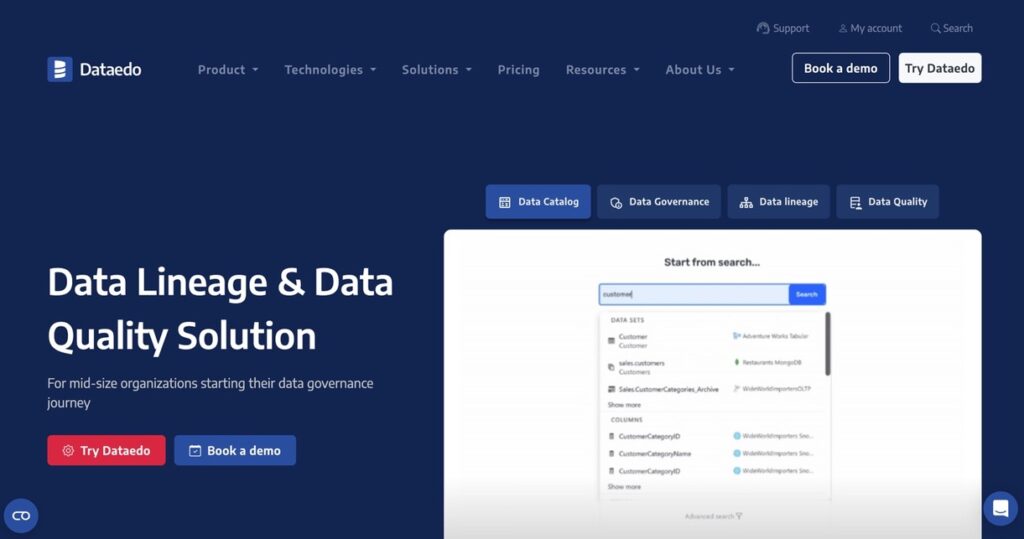
Dataedo allows teams to easily create and manage data catalogs, ensuring all metadata is well-documented and accessible. Dataedo supports various database platforms, which is versatile for different environments. Its robust documentation features help businesses understand their data structures, relationships, and dependencies, leading to better data governance and decision-making.
Key Features
- Metadata management and data documentation.
- Robust data cataloging and data lineage tracking.
Pros
- Highly intuitive and easy to use.
- Strong focus on metadata documentation.
- Support of multiple database platforms.
Cons
- Lacks some advanced data profiling features.
- It is not ideal for large-scale enterprise data profiling.
Pricing
- The basic plan starts at $149 per user/year.
Ratings
G2 Rating: 5.0
Capterra Rating: 4.7
Atlan
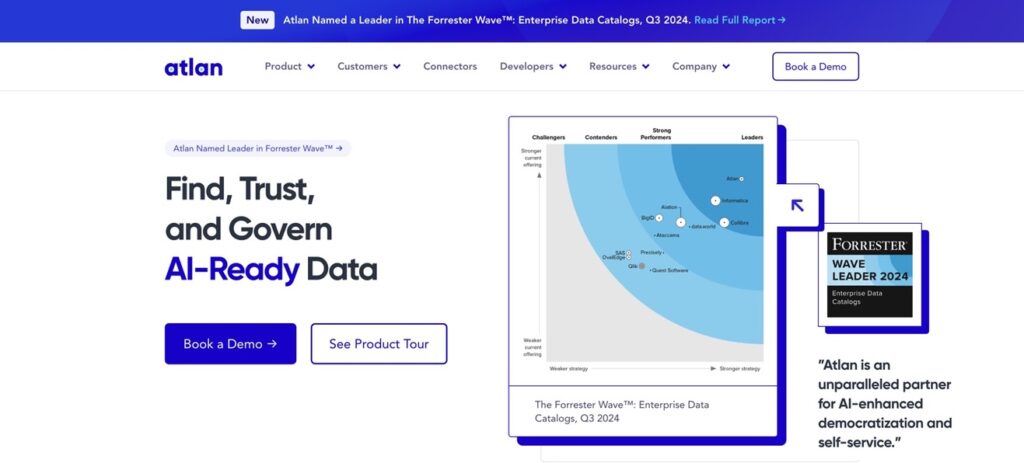
Atlan is a modern, collaborative workspace that excels in data discovery and profiling. With it, teams can explore, profile, and manage their data in a unified platform. Atlan’s collaborative features allow data teams to work together more effectively, ensuring that data assets are well-documented and easily accessible across the organization. Its profiling tools help users quickly identify data quality issues and understand data distributions.
Key Features
- Easy data discovery and profiling tools.
- Strong data governance and cataloging capabilities.
Pros
- Great integration with various cloud and on-premise data platforms.
- Encourages collaboration between data teams.
Cons
- Pricing can be high for small businesses.
- Some users may initially find the interface complex.
Pricing
- Custom pricing based on company size and requirements.
Ratings
G2 Rating: 4.5
Capterra Rating: 4.5
Datamartist
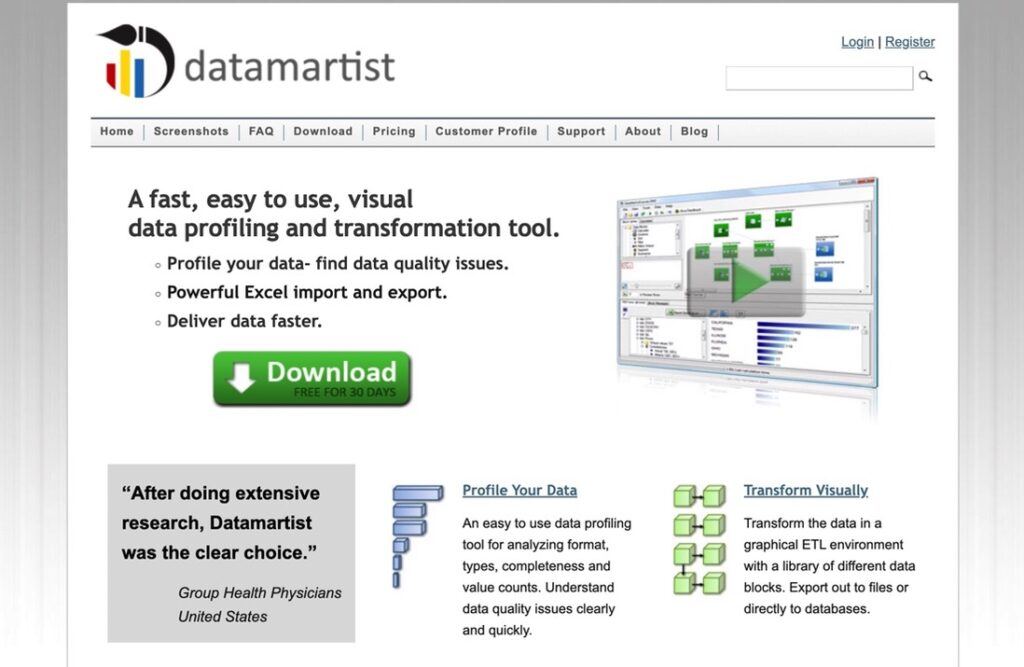
Datamartist simplifies the process of understanding and transforming complex datasets. The tool allows users to create visual workflows for data preparation so businesses can see the impact of data transformations in real-time. Datamartist helps work with ETL processes and enables users to manage and cleanse data more efficiently without writing complex code.
Key Features
- Visual data profiling and transformation capabilities.
- Simplifies complex ETL processes.
Pros
- Excellent for visualizing data transformations.
- Drag-and-drop interface for easy data manipulation.
- Great for small to medium-sized datasets.
Cons
- Limited scalability for large enterprises.
- It is not as feature-rich for advanced analytics.
Pricing
- Contact the vendor, nModal Solutions, for current pricing.
IBM InfoSphere Information Analyzer
IBM InfoSphere Information Analyzer offers comprehensive data profiling and analysis features. That’s a good choice for large enterprises. It supports big data environments and provides detailed insights into data quality through advanced profiling, including column analysis, rule validation, and relationship discovery. The tool helps organizations ensure data accuracy, compliance, and integrity, integrating well with other IBM products for a complete data management solution.
Key Features
- Comprehensive profiling for large and complex datasets and rule validation.
- Robust compliance and data governance features.
Pros
- Supports various data sources, including big data platforms.
- Integrates well with other IBM data management products.
Cons
- Expensive, with complex pricing structures.
- The platform requires a higher level of technical expertise.
Pricing
- Custom pricing based on organizational needs and data volume.
Ratings
G2 Rating: 4.2
Capterra Rating: 5.0
Talend Data Preparation
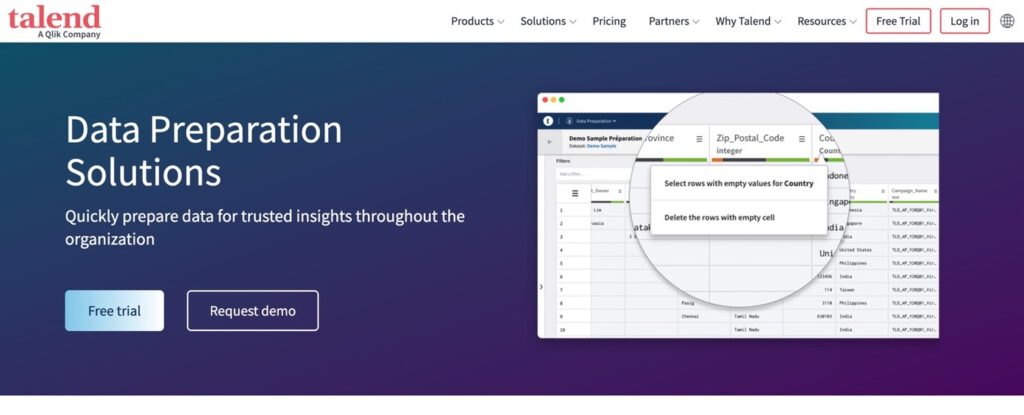
Talend Data Preparation is part of Qlik Talend’s data management tools, providing data profiling and cleansing functionalities. It allows users to quickly clean, enrich, and standardize data through an intuitive interface. Talend’s approach to data profiling is highly flexible, supporting various data sources and formats. Keep in mind that Qlik retired the free, open-source Talend Studio on January 31, 2024, so today Talend’s tools come through Qlik’s commercial products, such as Talend Data Fabric and Qlik Talend Cloud.
Key Features
- Data cleansing features.
- Real-time data transformation and profiling.
- Integration with Talend’s broader data management suite.
Pros
- Highly flexible and customizable.
- User-friendly interface for data preparation.
- Integration with Talend’s broader data management suite.
Cons
- No free edition since the open-source Talend Studio was retired.
- It is not ideal for very large or highly complex datasets.
Pricing
- The free, open-source Talend Studio was retired on January 31, 2024.
- Paid plans for Talend Data Fabric are flexible and depend on the user’s requirements.
Ratings
G2 Rating: 4.5
TrustRadius Rating: 7,6
SAS Data Management
SAS Data Management provides a set of data profiling, cleansing, and monitoring tools, integrated with the broader SAS analytics ecosystem. This platform handles large datasets and complex data environments, offering advanced analytics to detect data anomalies and enforce data standards. SAS’s data profiling features improve data quality and reliability, so the solution is perfect for organizations requiring deep data insights.
Key Features
- Robust data profiling and cleansing tools.
- Advanced anomaly detection and data standardization.
Pros
- Excellent for large-scale enterprise data management.
- Customizable and scalable for different data needs.
- Integration with SAS’s analytics and data management ecosystem.
Cons
- High learning curve for new users.
- Pricing can be prohibitive for smaller organizations.
Pricing
- Custom pricing based on organizational needs.
Ratings
G2 Rating: 4.1
Capterra Rating: 4.5
Informatica Data Quality
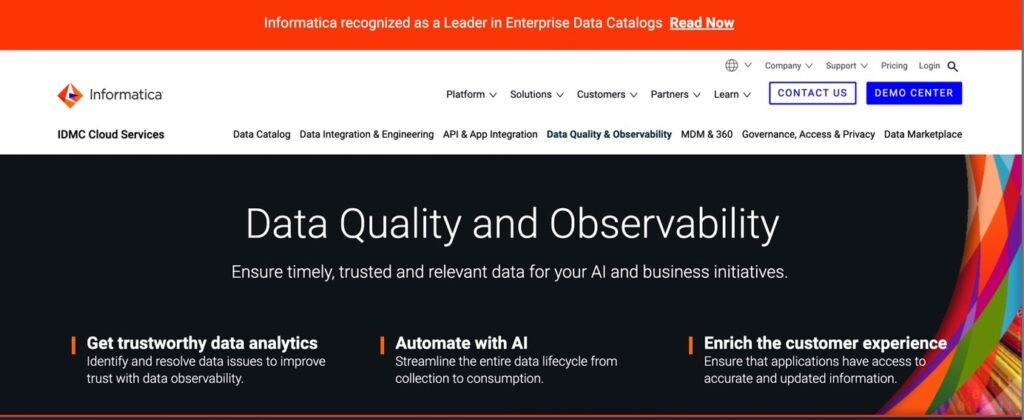
Informatica Data Quality is a leading tool for advanced data profiling, offering features like machine learning integration and real-time data processing. It handles complex data environments, providing comprehensive profiling capabilities that help identify and resolve data quality issues quickly. Informatica’s robust framework supports continuous data quality monitoring, ensuring data remains accurate and reliable.
Key Features
- Advanced data profiling with machine learning integration.
- Real-time processing and continuous data monitoring.
- Automated anomaly detection and data cleansing.
Pros
- Highly scalable for large datasets.
- Offers advanced machine learning-based data profiling.
- Seamless integration with various data sources and platforms.
Cons
- High cost, especially for smaller companies.
- Requires technical expertise to fully leverage.
Pricing
- Custom pricing based on deployment size and requirements.
Ratings
G2 Rating: 4.5
Capterra Rating: 4.3
Oracle Enterprise Data Quality
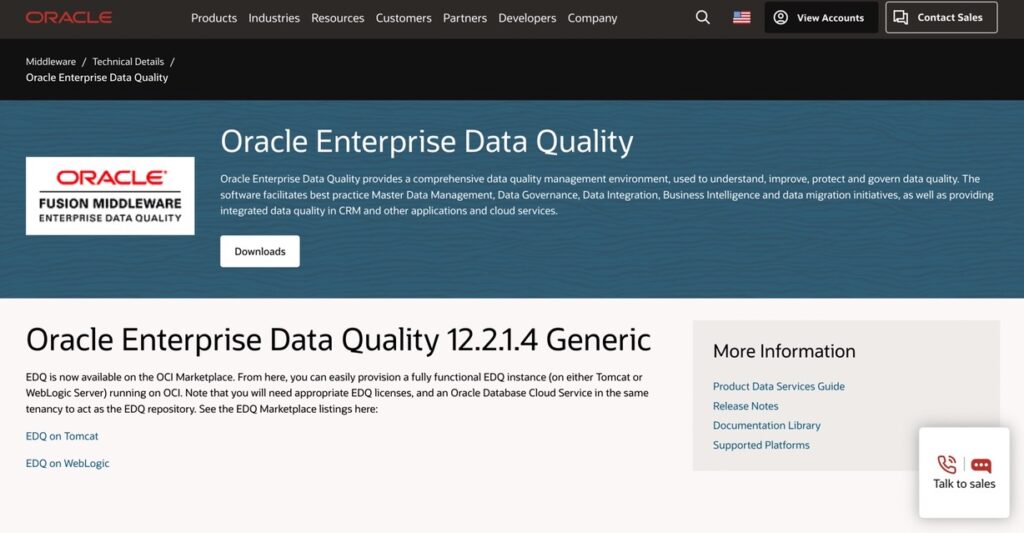
Oracle Enterprise Data Quality is particularly suited for environments using Oracle databases. The tool provides detailed data quality assessments, helping organizations maintain high data accuracy and consistency standards. Oracle’s integration with its broader database and application ecosystem ensures seamless data management and profiling processes.
Key Features
- Advanced data profiling and quality monitoring.
- Comprehensive data quality assessments and metrics.
Pros
- Strong integration with Oracle’s ecosystem.
- Excellent for ensuring data accuracy and compliance.
- Scalable for large enterprises with complex data environments.
Cons
- High cost and complex pricing.
Pricing
- Custom pricing based on company needs and usage.
Ratings
G2 Rating: 4.1
Capterra Rating: 4.3
Microsoft Power Query
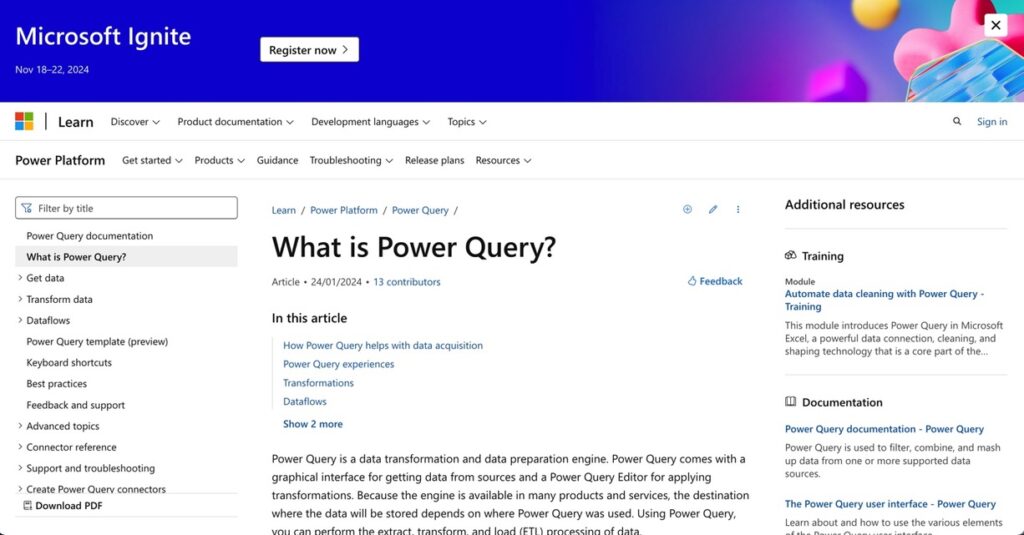
Microsoft Power Query is a data connectivity and transformation tool available in Excel and Power BI. It offers robust data profiling tools that help users visualize data quality and distribution. The platform simplifies importing, cleansing, and shaping data, which makes it accessible to both technical and non-technical users. Power Query’s integration with Excel and Power BI makes it an excellent choice for organizations already using Microsoft products, providing a streamlined workflow for data management.
Key Features
- The graphical interface allows visualizing data quality, distribution, and trends.
- ETL data processing capabilities.
Pros
- Perfect for Excel and Power BI users.
- Easy to use and ideal for smaller datasets.
- Affordable, with a free tier available.
Cons
- Limited scalability for enterprise-level needs.
- It is not as feature-rich as dedicated data profiling tools.
Pricing
- A free tier is available with Excel and Power BI.
- Premium versions vary based on Office and Power BI subscriptions.
SAP Information Steward
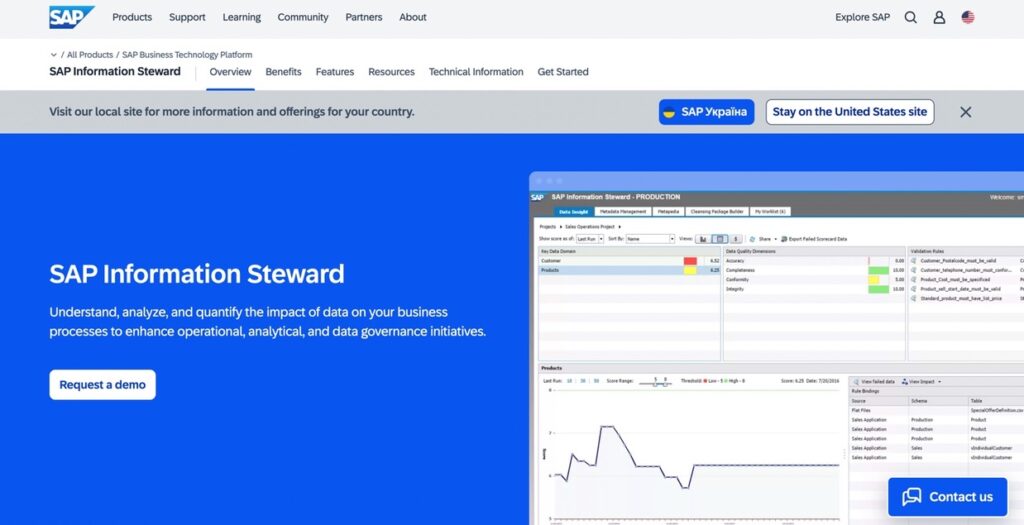
SAP Information Steward is a data profiling and metadata management tool that easily integrates with SAP solutions. It offers businesses robust tools for assessing data quality, processing metadata, and ensuring data governance across the enterprise. SAP Information Steward helps organizations maintain data accuracy and compliance. Such capability is vital for businesses that rely heavily on SAP systems.
Key Features
- Data profiling and metadata management.
- Comprehensive data governance and compliance tools.
Pros
- Seamless integration with SAP products.
- Scalable for enterprise data profiling needs.
Cons
- Expensive for small to mid-sized businesses.
Pricing
- Custom pricing based on SAP integration and company size.
Ratings
G2 Rating: 4.3
TrustRadius Rating: 9.0
Free and Open-Source Data Profiling Tools
An enterprise license is overkill for plenty of profiling work. Got data in a spreadsheet, a pandas DataFrame or a Spark job? A free tool will often turn up the same nulls and duplicates a paid suite would.
| Tool | What it does | Good fit for |
|---|---|---|
| fg-data-profiling (formerly ydata-profiling) | Python library, MIT license. One line of code builds a report on a pandas or Spark DataFrame, exportable as HTML or JSON, with alerts for missing values, skewness, high correlation and constant columns | Data scientists and analysts working in Jupyter |
| Power Query in Power BI Desktop | Column quality, column distribution and column profile in the editor. It profiles the first 1,000 rows by default; you can switch it to the entire dataset | Analysts who already build reports in Power BI, which is a free download |
| OpenRefine | Free desktop app. Facets to drill into values, clustering to merge near-duplicates, and the data stays on your machine | One-off cleanup of messy CSV files |
| GX Core (Great Expectations) | Python, Apache-2.0. You write Expectations, which work as unit tests for data, and it generates documentation for each validation run | Pipeline checks once you know your rules |
| Soda Core | Open-source engine for data contracts written in YAML, run from a CLI or Python inside Airflow, Dagster or Prefect | Teams that want quality checks in orchestration |
| Deequ | Apache-2.0 library on Apache Spark for "unit tests for data", with column profiling; PyDeequ wraps it for Python | Large datasets already processed in Spark |
Two warnings about older lists. Following a tutorial that says to install ydata-profiling? That package is fg-data-profiling now, and the old name won't get updates or bug fixes anymore. And Talend Open Studio, which open-source roundups still love to list, was retired on January 31, 2024, so Qlik doesn't host or update it now.
Here's how we'd split the work: run a report tool such as fg-data-profiling or Power Query once to see the problems, then write them up as checks in GX Core, Soda Core or Deequ that fire on every load. The report tells you a phone column is 12% empty. The check tells you on the day it jumps to 40%.
Enhancing Data Profiling with Skyvia
Any company’s data ecosystem can’t operate with only one tool; it also needs integration. In this case, Skyvia is like the glue that holds everything together. Skyvia’s ability to integrate with data profiling tools, like Talend, Informatica, IBM, and more, is robust enough. It’s a universal ETL, ELT, and reverse ETL data integration tool, the all-in-one platform for bi-directional data syncing, importing, exporting, mapping, replication, and backing up data from various systems.
Skyvia’s integration capabilities make it a breeze to pull data from 200+ sources, send it to the data profiling tool for quality checks, and then push it back into operational systems. It connects with databases, cloud apps, and CRMs, meaning companies can profile their data wherever they live.
The platform is in the top three of the 20 easiest-to-use ETL tools for 2024 by G2. TrustRadius score rates it 9,8 out of 10.
Additional Benefits of Using Skyvia
Skyvia doesn’t stop at just integrating with profiling tools. It brings a lot of additional benefits that make managing data simpler and more efficient.
- Automated Data Synchronization. Users don’t have to worry about manually syncing data between systems. Skyvia automates this process, ensuring their data is always up-to-date across platforms. So, after profiling data in the appropriate tool, Skyvia automatically syncs the cleaned data back into the operational databases or apps.
- Cloud-to-Cloud Data Integration. Working with multiple cloud platforms? No problem. Skyvia excels at cloud-to-cloud integration, meaning users can easily integrate data between platforms like Salesforce, Google Sheets, and more without breaking a sweat.
- Control Flow for Advanced Automation. Skyvia’s Control Flow feature allows users to create complex automation workflows by adding conditional branching and iteration capabilities to their data integration tasks. This means that users can automate data processes that require decision-making, such as syncing specific data based on conditions like value ranges, timestamps, or custom rules.
- Data Replication. For businesses needing to back up or mirror their data, Skyvia’s Data Replication feature is a game-changer that allows users to replicate data from cloud applications into databases like MySQL, SQL Server, and PostgreSQL. This replication ensures that businesses always have a secure copy of their data for reporting or disaster recovery, helping them maintain data integrity and continuity.
- Backup & Restore. Skyvia also offers Backup & Restore capabilities, making it easy to back up data from cloud platforms like Salesforce, Dynamics 365, and QuickBooks Online. Skyvia keeps a secure copy of the data, and in the event of data loss or corruption, it provides simple, flexible restore options to recover the exact data users need.
- Querying and Analysis. Skyvia’s Query feature lets users run SQL-like queries across their cloud data without needing deep technical knowledge. Whether pulling data from Salesforce or other platforms, Skyvia’s query builder allows you to analyze data directly in the cloud and create reports. This feature provides:
- Real-time insights and analysis.
- Making it easier to spot trends.
- Outliers.
- Anomalies in the data.
These features also enhance data accessibility and reliability no matter where it’s stored, so users always work with high-quality, up-to-date information.

Case Studies and Examples
Let’s look at how some businesses have successfully used Skyvia alongside data profiling tools to improve their data quality and streamline operations.
Skyvia helped a Healthcare Company in Data Processes Automation
A healthcare company faced difficulties in managing data from multiple sources, including CRMs, Excel files, and backend systems. They needed to integrate these disparate data sources and improve reporting capabilities while reducing manual data entry errors.
They selected Skyvia to streamline data integration processes and connect all data sources seamlessly. This integration enabled automated data synchronization, significantly reducing manual errors and improving the accuracy of their data analytics.
As a result, the company saw improved data accuracy, reduced labor costs, and enhanced reporting capabilities, leading to better decision-making and operational efficiency.
Horizons (Global Recruitment Services) Elevated its Data Insights and Visualization with Skyvia
Horizons needed to aggregate data from Jira, HubSpot, and Xero into a centralized system for reporting and visualization in Power BI. The complexity of integrating multiple data sources for real-time reporting posed a significant challenge.
Skyvia provided a no-code integration platform that easily connected these diverse data sources to a data warehouse feeding into Power BI. The pre-built connectors and user-friendly interface allowed Horizons to quickly set up and automate these integrations. So, Horizons successfully aggregated data across platforms, creating comprehensive dashboards that provided valuable insights across departments without needing extensive engineering resources.
Conclusion
Choosing the right data profiling tools often looks like searching for the perfect gadget to bring everything into focus and transform how organizations manage data, enhance its quality, and ultimately lead to better business insights. Whether companies are cleaning up messy datasets, integrating data from multiple sources, or ensuring compliance, the right profiling tool makes these tasks more effective.
Remember, no two businesses are the same, so evaluating data profiling tools is important based on your specific “I want this and nothing else.” Consider factors like ease of use, integration capabilities, scalability, and cost. Think about how these tools will fit into your existing data processes and how they can help you achieve your business goals.
FAQ for Data Profiling Tools

What kinds of data profiling are there?
There are three types of data profiling, known as structure discovery, content discovery and relationship discovery. Structure discovery is about formats, and pattern matching is one common way to see if they hold steady across the table. Content discovery looks at individual values for errors and systemic issues. Then relationship discovery maps how tables connect, first through the metadata and later through the specific keys shared by tables and columns.
Which data profiling tools are worth a look in 2026?
The right data profiling tool mostly depends on where your data lives. Dataedo and Atlan pair profiling with a data catalog. Running a large enterprise stack? Then Informatica Data Quality, IBM InfoSphere Information Analyzer, SAP Information Steward, Oracle Enterprise Data Quality and SAS Data Management are the names to compare. If your reports are in Power BI, you’ve already got Power Query, and a Python notebook is where fg-data-profiling fits.
Are any data profiling tools free or open source?
Yes, and a few of these data profiling tools are pretty capable. fg-data-profiling (formerly ydata-profiling) turns a pandas or Spark DataFrame into an HTML report, OpenRefine profiles and cleans files right on your desktop, and the free Power BI Desktop includes Power Query profiling. GX Core, Soda Core and Deequ add open-source quality checks. Talend Open Studio is the one to drop, since Qlik retired it in January 2024.
Which Microsoft tools can profile data?
Microsoft offers three data profiling options. In Power Query you get column quality, distribution and profile views, based on the first 1,000 rows until you tell it to use the full dataset. For SQL Server shops there’s the SSIS Data Profiling task, but it only works on data stored in SQL Server. Then there’s Microsoft Purview Unified Catalog, which profiles data assets using a random sample of 1 million records.
Which data profiling tools connect to a data catalog or metadata repository?
Profiling results make the most sense next to a data catalog. Take Dataedo: open a column in its data dictionary and you see top values, min, max, null counts and the value distribution, while the profiling history shows when that column began to drift. Atlan, IBM InfoSphere Information Analyzer and SAP Information Steward pair profiling with metadata management as well.
Does Skyvia profile data?
No, Skyvia isn’t built as a data profiling tool. Skyvia moves data between 200+ cloud apps, databases and warehouses instead, so it can bring CRM or billing records into a database for a profiling tool to scan, and then sync the cleaned records back. For a quick look, Skyvia Query runs SQL on cloud data too, handy for something like counting empty fields.