Create/Update Contact and Create Ticket in HubSpot from Zendesk Ticket


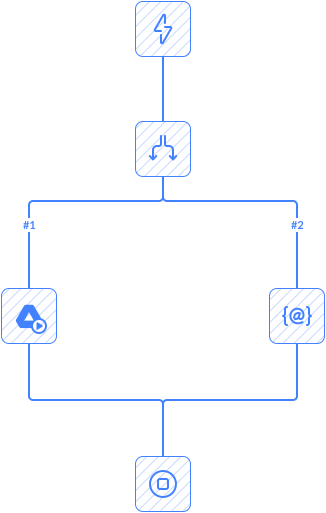
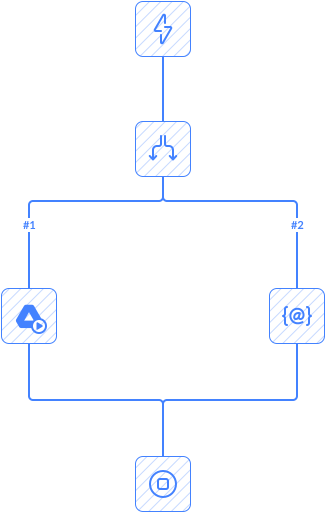
This automation checks for new tickets in Zendesk and gets the requester data. Then it checks whether the requester has an email. It compares requester in Zendesk with contact in HubSpot:
- If no match is found, the automation creates a new contact in HubSpot.
- If a matching contact exists, it updates that contact using data from Zendesk.
Then, it creates a new ticket in HubSpot and associates it with the contact.
Notes
This automation works only for tickets where the requester has email.
Enable the following parameters in your Zendesk connection: Custom Fields and Incremental Export.
If the email of a user in Zendesk is changed, a new contact will be created in HubSpot.
Tips
- Change how often Skyvia checks for new records by setting the Poll Interval in the Trigger settings.
Frequently Asked Questions
What triggers this automation?
The automation starts automatically when the configured trigger event occurs in the connected app.
Can I customize the automation workflow?
Yes. You can modify triggers, actions, conditions, mappings, and other workflow settings.
Does this automation run automatically after setup?
Yes. Once enabled, the automation runs automatically based on triggers or schedules.
Can I add more steps or actions to this automation?
Yes. You can extend the workflow with additional actions, conditions, and connected apps.
Do I need coding skills to use automation templates?
No. Skyvia automation templates are configured through a visual interface without coding.