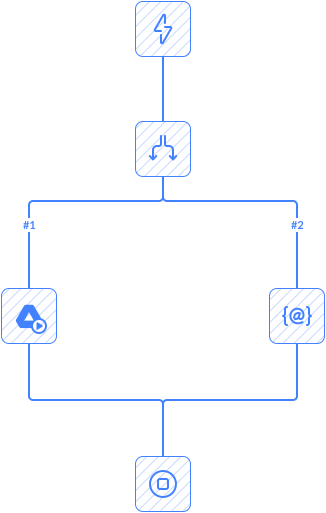
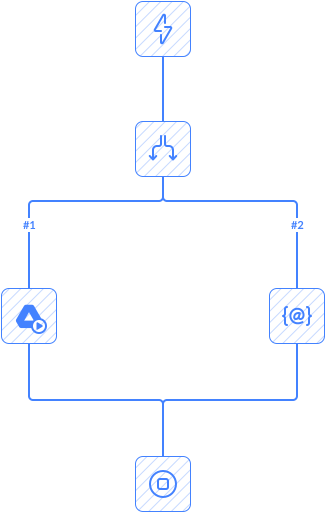
This automation checks for new or updated cases in Salesforce, and looks for tasks in Wrike with the same name.
- If no match is found, the automation creates a new task in Wrike.
- If the active task is found, it updates that task with data from Salesforce.
Automation sends a message to the Slack channel whenever a task is created or updated.
Tips
- To customize the Slack message, edit the Text field. To style it, you can use
=====as a divider and\nfor line breaks.
Frequently Asked Questions
What triggers this automation?
The automation starts automatically when the configured trigger event occurs in the connected app.
Can I customize the automation workflow?
Yes. You can modify triggers, actions, conditions, mappings, and other workflow settings.
Does this automation run automatically after setup?
Yes. Once enabled, the automation runs automatically based on triggers or schedules.
Can I add more steps or actions to this automation?
Yes. You can extend the workflow with additional actions, conditions, and connected apps.
Do I need coding skills to use automation templates?
No. Skyvia automation templates are configured through a visual interface without coding.