Automated SugarAI Backup and Restore
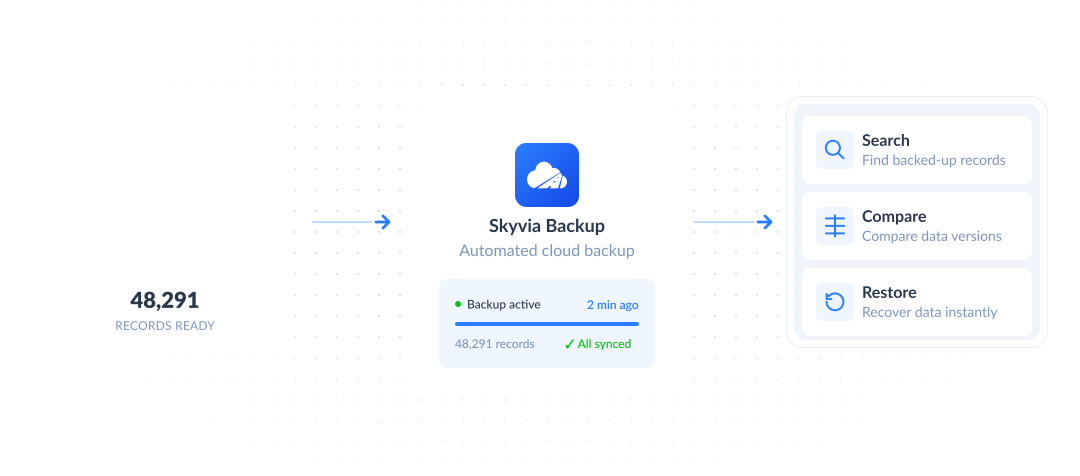
Protect your SugarAI data with automated backups, searchable snapshots, and fast restore. Keep critical records safe from accidental deletions, failed imports, bulk update mistakes, and unexpected changes.
SugarAI


Why Back Up Your SugarAI Data?
Cloud app data can be deleted, overwritten, or changed unexpectedly. Failed imports, bulk update mistakes, integration errors, accidental deletions, and malicious activity can affect critical records and disrupt business operations. Skyvia Backup helps you keep previous versions of your SugarAI data available and restore what you need when something goes wrong.
-
Import mistakes
Recover data after failed imports or incorrect field updates.
-
Bulk update errors
Roll back unwanted mass changes.
-
Accidental deletions
Restore deleted records when needed.
-
Integration issues
Recover from unexpected changes made by connected tools.
How Skyvia SugarAI Backup Works
-
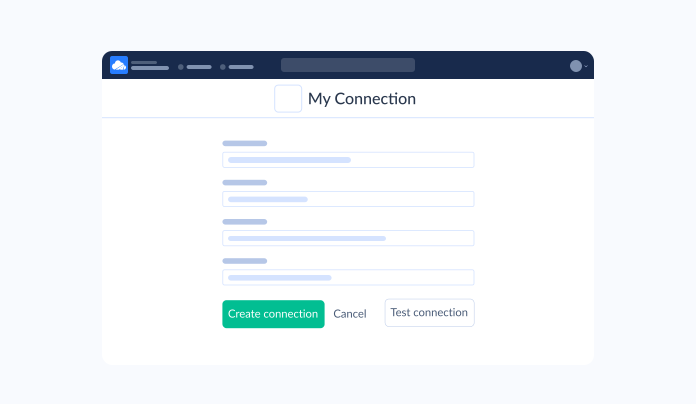
1. Connect SugarAIConnect your SugarAI account to Skyvia in a few clicks.
-
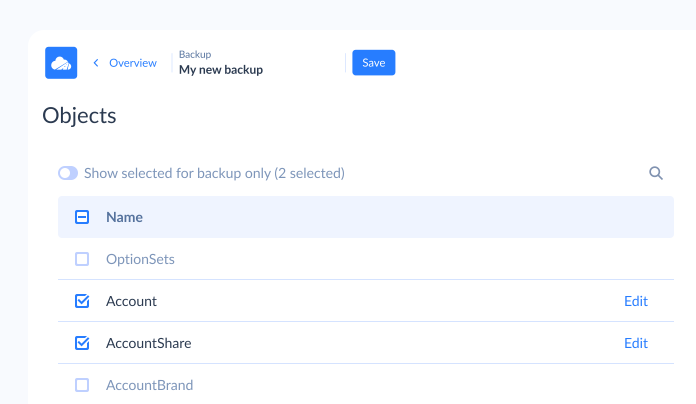
2. Choose What to Back UpSelect the data you want to protect, including records, objects, and related data.
-
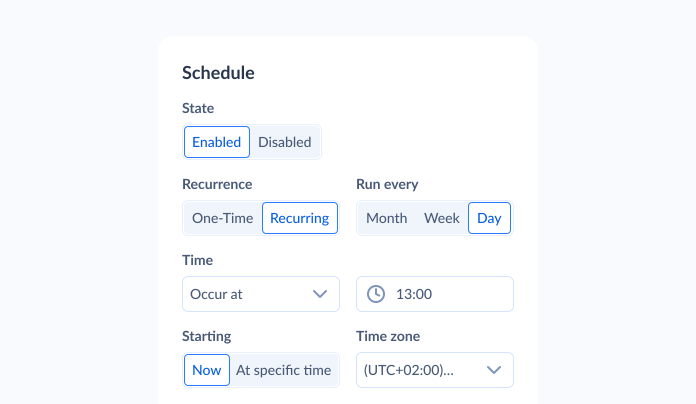
3. Run Scheduled or Manual BackupsSet up automatic backups or run a manual backup before imports, bulk updates, or other risky changes.
-
4. Stay ProtectedYour SugarAI data is safely backed up and ready to restore whenever you need it.
Automated SugarAI Backup, Ready in Minutes
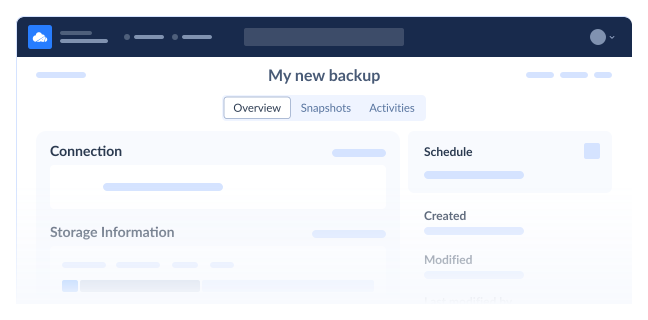
Set up automated SugarAI backups without installing any software. Skyvia runs backups in the cloud, helps you keep previous data versions available, and lets you start manual backups before imports, bulk updates, or other risky changes.
-
Easy Backup Configuration
Configure your SugarAI backup in a few clicks with a no-code setup.
-
Scheduled Automatic Backup
Run regular backups automatically to keep your data protected over time.
-
Manual Backup Anytime
Start a backup before imports, bulk updates, migrations, or other risky operations.
-
Efficient Cloud Backup
Run and manage all your backups in the cloud, with no software to install or maintain.
Find, Compare & Monitor Your Backups
Search, browse, compare, and monitor your SugarAI backup data in one place. Quickly locate the records you need, review previous versions, and see exactly what changed — so you know what to restore before you restore it.
-
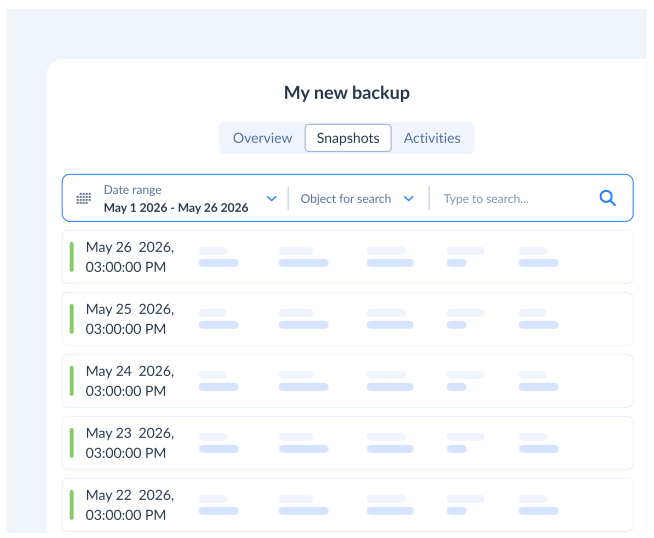
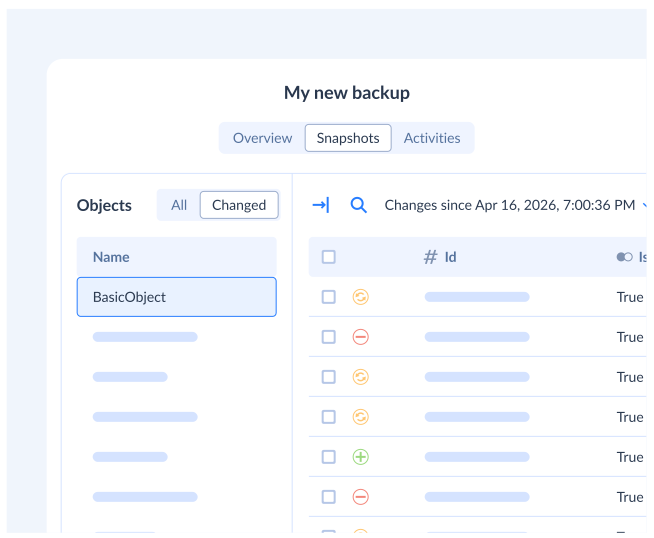
Find Data FasterSearch across backup snapshots to quickly locate the records or objects you need.
-
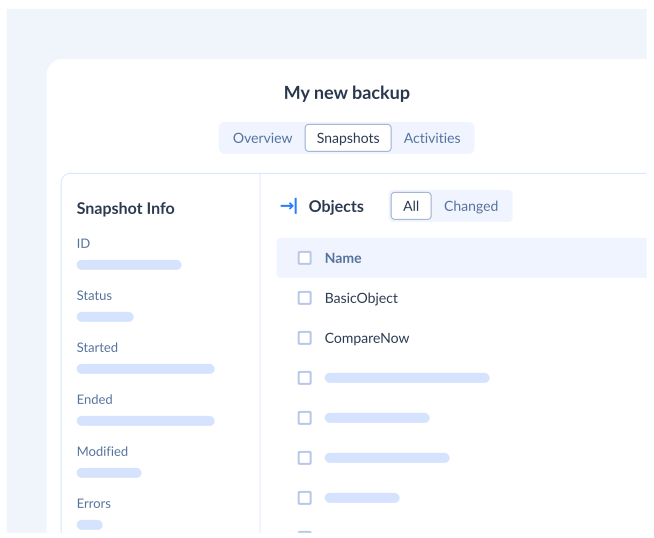
Browse Previous VersionsOpen older and newer snapshots and view your SugarAI data right in the browser.
-
Compare SnapshotsPick any two snapshots and see exactly what was added, changed, or deleted between them.
-
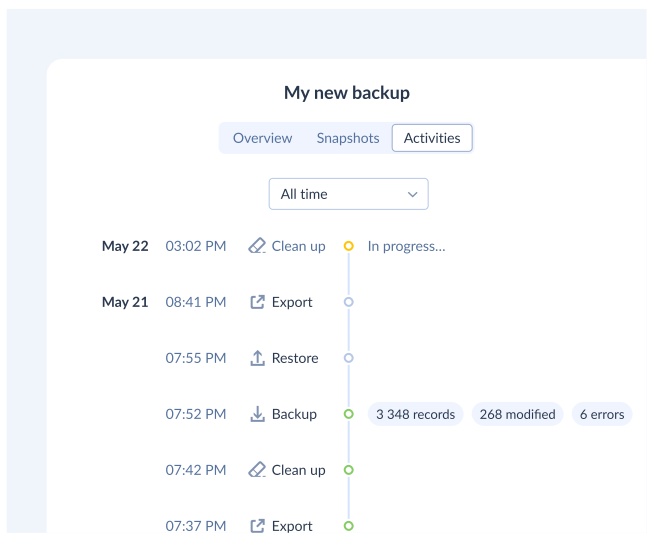
Stay Aware of ChangesTrack how many records changed in each backup run, review backup activity, and get notifications.
Restore the Right SugarAI Data, Fast
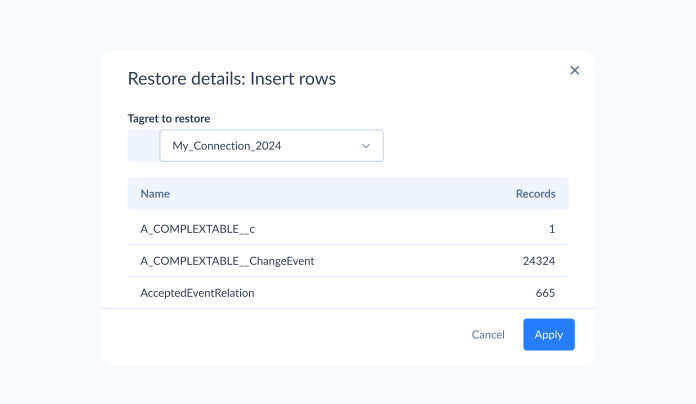
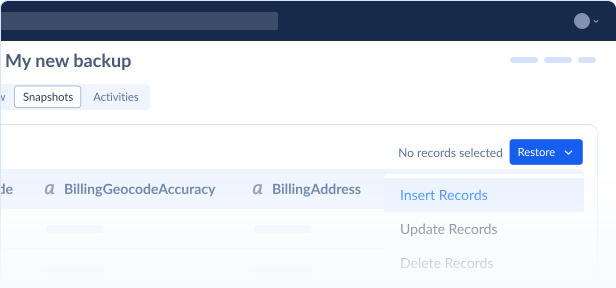
Restore selected SugarAI records, objects, and related data directly from your browser. Skyvia helps you recover from accidental deletions, overwritten records, failed updates, or unwanted changes without rolling back everything manually.
-
Granular Restore
Restore only the records, objects, or changes you need.
-
Bulk Restore
Recover multiple records at once after large-scale deletions or failed updates.
-
Undo Unwanted Changes
Roll back incorrect updates and restore previous data versions.
-
Restore Related Data
Restore related records together and keep their relationships intact.
Built for Security and Compliance
Keep your SugarAI backup data safe with Skyvia enterprise-grade security features and compliance standards.
Always-On
Resilience
Skyvia ensures your backups remain intact and ready to restore, even during system issues or regional outages. Your data stays durable, predictable, and fully under your control.
AES-256 for rest & transit
Your data is encrypted during storage and transfer with industry-grade AES-256. This safeguards sensitive information at every step of replication and ensures secure movement across systems.
Geo-redundant data storage
Backups are distributed across independent regions to minimize risk. If one location becomes unavailable, your data stays protected and reachable without impacting operations.
Compliance for SOC 2, GDPR, HIPAA
Skyvia meets key security and privacy standards used by modern organizations. These controls help you safeguard customer data and maintain compliance across regulated industries.
Back Up All Your Cloud Apps in One Place
Skyvia Backup isn't limited to SugarAI. Protect data across all your cloud apps from one place — with the same setup and schedules, and pricing that isn't tied to how many apps you back up.
Trusted
by Industry Leaders
Frequently Asked Questions
What is SugarAI backup and why do I need it?
SugarAI backup means creating secure copies of your cloud app data so you can access previous versions and recover from accidental deletions, failed imports, bulk update mistakes, integration errors, or unexpected changes.
What SugarAI data can I back up?
Skyvia can back up your SugarAI objects, records, and data relations.
Can I restore individual records?
Yes. Skyvia lets you search for any records, switch between snapshots to find the correct record version, and restore records individually or with their related records.
Can I compare snapshots in Skyvia?
Yes. You can compare snapshots, view all the changes, select and undo undesired ones.
Where is my backup data stored, and can I keep it in my own storage?
By default, Skyvia stores your backups securely encrypted in Microsoft Azure (AES-256, geo-redundant storage). If your organization needs to keep data in its own environment, you can export backed-up records to CSV files or use Skyvia Replication to copy data into your own database.
Is my SugarAI backup data secure?
Skyvia protects backup data with enterprise-grade security, encryption, resilient storage, and standard compliance practices.